

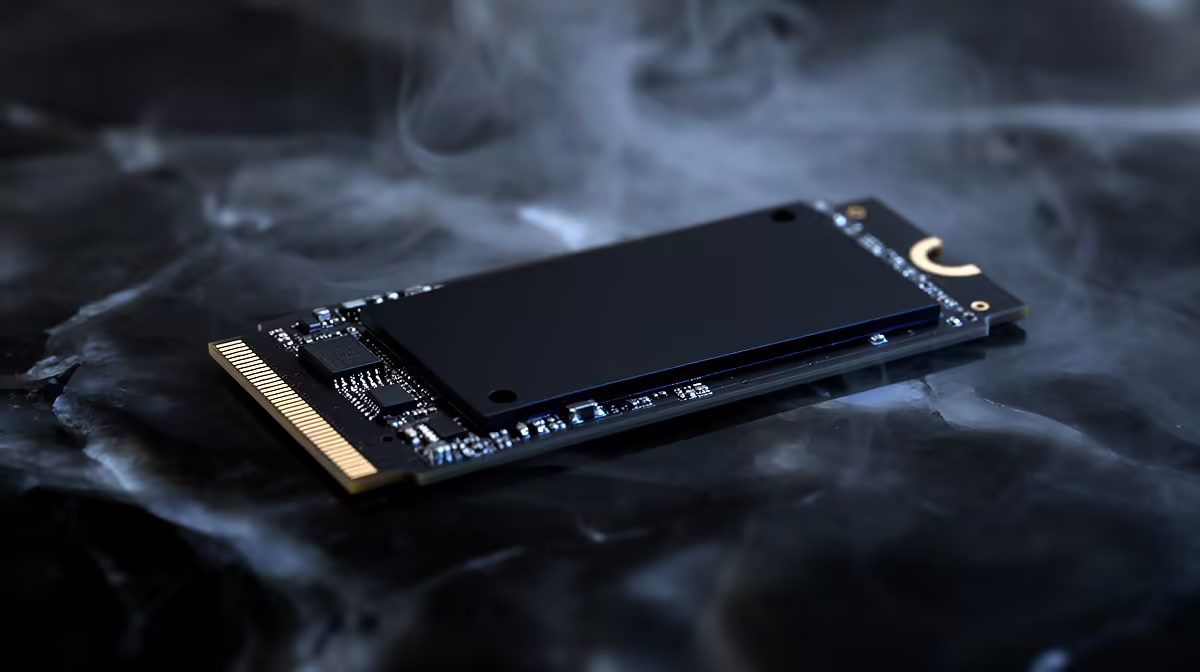
3D NAND SSD Performance Optimisation Tips for Speed and Lifespan: make your drive feel new again ⚡
If your games load slower than they used to… or you keep seeing stutters after long sessions, your SSD might not be failing. It might just be “unoptimised”. In South Africa, where budgets matter and power interruptions are real, getting the most from an SSD is a smart move. 🚀 Let’s walk through practical 3D NAND SSD Performance Optimisation Tips for Speed and Lifespan that you can apply without becoming a full-time IT technician.
3D NAND SSD Performance Optimisation Tips for Speed and Lifespan: start with the basics that actually matter 🔧
First, confirm your SSD is healthy and set up correctly. If your OS is on an NVMe drive but your BIOS is still in an older mode, performance can drop. Also, don’t ignore firmware updates. SSD makers improve stability and performance over time, especially for newer controllers.
Do this:
- Check SSD health using your drive utility (vendor tools) and look for abnormal “wear” metrics.
- In Windows, verify your system is using the right power plan. A balanced plan is usually fine, but “Power saver” can hurt responsiveness.
Why it helps: 3D NAND SSDs rely on controller intelligence to manage writes, wear, and garbage collection. When settings fight the controller, you lose both speed and efficiency.
3D NAND SSD Performance Optimisation Tips for Speed and Lifespan: tune Windows for fewer write-cycles ✨
Your SSD lifespan is heavily influenced by total writes. You don’t need to “baby” the drive, but you can remove unnecessary write-heavy behaviour.
Consider these Windows settings (use common sense; don’t disable features you need):
- Ensure TRIM is enabled. On modern Windows versions with NVMe/ATA SSDs, it’s typically automatic, but you can still verify.
- Use storage sense to keep large temp folders from accumulating.
- Avoid installing games to a nearly-full drive. SSDs need free space to breathe during garbage collection.
A quick South African reality check: we all get intermittent power. If possible, use a UPS for your PC so the SSD doesn’t face sudden power loss during writes.
Productivity Pro Tip ⚡
On Windows, enable Storage Sense and schedule cleanup monthly. This reduces repeated growth of temp files, download duplicates, and log spam, cutting unnecessary writes and helping your 3D NAND SSD stay consistent during busy gaming weeks.
3D NAND SSD Performance Optimisation Tips for Speed and Lifespan: use the right SSD for your workload
Performance depends on the SSD, not just settings. If you’re buying or upgrading, match the form factor and interface to your motherboard.
Want M.2 2280 compatibility? Start here:
- If you want a broad selection of drives, browse Evetech’s SSD range: buy solid state drives
- Looking for a specific brand? Try: ADATA SSD options
- Or go for Kingston: Kingston SSD options
- If you specifically need the right size for your slot: M.2 2280 form factor
- If your board supports modern speeds, filter by interface generation: Gen 5 interface options
Micro-story: A mate upgraded from a SATA SSD to NVMe and swore his downloads “felt faster”. The install time dropped, but the real win was less queueing during shader caches and texture streaming. In games, consistency beats peak numbers.
3D NAND SSD Performance Optimisation Tips for Speed and Lifespan: keep speed stable over time 🚀
Here’s what tends to improve both speed and longevity:
- Keep at least 10–20% free space. More free space improves controller behaviour during background tasks.
- Avoid filling the drive to “red zone” capacity before big launches or patches.
- Refrain from constant large file copying to the same SSD. If you do, use the SSD for apps and games, and a secondary drive for archives.
Finally, firmware matters. If Evetech is listing a current-gen drive, that usually means updated support and better platform compatibility. If you’re unsure, ask their team what will fit your motherboard and use case.
3D NAND SSD Performance Optimisation Tips for Speed and Lifespan: ready to upgrade the right way?
If your current SSD is bottlenecking your gaming PC, optimisation will only get you so far. The best path is choosing a drive that fits your system, then applying the habits above.
Ready to Find Your Perfect Match? The Mac vs Windows debate is complex, but for maximum power, choice, and value in South Africa, Windows is hard to beat. Explore our massive range of laptop specials and find the perfect machine to conquer your world.











