

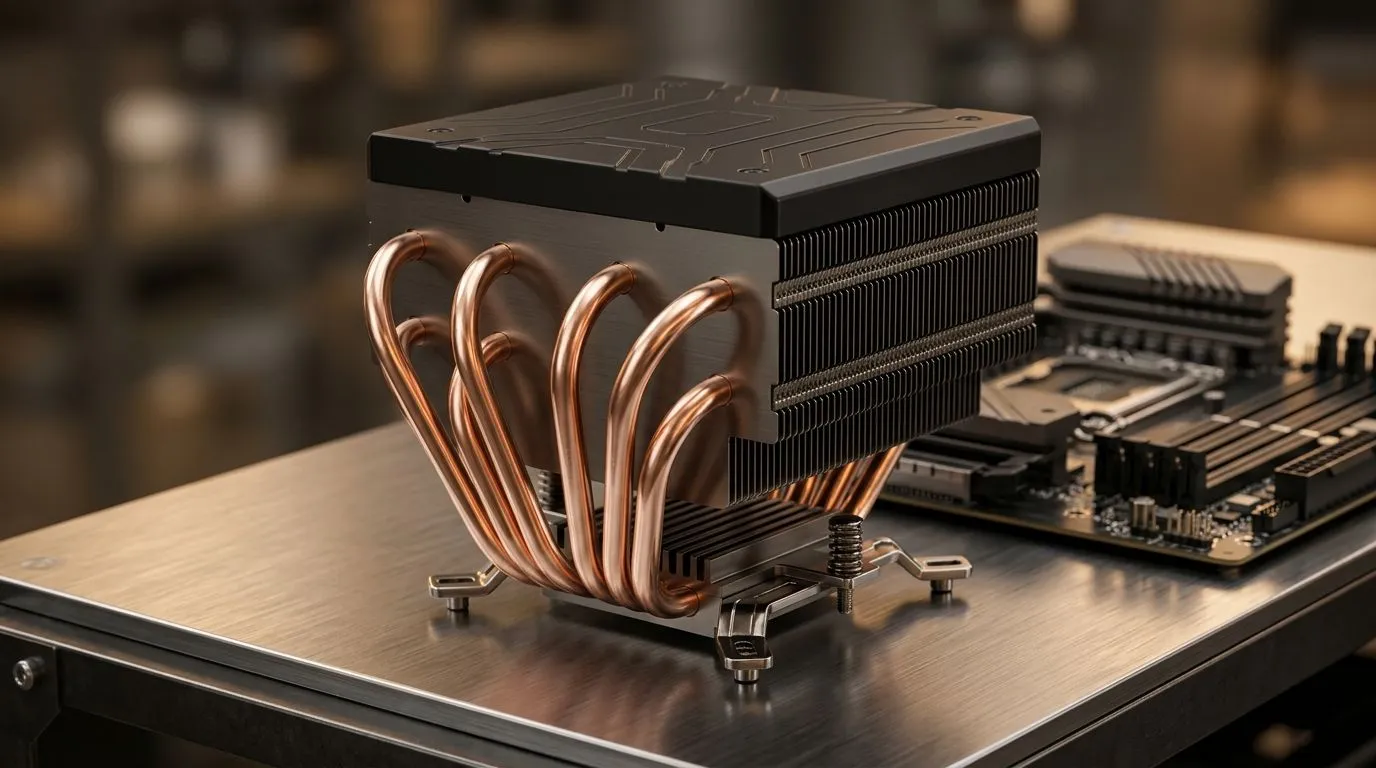
Can 6 Heatpipes Improve Sustained CPU Boost Speeds? (And What It Really Means for Gamers)
If you’ve ever watched your CPU clock spike in benchmarks, then slump after a few minutes… you’re not imagining things. 🔧 In real gaming sessions, “sustained boost” matters more than a single burst score. So when you see a cooler spec like “6 heatpipes”, it’s tempting to think it’s an instant win. But can it actually hold higher speeds under long load?
The short answer: heatpipes help transfer heat, but the final boost depends on cooler design, fan pressure, case airflow, and the CPU’s power limits.
Heatpipes vs Boost: When 6 Heatpipes Helps Most ⚡
Heatpipes move heat from the CPU contact plate to the fins. More heatpipes can spread heat across more fin area, which reduces hotspot temperatures and can help the CPU maintain boost longer.
However, “6 heatpipes” doesn’t automatically mean “better”. A cooler with fewer, thicker pipes and a stronger fin stack can outperform a “bigger pipe count” model. The key is how efficiently the heatpipes are connected to the cold plate and how much fin surface area is actually available.
For South African builds, this is extra important because many players run warm rooms, enclosed setups, and power-hungry GPUs. If your case airflow is weak, even a strong cooler can’t dissipate heat fast enough.
What affects sustained boost speeds more than you’d expect
- Case airflow (intake and exhaust balance): Hot air needs somewhere to go.
- Fan quality and curve: Cheap fans may hit max RPM, but airflow can still be poor.
- Contact quality: Even a great cooler can underperform with bad mounting pressure or old thermal paste.
- CPU power limits (BIOS settings): Many CPUs will boost higher when power and temperature headroom exist.
Practical Setup Tips to Get Better Sustained Boost Speeds 🚀
Want to test whether your cooler upgrade is actually working? Do it like an engineer, not like a guesser.
- Run a 10 to 20 minute stress test (not just a 1-minute run).
- Watch package temperature and clock behaviour. You’re looking for stability, not peaks.
- Ensure fans are installed in the correct direction and not fighting each other.
- Use fresh thermal paste and follow the mounting pattern evenly.
Productivity Pro Tip ⚡
On Windows, use the PowerToys FancyZones utility to create custom snap layouts for your windows. It's a lifesaver for managing multiple apps on an ultrawide monitor, letting you organise your timeline, preview window, and asset folders perfectly for video editing.
How to choose a cooler for sustained performance
Instead of obsessing over pipe count alone, prioritise:
- Air cooler with a robust fin stack
- Adequate fan size for your case (120mm fans are common, and airflow can be strong when tuned)
- Good brands and reputable mounting systems
If you’re shopping on Evetech, the quickest path is to compare air cooler options that match your case and airflow goals.
Air Coolers on Evetech: What to Compare Before You Buy ✨
If you’re aiming for sustained boosts, start by filtering properly, then narrow down by fan configuration and brand. Here are some curated starting points:
- Browse the broader air cooler options here: CPU coolers.
- If you know you want airflow over liquid, focus on this air cooler selection: air coolers.
- If your case supports it, compare 120mm fan configurations: air coolers with 120mm fans.
- Want brand-specific comparisons? Check Deepcool models: Deepcool air coolers.
- Or explore EINAREX options for another direction in airflow and mounting design: EINAREX air coolers.
In most gaming builds, a well-chosen air cooler will beat a “theoretical” upgrade that doesn’t match your case airflow. That’s where the real sustained boost comes from.
Final Take: 6 Heatpipes Can Help, But Only With the Right System
Can 6 heatpipes improve sustained CPU boost speeds? Yes, they can help by spreading and moving heat more effectively. But sustained performance is a system result: cooler capacity plus airflow plus correct mounting plus power limits.
If you want your CPU to stay fast during long sessions, plan the whole thermal setup. And then measure it, so you know it’s working.
Ready to Find Your Perfect Match? The Mac vs Windows debate is complex, but for maximum power, choice, and value in South Africa, Windows is hard to beat. Explore our massive range of laptop specials and find the perfect machine to conquer your world.











