

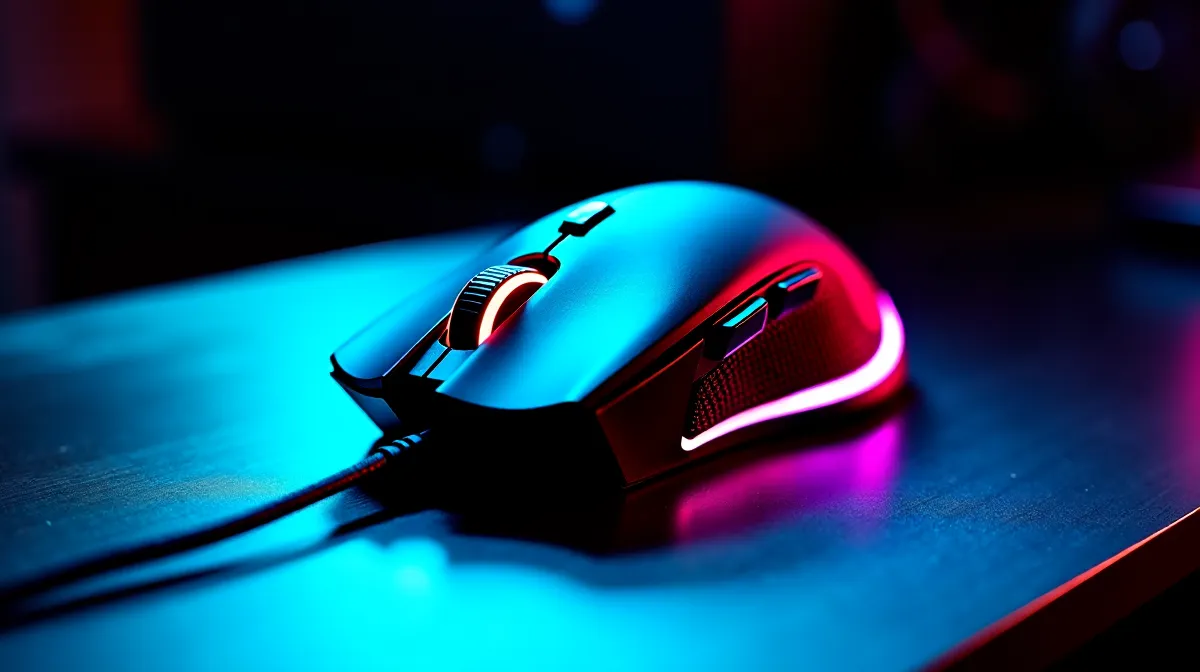
6 Programmable Buttons FPS Gains: Does a DPI Side Button Help?
South African gamers chase every millisecond… and every pixel. If your mouse has extra buttons, you’re probably wondering whether they actually translate into better FPS. The real question is simple: can a DPI side button help you track faster, aim cleaner, and react sooner in clutch fights? 🔧 In this Performance Pulse guide, we’ll break down what programmable buttons do in real games, when DPI shifting is useful, and how to buy smarter at Evetech.
How DPI Side Buttons Affect Aim and FPS Gains
Most DPI side buttons do one thing: they let you change your mouse sensitivity on the fly. That can help, but only if you use it intentionally. In flick-heavy shooters, many players prefer a lower DPI for accuracy. Then, during close-range chaos, a temporary higher DPI can make turns and snap movements feel easier.
DPI itself is not “more FPS” performance. It doesn’t increase your frame rate. What it can improve is consistency and control, which affects how fast you land shots. ⚡ If you’re tired of over-aiming micro-adjustments, a secondary DPI can act like a “combat mode” for movement-heavy moments.
The practical use case: two sensitivities, one muscle memory
Instead of constantly tapping DPI, try a two-state approach:
- State 1 (precision): lower DPI for aiming at mid to long range.
- State 2 (pressure): higher DPI for close-range tracking and quick turns.
This reduces the cognitive load. You stop thinking “what sensitivity am I on?” and start trusting your hands.
TipBox title:"Productivity Pro Tip ⚡" , On Windows, use the PowerToys FancyZones utility to create custom snap layouts for your windows. It's a lifesaver for managing multiple apps on an ultrawide monitor, letting you organise your timeline, preview window, and asset folders perfectly for video editing. " />
6 Programmable Buttons FPS Gains: Where Extra Buttons Actually Shine
Programmable buttons help most when they remove friction from your actions. In FPS games, that often means:
- swapping weapons faster,
- toggling utility (smoke, flash, gadget),
- interacting with menus or ping systems,
- using movement-related binds you can hit without losing aim.
In other words, they reduce your “hands-off-target” time. 🚀 That’s the kind of advantage you can feel immediately.
What to bind to those 6 programmable buttons
A solid beginner-to-intermediate mapping could look like:
- Primary weapon 1
- Primary weapon 2
- Utility key (push-to-use)
- Reload (or holster, depending on your game)
- Melee or interact
- DPI toggle (only if you’re truly using it as a two-state system)
If you bind everything to muscle memory, you’ll spend less time correcting mistakes under pressure.
Buying the Right Mouse for FPS Performance Pulse (South African Prices)
Not every mouse with side buttons gives the same control. For FPS, look for:
- consistent sensor performance (no random smoothing),
- comfortable side button placement,
- reliable click feel,
- a shape that matches your grip style.
At Evetech, you can browse the mouse accessories that suit your setup, then scale up to the right wired or wireless model depending on your preference for latency and desk freedom. ✨
If you’re building around a specific FPS style, start with a mouse that’s comfortable for long aim sessions:
- Explore mouse accessories here: Mouse accessories
- If you want classic low-latency, check wired mice: Wired gaming mouse options
- For clutter-free setups and desk flexibility, consider wireless mice: Wireless gaming mouse range
- Want value quickly? Grab a deal with proven popularity: Best gaming mouse deals
Still deciding on specs and button layouts? Use Evetech’s broader selection to match your grip and button needs:
- Browse the category: Gaming mouse selection
Quick Setup Checklist Before You Blame Your Mouse
If DPI switching and extra buttons aren’t helping, you might be misconfiguring them:
- Pick two DPI levels only.
- Set them in a consistent ratio (like 400/800 or 800/1600).
- Test in a warm-up range for 10 minutes.
- Change one thing at a time… not everything at once.
Most “mouse upgrades” feel subtle at first. Then, after your muscle memory updates, your aim gets cleaner.
Ready to Find Your Perfect Match? The Mac vs Windows debate is complex, but for maximum power, choice, and value in South Africa, Windows is hard to beat. Explore our massive range of laptop specials and find the perfect machine to conquer your world.











