

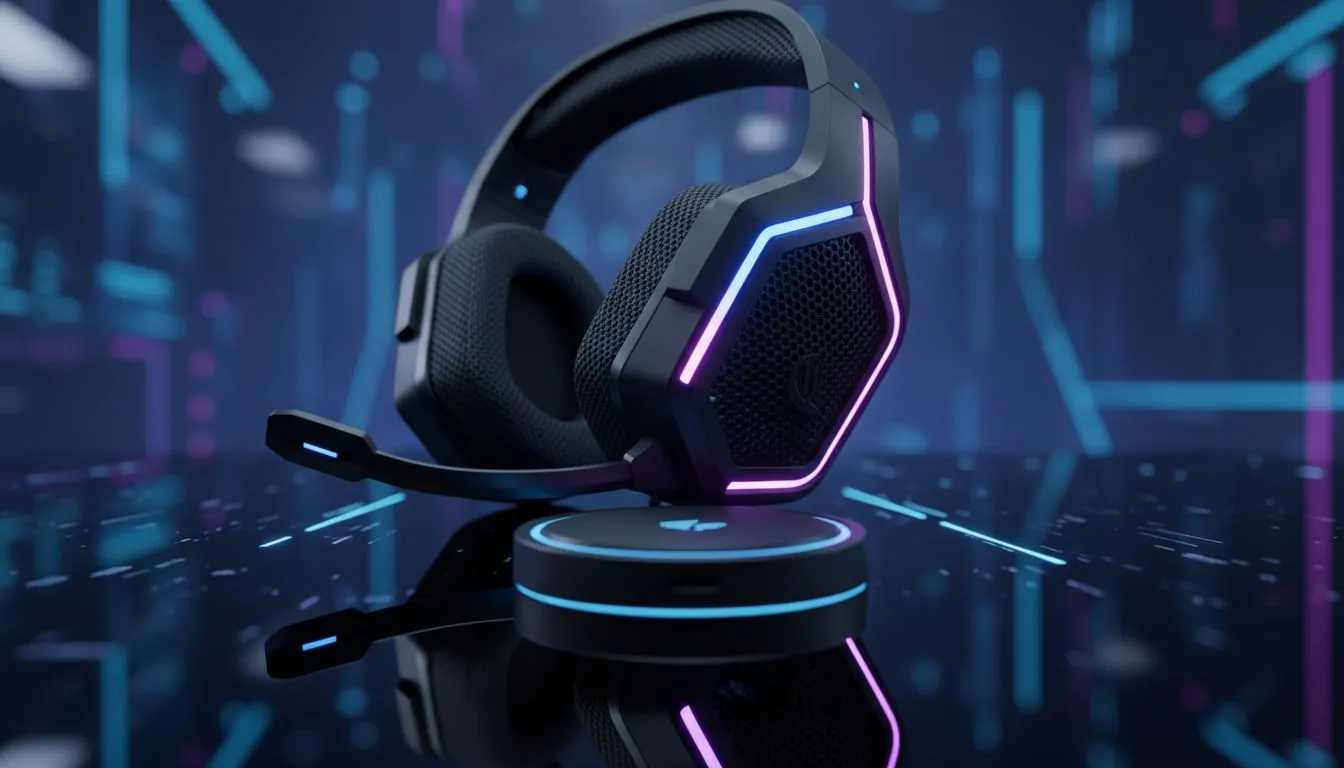
7.1 Surround Sound on PC: Get It Working with SA Ping
Ever felt like an enemy in Counter-Strike 2 or Valorant just teleported behind you? In South Africa, we already fight the "ping boss" daily. High latency is bad enough... but poor spatial awareness is worse. Getting 7.1 surround sound on PC working correctly can bridge that gap. It helps you hear footsteps before you see shadows, even when your connection isn't perfect 🚀.
Why Spatial Audio Matters for Local Gamers
When you are playing on European servers with 160ms ping, every millisecond counts. You cannot afford to guess where a sound came from. Standard stereo audio tells you "left or right". However, a proper 7.1 setup provides a 360-degree soundstage. This allows you to pinpoint threats with much better accuracy.
Most modern quality PC headsets and headphones use virtual surround sound. This technology uses clever software to trick your ears. It simulates seven directional speakers plus a subwoofer. For South African gamers, this local processing happens on your machine... it does not add to your network lag.
Spatial Audio Pro Tip ⚡
Always disable other "3D Audio" enhancements in Windows if you are using your headset's dedicated software. Running two spatial algorithms at once creates "phasing" issues. This makes audio sound muddy and actually ruins your ability to track enemy movements accurately.
Optimising Your 7.1 Surround Sound on PC
To get the most out of your audio, you need to configure your settings correctly. Many gamers plug in their gear and assume it works. You should always check your Windows Sound Control Panel first. Ensure your output is set to the highest bit rate available.
If you are looking for a competitive edge, Razer headphones and headsets are a popular choice in SA. They often include THX Spatial Audio. This software allows you to calibrate the "distance" of virtual speakers. This is vital when you need to distinguish between a reload on the floor above you or behind a thin wall 🔧.
Hardware vs Software Solutions
Is hardware-driven 7.1 better? Not necessarily. Virtual 7.1 surround sound on PC has become incredibly sophisticated. High-end drivers can deliver crisp audio that rivals multi-speaker setups. This is great for local players who want a clean desk without wires everywhere.
For those wanting a premium experience under R3,000, the Razer Barracuda X Chroma Wireless Headset is a top contender. It offers seamless wireless connectivity. This ensures that your audio reaches your ears instantly... without the clutter. It is a fantastic way to handle SA ping frustrations by ensuring your ears are faster than your internet ✨.
Final Tweaks for the Best Experience
Remember to update your firmware. Manufacturers often release patches that improve directional clarity. In a country where we pay a premium for tech, getting every bit of performance out of your gear is essential. Set your in-game audio to "Headphones" or "7.1" to match your system settings. This ensures the game engine sends the right data to your ears 🎧.
Ready to Find Your Perfect Match? Mastering your audio is the first step to dominating the lobby, even with high latency. For maximum immersion, precision, and value in South Africa, the right gear makes all the difference. Explore our massive range of headset specials and find the perfect pair to conquer your world.











