

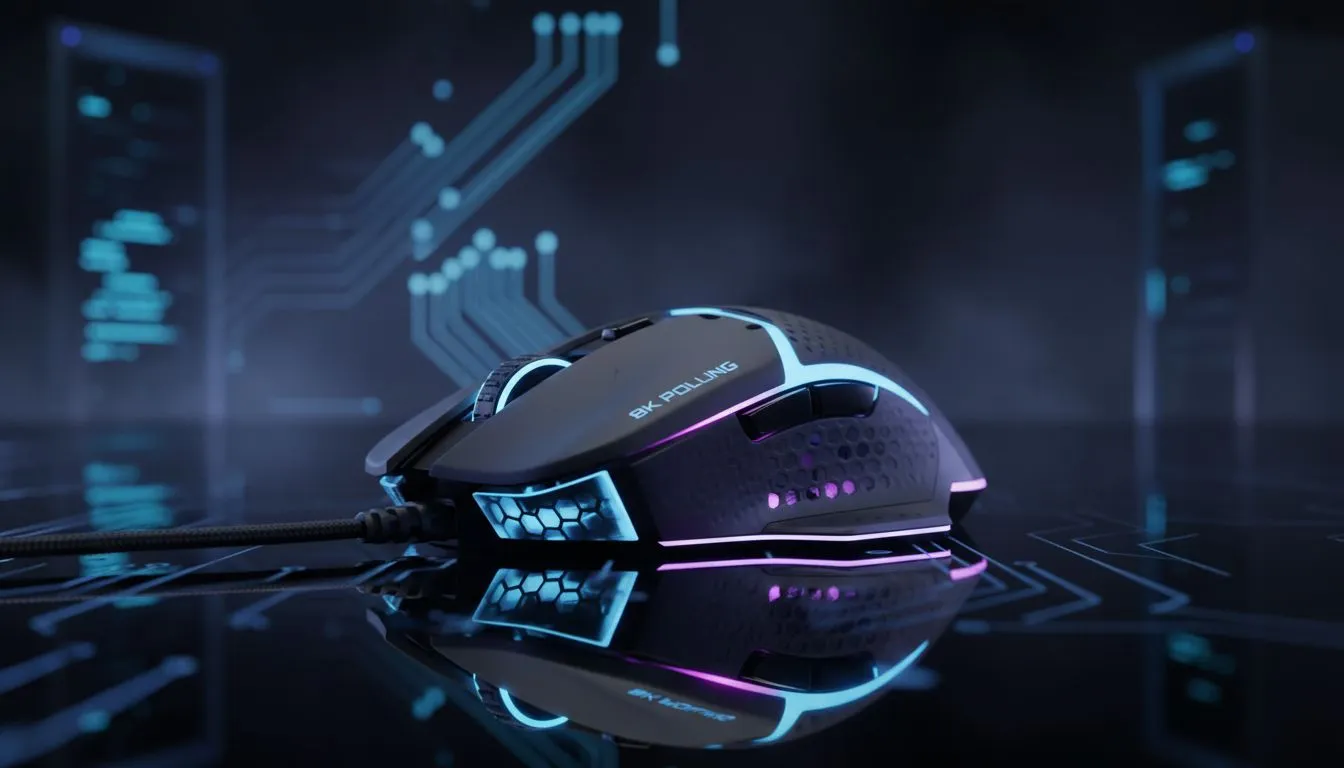
South African gamers face unique challenges. We juggle high ping and the constant threat of loadshedding. When the power goes out, we rely on UPS systems or inverters to stay online. Every watt of power matters. High-performance peripherals like 8K polling mice and controllers offer an edge. However, they can stress your hardware. Let's explore how to use 8K polling without destroying your CPU in loadshedding setups while keeping your framerates stable. ⚡
The Hidden Cost of High Polling Rates
Standard peripherals poll at 1000Hz. This means they talk to your PC 1,000 times per second. 8K polling increases this to 8,000 times. It reduces input lag significantly. But this comes at a cost. Your CPU must process eight times more data. On older processors, this causes frame drops. It also increases power consumption. When you are on battery power, this is a major concern.
Finding the Right Hardware for Your Rig
You need a device that handles this data efficiently. You can buy gaming controllers that support high polling rates. Some brands manage this better than others. For example, Razer gaming controllers are built for elite performance. They use advanced firmware to keep things smooth. This helps prevent the stuttering often associated with high-frequency inputs.
Loadshedding Efficiency Tip ⚡
Use a dedicated power profile in Windows for gaming on battery. Set your maximum processor state to 99%. This prevents the CPU from boosting too high. It saves battery life and keeps your system cooler during long power cuts.
The Razer Wolverine V3 Advantage
One specific device stands out for local gamers. The Razer Wolverine V3 Tournament Edition offers native 8K polling. It is designed for the most demanding players. At around R2,499 in South Africa, this controller provides incredible responsiveness. It does this without causing the massive CPU spikes seen in cheaper 8K devices. It is a solid choice for maintaining 8K polling without destroying your CPU in loadshedding setups. 🔧
Optimising Your Windows Environment
If you want the best results, follow these steps. First, ensure your CPU has at least six cores. Modern titles need the extra headroom for background tasks. Second, close all background apps... especially Chrome or Discord overlays. These eat up CPU cycles that your controller needs. This ensures your processor focuses entirely on the game and your inputs.
Balancing Latency and Stability
Sometimes 8K is overkill for casual play. If your UPS is screaming, consider dropping to 4K. You still get ultra-low latency. However, you save your CPU from working overtime. It is about finding the sweet spot for your specific rig. By managing your settings, you can enjoy elite performance without draining your backup power too fast. 🚀
Ready to Level Up Your Setup? Don't let high latency or power cuts hold you back from the leaderboard. Check out the Razer Wolverine V3 Tournament Edition and experience pro-grade 8K polling today.











