

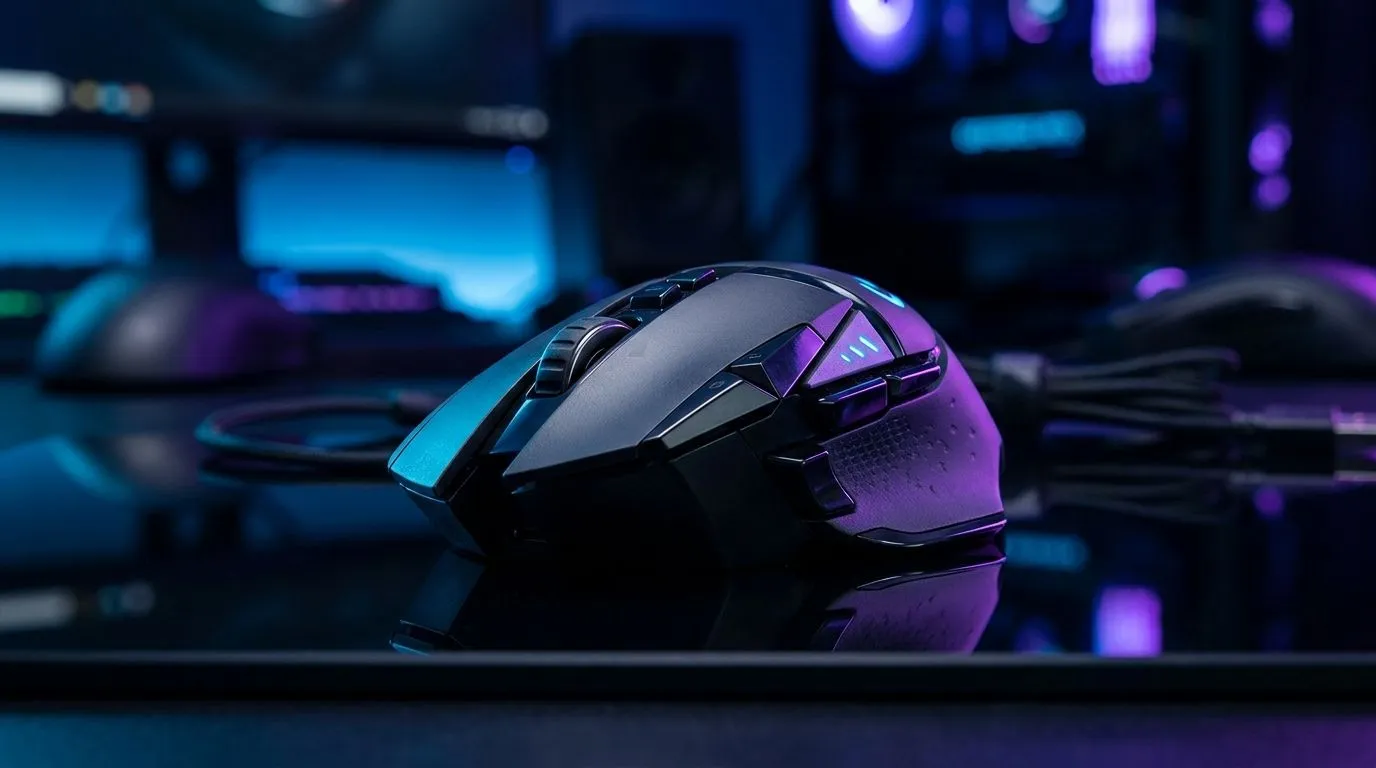
Performance Pulse: Adjust DPI Settings Up to 26000 for Faster Mouse Control
If your aim feels a little “off” in a clutch moment, your mouse settings might be the quiet culprit. For South African gamers, every millisecond matters… whether you’re tracking an enemy in Apex, flicking in Valorant, or building in Fortnite. The good news? A smarter DPI setup can make your mouse feel cleaner, faster, and more precise without spending a rand. 🔧
The phrase “adjust DPI settings up to 26000” sounds extreme, but it really speaks to modern mouse flexibility. You do not always need to run your DPI that high. Instead, the real win is understanding how DPI works, then tuning it to match your hand, your desk space, and your favourite games.
Performance Pulse: What DPI Actually Does
DPI stands for dots per inch. In plain language, it affects how far your cursor moves when you move the mouse.
Higher DPI means more cursor movement from the same physical motion. Lower DPI gives you more control and often better consistency for aiming. Both can be useful, depending on the game and your play style.
Many gaming mice now support very high maximum DPI figures, including models rated up to 26000 DPI. That spec is usually listed by manufacturers on product pages, and it matters because it gives you headroom to customise your setup later. You can check current mouse options and specs on Evetech’s gaming mouse range for the latest examples.
Why high DPI support still matters
You may never use 26000 DPI in a real match. That is fine. The point is control.
A mouse with a wide DPI range lets you:
- test different sensitivity profiles
- fine-tune aim for different genres
- switch quickly between work and play
- reduce friction when moving between low and high sensitivity setups
For competitive players, consistency is often more important than raw speed. A stable sensor and predictable tracking matter more than chasing a huge number.
Performance Pulse: How to Pick the Right Sensitivity
A practical setup usually starts with a moderate DPI. Many gamers prefer a middle ground because it feels responsive without becoming twitchy.
If your desk is small, a slightly higher DPI can help. If you play tactical shooters, a lower DPI may improve precision. Try one setting for a few sessions before changing again. That gives your muscle memory time to settle.
A simple tuning method
- Pick one DPI level.
- Play three matches or a full session.
- Ask yourself if you are over-correcting.
- Adjust in small steps only.
That approach is much better than jumping from one extreme to another. You want repeatable control, not a mouse that feels different every day.
Productivity Pro Tip ⚡
On Windows, use the PowerToys FancyZones utility to create custom snap layouts for your windows. It's a lifesaver for managing multiple apps on an ultrawide monitor, letting you organise your timeline, preview window, and asset folders perfectly for video editing.
Performance Pulse: Choosing the Right Mouse for Your Setup
Your DPI setting is only part of the picture. The mouse itself matters just as much.
If you prefer a lighter cable feel and a consistent connection, browse Evetech’s wired mouse options. If you want a cleaner desk and more freedom of movement, look at the wireless mouse selection. Both routes can work well... it depends on what you value more.
Gamers who want to optimise control often pair their mouse with accessories that improve glide or comfort. You can find useful extras in Evetech’s mouse accessories section. A smoother mat or better grip can make a surprising difference over a long session.
Performance Pulse: Value Matters Too, Especially in ZAR
There is no point chasing specs if the price pushes you past budget. That is why deal hunting matters.
If you are comparing options, check the best gaming mouse deals to see what fits your budget in ZAR. For many South African buyers, value is not just about the sticker price. It is about getting a mouse that lasts, feels good, and supports the sensitivity range you need.
A smart buy today can save you from replacing a mouse later because the sensor feels off, the buttons wear quickly, or the shape does not suit your grip.
Performance Pulse: The Bottom Line
Adjusting DPI settings up to 26000 is less about using the maximum and more about unlocking flexibility. The right mouse gives you room to experiment, refine, and settle on a sensitivity that matches your style.
If you are serious about better aim, smoother movement, or a more comfortable desk setup, start with the mouse first. Then tune the DPI. That order usually leads to better results.
Ready to Find Your Perfect Match? The Mac vs Windows debate is complex, but for maximum power, choice, and value in South Africa, Windows is hard to beat. Explore our massive range of laptop specials and find the perfect machine to conquer your world.











