

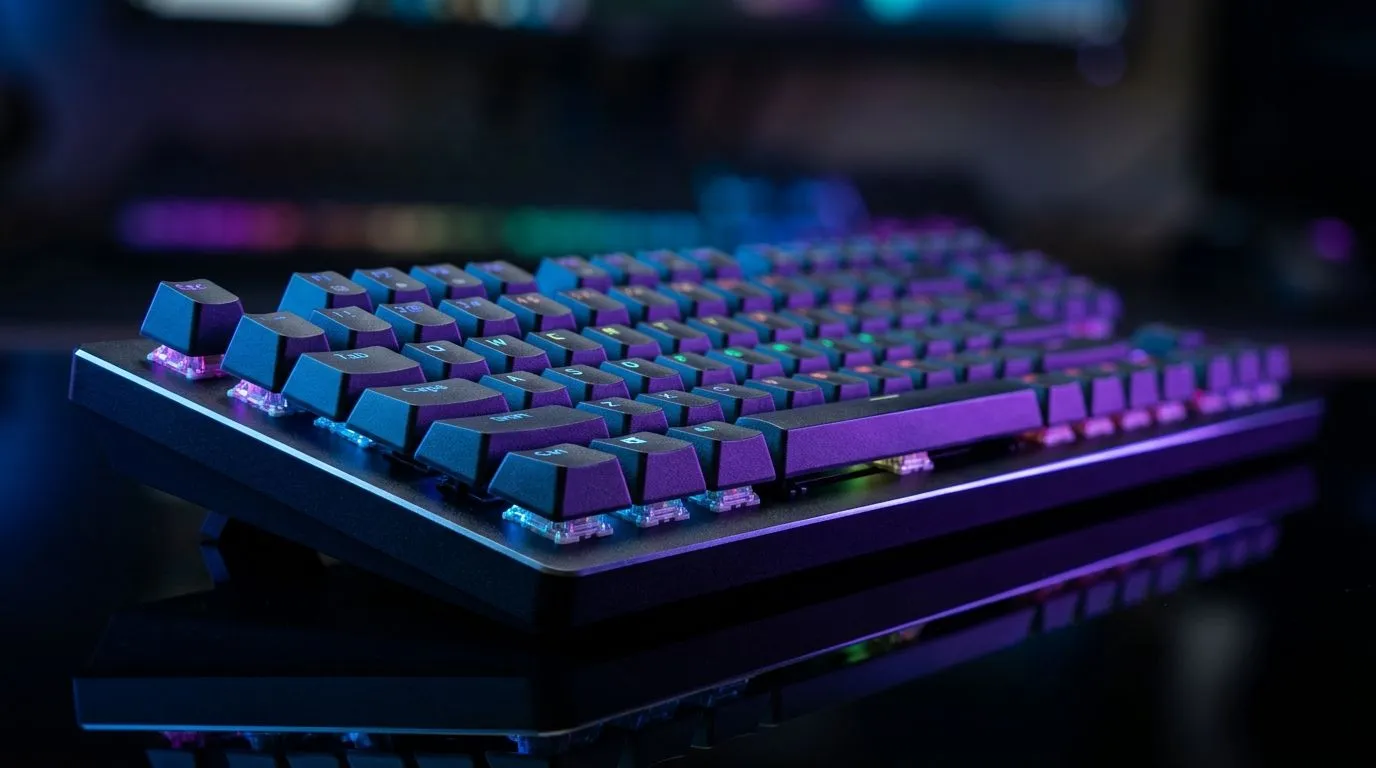
Adjustable Actuation for Faster Reaction Time in Games: A South African Buyer’s Guide
If you’ve ever watched your character fire half a second too late… you know the pain. In competitive shooters and fast MOBAs, that “almost” can matter. But the good news? Some of that delay isn’t on your aim. It’s on your keyboard’s switches and how quickly they register.
One feature that’s getting attention among South African gamers is adjustable actuation for faster reaction time in games. It lets you control how far a key must travel before it registers. In practice, it can mean faster inputs and less finger travel.
What Adjustable Actuation Actually Does (And Why Gamers Notice) 🔧
Actuation is the point where a switch sends an input. With adjustable actuation, you can set a shorter trigger distance. That means:
- Your keys don’t need as much travel before they register
- You can keep your fingers “lighter” on the keyboard
- You may reduce the time between your press and the game action
Why does this help in games? Because your reaction time isn’t just your brain. It’s also your hardware response and your finger movement. Lower actuation can make the timing feel tighter during recoil control, strafing bursts, or rapid ability taps.
That said, there’s a trade-off. Too low can cause more accidental inputs, especially with heavy-handed typing. The sweet spot depends on your play style.
Practical game scenarios where it matters ⚡
- Counter-Strike style taps: quicker ability and trigger timing
- Battle royale sprint-jump-crouch spam: fewer “missed” inputs
- MMO hotbar combos: faster cycling without over-travel
Dial It In: Setup Tips for Real-World Faster Inputs ✨
Before you chase the lowest setting, treat actuation like tuning. Set it up once, then adjust slowly.
Productivity Pro Tip ✨
On Windows, use the PowerToys FancyZones utility to create custom snap layouts for your windows. It's a lifesaver for managing multiple apps on an ultrawide monitor, letting you organise your timeline, preview window, and asset folders perfectly for video editing.
A simple tuning routine
- Start mid-range and test in a warm-up match or aim trainer
- Drop actuation one step and watch for accidental key presses during normal movement
- Perform a “stress test”: quick strafes, jump timing, and ability spamming
- Keep the setting where inputs feel instant, but your keyboard stays quiet
If your keyboard offers software profiles, save a “Shooter” profile and a “General use” profile. You’ll thank yourself later.
Choosing the Right Keyboard: Wired vs Wireless for Competitive Play 🚀
Not every setup is equal. For competitive gaming, connection type can impact feel, especially if you use wireless for convenience.
If you’re comparing options, it helps to shop with a clear purpose:
- Wired: consistent, no battery anxiety mid-session
- Wireless: freedom on your desk, great for couch setups
Here are Evetech options to explore while you decide:
- Wired keyboard deals: check out these best gaming keyboard deals
- Wireless keyboard choices: compare the cheapest gaming keyboard options (Wireless)
- Keyboard essentials: buy the cheapest gaming keyboard in South Africa
- Wired keyboard variant: look at the cheapest gaming keyboard options (Wired)
- Keyboard and mouse bundle: grab a keyboard-mouse combo deal
What to check before you buy
- Software support for actuation profiles (if available)
- Adjustable range so you can find your sweet spot
- Key stability and consistent actuation feel across keys
Ready for the Faster-Input Feel? Here’s the Next Step
If you want that “I reacted before I thought” feeling, adjustable actuation is one of the most practical upgrades you can make without rebuilding your whole setup. Tune it carefully, test it in your main games, and then lock in a profile for daily play.
Ready to Find Your Perfect Match? The Mac vs Windows debate is complex, but for maximum power, choice, and value in South Africa, Windows is hard to beat. Explore our massive range of laptop specials and find the perfect machine to conquer your world.











