

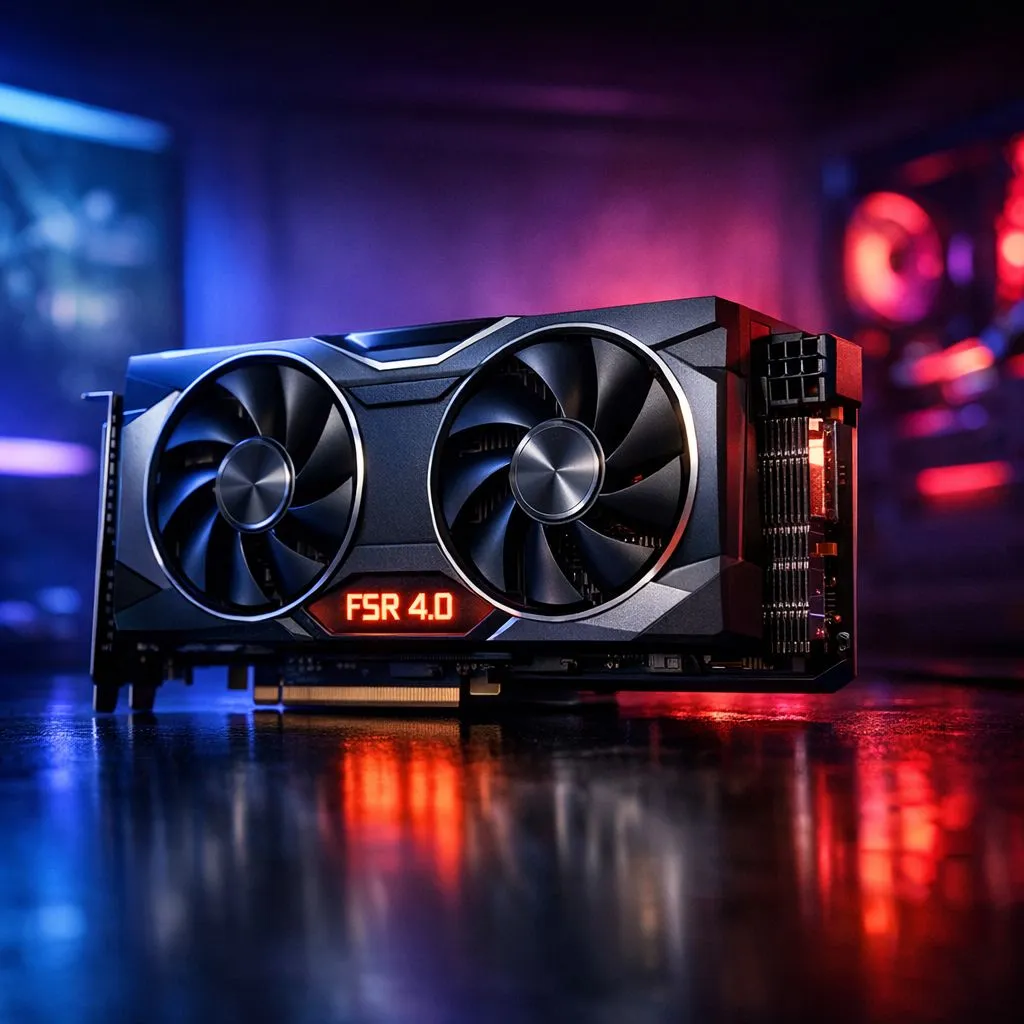
Struggling to hit 144Hz on your 1440p monitor without spending a fortune? You are not alone. As South African gamers deal with rising hardware costs, squeezing every frame out of our rigs is essential. AMD is stepping up with FSR 4.0... a move towards AI-driven upscaling that promises to bridge the gap between performance and visual fidelity. Let’s look at what really changes for your setup. 🚀
Comparing AMD FSR 4.0 vs Native Resolution
For years, the gold standard has always been native resolution. It offers the cleanest image with zero reconstruction artefacts. However, the performance cost is massive. If you are running a heavy title like Cyberpunk 2077 or Warhammer 40,000: Space Marine 2, your frame rate might suffer. This is where the debate of AMD FSR 4.0 vs Native Resolution becomes critical for local gamers looking to optimise their experience.
Unlike previous versions that relied on hand-coded algorithms, FSR 4.0 transitions to fully AI-based upscaling. This shift aims to eliminate the shimmering and "fizzing" often seen in fine details like power lines or mesh fences. While native resolution still holds a slight edge in raw clarity... the performance boost from FSR 4.0 often outweighs the minor visual trade-offs for most players.
Performance Pro Tip ⚡
If you are using an older GPU, try set your FSR mode to 'Quality' first. This provides a significant frame rate bump while keeping the image almost indistinguishable from native resolution at 1440p or 4K. It is the best way to keep your gameplay smooth during intense firefights without sacrificing the beautiful South African sunset colours in-game.
AI Upscaling and Visual Clarity
The biggest change in the AMD FSR 4.0 vs Native Resolution comparison is how the AI handles motion. Native resolution can sometimes look blurry if the game's built-in Temporal Anti-Aliasing (TAA) is poorly implemented. FSR 4.0 uses machine learning to "guess" missing pixels more accurately than before. This results in a stable image that feels much closer to native than FSR 2.0 ever did.
When browsing the current range of graphics cards, you will notice that both AMD and Nvidia are leaning heavily into these AI features. While Nvidia fans might look at GeForce Graphics Cards for DLSS... AMD is ensuring their open-source approach keeps them competitive. This competition is great for us in South Africa... as it means better performance on more affordable hardware. ✨
Hardware Requirements and Compatibility
One major advantage of AMD’s technology is its broad support. While you might be eyeing the latest Radeon Graphics Cards to take full advantage of FSR 4.0... the technology often works across various generations. This is a massive win for gamers who aren't ready to drop R20,000 on a new GPU just yet. 🔧
If you are building a new rig, choosing a card from reputable manufacturers like MSI ensures you have the thermal headroom to push these AI features to the limit. FSR 4.0 is specifically designed to improve battery life on handhelds and efficiency on desktops... which is a subtle blessing when trying to keep the electricity bill down.
Ultimately, choosing between AMD FSR 4.0 vs Native Resolution comes down to your priorities. If you demand absolute pixel perfection and have the hardware to back it up... stick to native. But if you want a buttery-smooth 100+ FPS experience with visuals that look "good enough" to fool the naked eye... FSR 4.0 is the way forward.
Ready to Boost Your Frame Rates? Whether you are Team Red or Team Green, the right GPU makes all the difference in your gaming experience. Explore our massive range of graphics card specials and find the perfect upgrade to master FSR 4.0 and beyond.











