

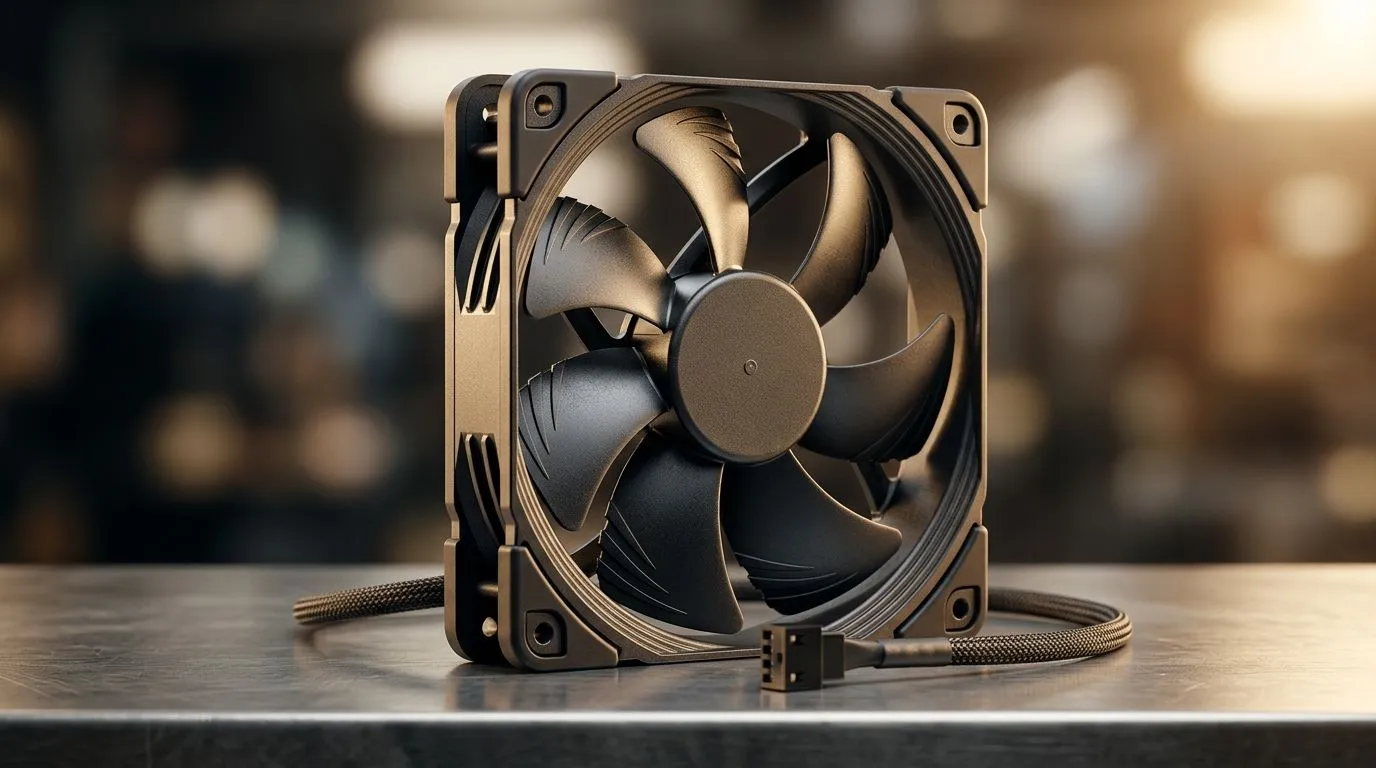
Anti-Resonance Fan Noise: PWM Control for Quieter PCs (and fewer late-night annoyances)
If your PC sounds like it’s auditioning for a soundtrack, you’re not alone. South African gamers often run high-refresh monitors, tight desks, and living-room PCs… so fan noise hits differently at night. 🔇 The good news? Small airflow tuning can make your rig feel calmer without sacrificing performance. One of the most practical fixes is understanding anti-resonance fan noise using PWM control.
In this guide, we’ll break down what’s causing that annoying “whirr” or rhythmic buzz, how PWM helps, and how to pick case fans that won’t turn your setup into a tuning fork.
Why fan noise happens: resonance, vibration, and PWM side-effects
Fan noise rarely comes from “one bad fan” alone. Usually it’s a mix of:
- Resonance: fan blade harmonics can excite case panels.
- Vibration paths: mounts and screws transmit oscillation.
- PWM behaviour: some fans change speed in a way that creates audible modulation.
In real builds, the symptoms look like this: you lower fan speed, the PC gets quieter… then a faint buzz appears at a specific RPM range. That’s often resonance combined with PWM control transitions. ⚙️
Anti-Resonance Fan Noise: how PWM control can reduce audible buzz
PWM means the motherboard controls fan speed by sending pulses. Two things matter for quieter operation:
- Stable control: PWM that smoothly regulates RPM avoids speed “hunting” around a resonance band.
- Fan design: blades, motor bearings, and hub balancing determine how much tonal noise shows up when PWM varies.
When PWM control is good, fans settle quickly and stay there. That reduces resonance-triggering RPM ranges. If your board supports proper fan curves (and your fans respond consistently), you often hear a noticeable difference.
Practical setup steps for quieter PCs 🔧
Start with the boring basics first:
- Check fan orientation: correct airflow matters. Wrong direction can cause turbulence and extra noise.
- Use decent mounting: fully seat rubber grommets if your case supports them.
- Tune a fan curve: avoid “flat spots” where fans linger around the buzz RPM.
Quiet Build Pro Tip ⚡
Windows, use your motherboard’s fan control software (or BIOS settings) to test a simple step ramp fan curve: 30% → 45% → 60% over a few minutes while listening closely. If a specific speed makes resonance worse, add a small “skip” in the curve so you pass through that RPM quickly.
Choosing the right fans: features that help with PWM stability
Not all case fans behave the same under PWM control. Here’s what to look for when you’re shopping:
- PWM support (most modern 4-pin fans)
- Good balance and bearing quality (reduces vibration)
- Size match: 120mm and 140mm fans can move similar air at lower RPM, which often helps perceived noise.
If you want options, here are solid places to start on Evetech:
- Browse case fans for different setups: Explore case fans on Evetech
- If you’re specifically after CORSAIR models: View CORSAIR case fans
- For Deepcool options that suit quieter builds: Shop Deepcool case fans
- Want RGB? Here’s the selection: RGB case fans
- Prefer a clean, non-RGB look? Try: Non-RGB case fans
- For 120mm builds: 120mm case fans
- For 140mm setups: 140mm case fans
✨ Small sizes can be louder because they often run higher RPM for the same airflow. Larger fans typically sound smoother at lower speeds… which is exactly what you want when tackling anti-resonance noise.
Quick checklist before you chase “the perfect” fan
Before buying more, confirm these:
- One variable at a time: adjust one fan curve change, then listen.
- Remove obstructions: cable rub and tight clearances create extra whine.
- Keep consistent airflow: don’t create pressure conflicts (positive vs negative pressure).
If you still hear that rhythmic buzz, it’s a strong sign the fan is exciting resonance in your case at a specific RPM band. PWM tuning plus a fan redesign usually fixes it.
Ready to Find Your Perfect Match? The Mac vs Windows debate is complex, but for maximum power, choice, and value in South Africa, Windows is hard to beat. Explore our massive range of laptop specials and find the perfect machine to conquer your world.











