

Optimise your visuals for the Outlands
Getting caught in Caustic’s Nox gas is a death sentence if you can’t see the exit. While your opponent tracks your silhouette, you’re staring at a green wall of pixels. Finding the right Apex settings to spot enemies in gas is about more than just skill. It is about technical advantage. If you want to stop guessing where that Wraith is hiding, let’s fix your visuals right now. 🔧
Adjusting in-game graphics for maximum clarity
The secret to seeing through the fog lies in your "Effects Detail" and "Ambient Occlusion" settings. Set "Effects Detail" to Low. This reduces the density of particles in the air. High settings make the gas look thicker... almost like a solid wall. By lowering this, the gas becomes more transparent. You should also turn off "Ambient Occlusion" entirely. This removes extra shadows that make the green smoke look darker than it should.
High-quality PC monitors can help translate these settings into clear images. If your screen has a poor contrast ratio, these tweaks might not be enough. You need a panel that can distinguish between subtle shades of green and grey.
The hardware factor in visual tracking
Your hardware plays a massive role in how these Apex settings to spot enemies in gas actually perform. Many local gamers stick with old tech... but modern all gaming monitors offer "Black Stabilizer" or "Shadow Boost" features. These hardware-level tweaks brighten dark areas without washing out the rest of the image.
The Tritanopia Trick ⚡
Many pro players use the Tritanopia colour blind mode. This change turns the threat highlights into a bright yellow. It is much easier to see a yellow outline through green gas than a standard red one. Give it a try in the Firing Range to see the difference immediately.
Choosing the right display for competitive play
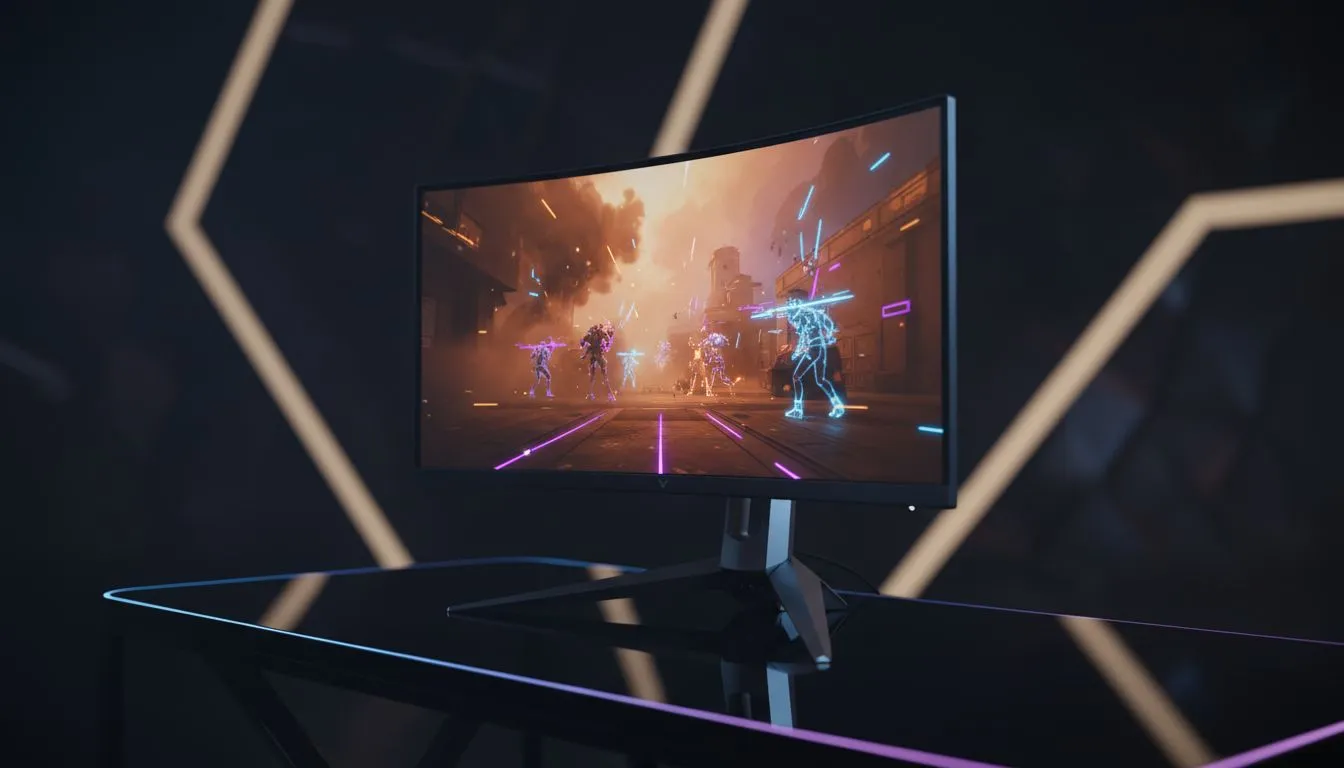
If you are looking for an edge, consider the physical shape of your screen. Some players find that curved monitors help with peripheral awareness during chaotic fights. Others prefer the absolute clarity found in high-resolution 5K and 4K monitors to see distant pixels moving.
For those who travel to local LANs or tournaments, portable monitors offer a way to keep your settings consistent. Regardless of your choice, keeping your gear clean with the right monitor accessories ensures no dust or smudges distract you from the hunt. 🚀
Finding value in South African gaming
Upgrading your setup does not have to break the bank. You can often find the best PC monitor deals starting from under R3,000 for high-refresh-rate models. Investing in a 144Hz or 240Hz screen makes tracking moving targets through gas significantly smoother. When every frame counts... you cannot afford to lag behind. ✨
Ready to Dominate the Arena? Mastering your settings is only half the battle. To truly see the competition before they see you, you need the best visual tech available. Explore our massive range of gaming monitors and find the perfect display to claim your next Apex Champion title.











