

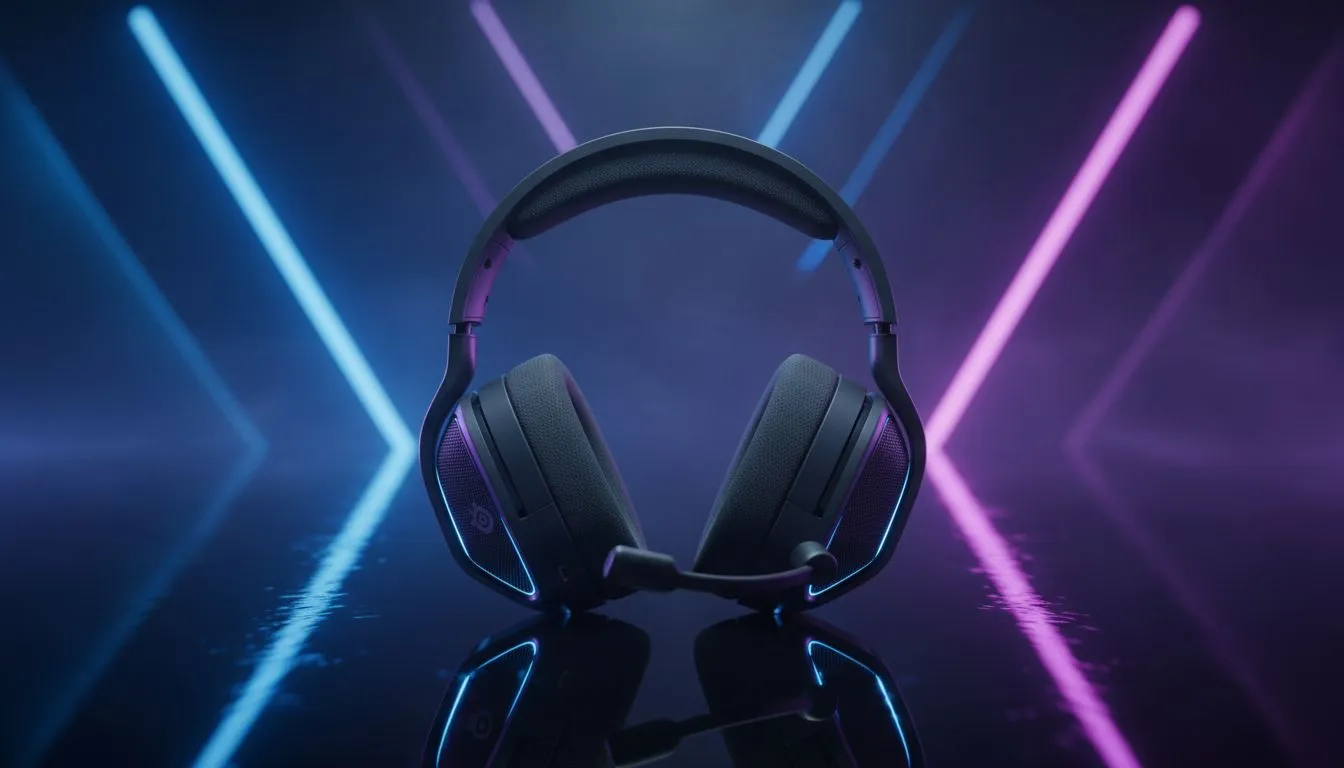
Tired of getting flanked in Warzone because you couldn't hear a single footstep? In the competitive South African FPS scene... latency and clarity are everything. Getting the right Arctis Nova 5X audio settings: best setup for FPS is the difference between a clutch win and a frustrating lobby screen. Let's fine-tune your SteelSeries gear to ensure you hear every reload and tactical sprint before your opponent even knows you're there. 🔧
Mastering Your Arctis Nova 5X Audio Settings: Best Setup for FPS
The Arctis Nova 5X is a powerhouse, but its default "flat" profile often leaves footsteps buried under heavy explosions. To truly optimise your experience, you need to dive into the SteelSeries Sonar software. For FPS titles like Counter-Strike 2 or Apex Legends, you want to focus on the 400Hz to 4kHz range. This is where most "movement" sounds live.
If you are looking for more options to compare, you can browse a wide selection of gaming headsets that cater to every budget in ZAR. However, for those sticking with the Nova 5X, the "FPS Footsteps" preset in Sonar is a brilliant starting point. It boosts the highs while slightly dipping the muddy lows... ensuring that a nearby grenade doesn't deafen you to a flanking enemy.
Professional EQ Profiles for Competitive Play
Consistency is key when you're grinding ranked matches. While SteelSeries offers great software, some players prefer the plug-and-play nature of other brands. For instance, many local pros often look at Razer audio gear for their distinct sound signatures. But if you have the Nova 5X, you have the advantage of the "ClearCast Gen 2" mic and dual-wireless capabilities.
Audio Latency Tip ⚡
Always ensure your Nova 5X is connected via the 2.4GHz USB-C dongle rather than Bluetooth when playing competitively. Bluetooth introduces slight delay... which can be the difference between reacting to a gunshot or heading back to the gulag. Save Bluetooth for your mobile music and stick to the dongle for the win.
To get the most out of your Arctis Nova 5X audio settings: best setup for FPS, try lowering the 60Hz and 120Hz sliders. This reduces the "boominess" of environmental effects. Next, slightly increase the 2kHz and 8kHz bands to sharpen the sound of glass breaking or footsteps on metal surfaces.
Why Local Gamers Choose Evetech for Audio Gear
Finding the right balance between performance and price is vital in South Africa. Whether you are eyeing the latest SteelSeries or considering the Razer Barracuda X Chroma for its sleek white aesthetic and RGB, having the right hardware is only half the battle. The other half is configuration. 🚀
Most high-end headsets now feature mobile apps, allowing you to tweak your EQ on the fly without Alt-Tabbing. This is particularly useful for Nova 5X users who jump between Xbox and PC. By saving your Arctis Nova 5X audio settings: best setup for FPS directly to the headset, you maintain your competitive edge regardless of the platform. ✨
Ready to Find Your Perfect Match? The quest for the ultimate audio experience is personal, but for maximum clarity, choice, and value in South Africa, our curated selection is hard to beat. Explore our massive range of gaming headsets and find the perfect gear to conquer your digital battlefields.











