

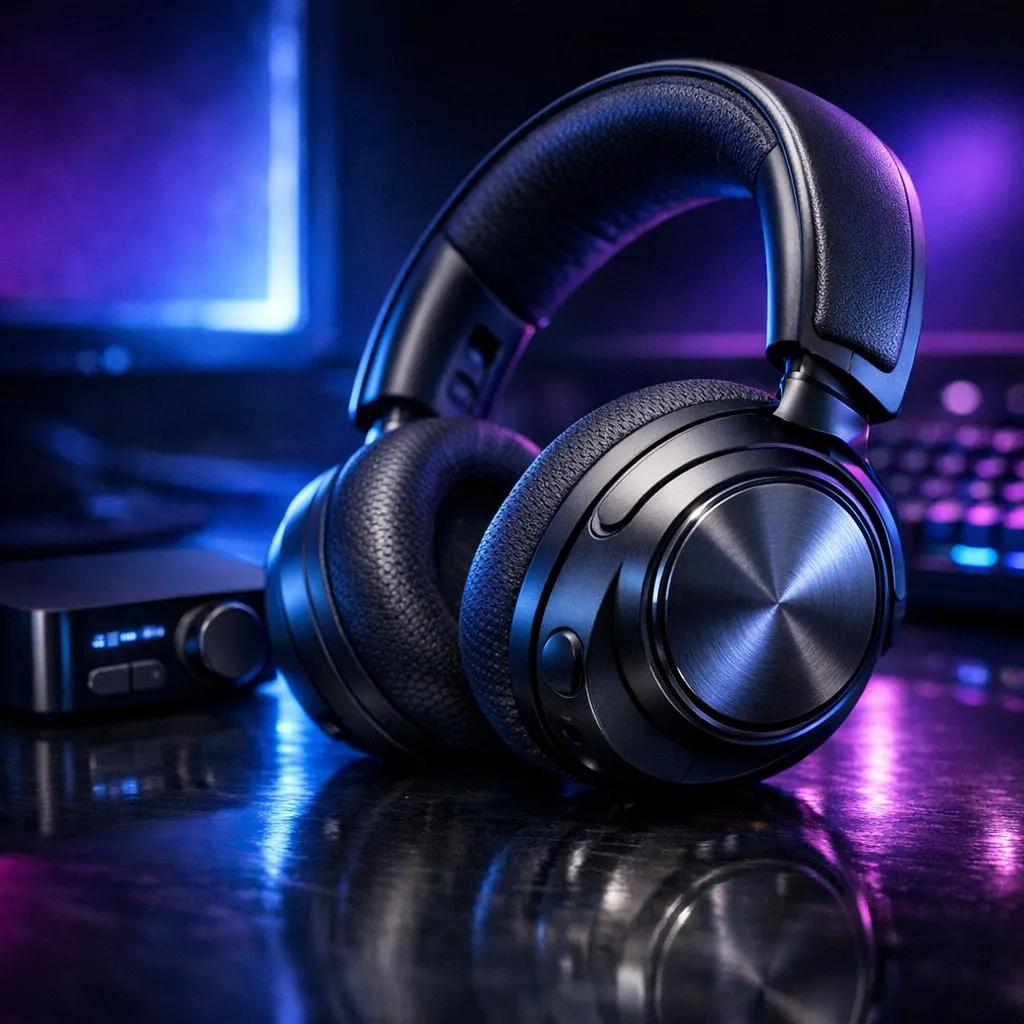
Tired of getting flanked in Valorant because you could not hear those footsteps over the chaos? In the competitive South African scene, every decibel counts. The SteelSeries Arctis Nova Pro Wireless is a beast, but out of the box, it is not perfectly tuned for your specific needs. Finding the right Arctis Nova Pro Wireless EQ settings for FPS games is the difference between a clutch defuse and a frustrating loss.
Why Custom EQ is Your Secret Weapon in FPS
Most gaming headsets come with a "V-shaped" sound profile. This means the bass and treble are boosted while the mids are recessed. While this makes movies and single-player games sound cinematic, it is a nightmare for competitive shooters. Heavy bass from explosions will drown out the subtle "tink" of a reload or the shuffle of an enemy behind a wall.
If you are still hunting for the ultimate audio solution, checking out the latest headphone and headsets range at Evetech is a great place to start your journey. You need a profile that prioritises clarity and spatial awareness over raw power. By tweaking your EQ, you are essentially telling your headset to ignore the rumble of a distant grenade and focus on the high-frequency sounds that provide tactical information.
The Best Arctis Nova Pro Wireless EQ Settings for FPS Games
To get the most out of your SteelSeries gear, you should aim for a "flat" low end and a boosted high-mid range. Here is a solid starting point for your manual EQ settings...
- 31Hz: -2 (Reduces deep rumble)
- 62Hz: -1
- 125Hz: 0
- 250Hz: -2 (Clears up the "muddy" frequencies)
- 500Hz: 0
- 1kHz: +1
- 2kHz: +3 (Enhances the sound of movement)
- 4kHz: +5 (The sweet spot for footstep clarity)
- 8kHz: +3
- 16kHz: +1
These settings help isolate the sounds that matter. By cutting the lower frequencies, you prevent the environmental noise from masking the audio cues you need to win.
Sonar Shortcut ⚡
If you are using the SteelSeries Sonar software, try the 'FPS Footsteps' preset as a baseline. It uses a parametric EQ to pinpoint frequencies like the crunch of gravel or the metallic 'ting' of a reload. Just remember to turn off 'Gain' if the audio starts to distort during heavy gunfights.
Comparing Alternatives for the Competitive Edge
While SteelSeries dominates the high-end market, many local pros still swear by the comfort and signature sound found in Razer headphones and headsets for long tournament sessions. Razer's TriForce drivers offer a different clarity profile that some gamers find easier to tune.
For those who want a clean, aesthetic setup without sacrificing performance, the Razer Barracuda X Chroma Wireless Headset in Phantom White is a brilliant wireless alternative. It is versatile enough for mobile gaming and PC sessions, making it a great value pick in the ZAR 2,500 range. 🔧
Fine-tuning your audio is not a one-time task. Different games like CS2 and Apex Legends have different sound engines. Use these settings as a foundation... then tweak them until the world sounds exactly the way you need it to. 🚀
Ready to Find Your Perfect Match? The right audio setup can transform your gaming experience from average to elite. For the best range of gear and value in South Africa, Evetech has you covered. Explore our massive range of headphone and headset deals and find the perfect pair to dominate the server.











