

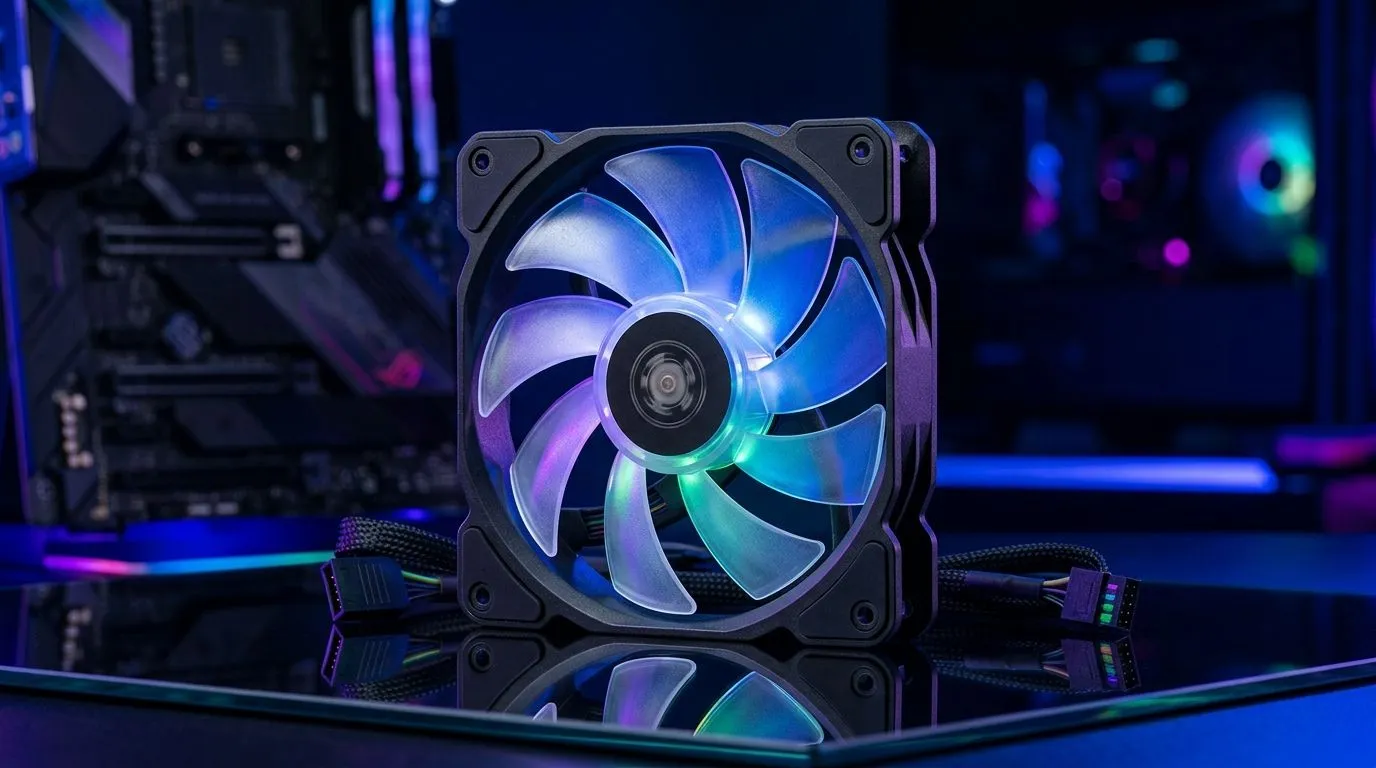
ARGB Fan Setups vs Standard Cooling Fans: Real Gains? (For South African Builds) 🔥
If you’re building a PC in South Africa and you care about FPS and looks, this question hits home: are ARGB fan setups worth the money… or should you stick to standard cooling fans? 🔧
Here’s the honest vibe. In most gaming PCs, performance comes from airflow (and fan RPM), not from lighting. But ARGB fans often come bundled with better features, improved fan hubs, and cleaner control. So the real gains are usually “cooling + convenience”, not “RGB that magically boosts FPS”.
Let’s break it down in a practical way, with what to buy and how to tune it.
ARGB Fan Setups vs Standard Cooling Fans: What actually changes? ⚡
Cooling basics: what matters most
Your CPU and GPU temperatures depend mainly on:
- Airflow (CFM) and static pressure (especially for radiators and dense front panels)
- Where the fans sit in your case (front intake, rear exhaust, top exhaust)
- Fan curve tuning in BIOS or software
Lighting does not move more air by itself. However, ARGB setups frequently include:
- More consistent fan control (PWM support, hub control)
- Better matching fan sets for balanced builds
- Cable management that’s easier when you use fan hubs
Real-world “gain” you can measure
If you swap from mismatched stock fans to a matched ARGB set, you might see:
- Lower noise at the same temperatures (because better curves are possible)
- More stable temps under sustained gaming
- Cleaner tuning thanks to a hub and unified control
If your baseline fans already have good airflow and you tune curves properly, the temperature gap can be modest. In other words… ARGB fans rarely equal a direct FPS upgrade. They can still improve the experience by keeping boosts steadier.
ARGB Fan Setups vs Standard Cooling Fans: Where to spend your ZAR 🧠
Case first: airflow path matters
Before chasing fancy fans, make sure your case actually supports good intake flow and exhaust escape.
You can browse compatible ATX case options here: Computer cases (70)
If you’re leaning towards a specific chassis style, check out: Fractal Design PC cases (346)
And for gamer-focused layouts with space for fan/radiator setups: Gamdias gaming cases (293)
Want to keep it budget-aware with a cap? Here’s a narrower browse: Gamdias gaming cases up to R1500
Fan placement checklist
Use this simple rule of thumb:
- Front: intake (more fresh air pressure)
- Rear: exhaust (helps push hot air out)
- Top: exhaust if you have enough airflow and no bad radiator obstructions
Avoid “all intake” builds unless your case design forces an exhaust route.
Productivity Pro Tip ⚡
On Windows, use the PowerToys FancyZones utility to create custom snap layouts for your windows. It's a lifesaver for managing multiple apps on an ultrawide monitor, letting you organise your timeline, preview window, and asset folders perfectly for video editing.
ARGB Fan Setups vs Standard Cooling Fans: How to test properly 🚀
Don’t guess. Do a quick before-and-after test:
- Record idle CPU/GPU temps.
- Run a 10–15 minute game session or a consistent benchmark.
- Note peak temps and average fan noise.
Then adjust the fan curve:
- Keep it aggressive enough to prevent spikes during boost.
- Don’t max fans at idle, unless you enjoy the jet engine sound.
So… should you choose ARGB?
Choose ARGB if:
- You want a matching system and easier control
- You’re building for a clean look (and can afford it)
Choose standard cooling fans if:
- Your budget is tight (spend on GPU/SSD first)
- You’re comfortable mixing fans and setting curves manually
ARGB Fan Setups vs Standard Cooling Fans: Your best next step ✨
If you want better thermals without overspending, focus on case airflow and fan placement first, then use ARGB fans as the “upgrade path” for control and consistency.
Ready to Find Your Perfect Match? The Mac vs Windows debate is complex, but for maximum power, choice, and value in South Africa, Windows is hard to beat. Explore our massive range of laptop specials and find the perfect machine to conquer your world.











