

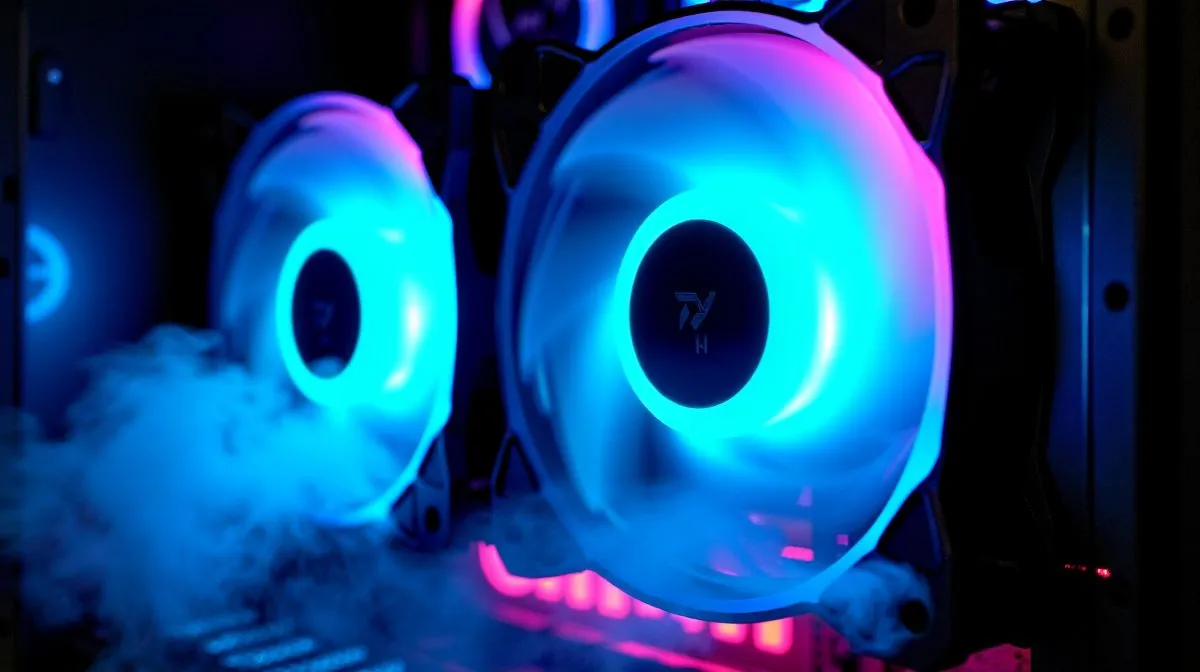
You finally built the ultimate gaming rig. The colours look incredible. But the moment you boot up your favourite game... your setup sounds like a commercial jet. Are ARGB fans making your PC noisy? You are certainly not alone. South African summers push hardware temperatures to the absolute limit. Luckily, you can easily balance lighting and quiet without spending thousands of ZAR. Let us fix that noise.
Why Your PC Sounds Like a Wind Tunnel
Most builders love a glowing setup. However, cheap fans often sacrifice acoustics for flashy aesthetics. When component temperatures rise, these fans spin at maximum RPM. This creates that awful humming noise that ruins your immersion.
The first step to a silent build is understanding your airflow. Sometimes, simply upgrading your computer cases can improve internal ventilation drastically. Better airflow means your fans do not have to work as hard to push cold air. If your current case fans are constantly ramping up and down, it might be time to tweak your software settings or look at hardware alternatives.
How to Balance Lighting and Quiet Operation ✨
You do not have to choose between looking good and staying silent. Premium RGB case fans use PWM technology. This lets your motherboard smoothly control the fan speed based on actual component temperatures.
If you prefer a stealthy rig, you could even mix in some high-performance non-RGB case fans for your intakes. This keeps the noise down while your internal LED strips handle the colour. It is the perfect compromise for gamers who want a sleek aesthetic without the headache.
Silent Cooling Tip 🔧
Head into your motherboard BIOS and set a custom fan curve. Keep your ARGB fans spinning at a quiet 30% to 40% while browsing. Only let them ramp up past 70% when your CPU hits 75 degrees Celsius. This simple tweak saves your ears during late-night sessions.
Upgrading Your Cooling Arsenal
Sometimes software tweaks are just not enough. If your ARGB fans are still making your PC noisy, you need better hardware. High-end options like Corsair case fans feature magnetic levitation bearings. These spin incredibly fast while staying whisper quiet. They cost a bit more ZAR but are worth every cent.
Do not forget your processor. A stock cooler is notoriously loud under heavy loads. Upgrading to robust CPU coolers can drastically reduce your overall system noise. For the ultimate silent treatment, consider installing AIO liquid coolers. Liquid transfers heat far more efficiently than standard air. This means your radiator fans can spin much slower... keeping your vibrant lighting bright and your room completely peaceful.
The Right Chassis Makes a Difference 🚀
Your chassis plays a massive role in overall acoustics. A solid glass front panel actively chokes your front intake fans. They have to spin twice as fast just to pull in fresh air.
Switching to airflow-focused Gamdias gaming cases gives your expensive components room to breathe. Alternatively, our custom Evetech gaming cases are designed with harsh South African climates in mind. They offer the perfect mesh designs to balance lighting and quiet performance effortlessly.
Ready to Silence Your Gaming Rig? Stop letting loud fans ruin your immersion. Whether you need premium liquid coolers or a high-airflow mesh chassis, we have the best deals in South Africa. Explore our massive range of PC cooling components and experience true gaming bliss today.











