

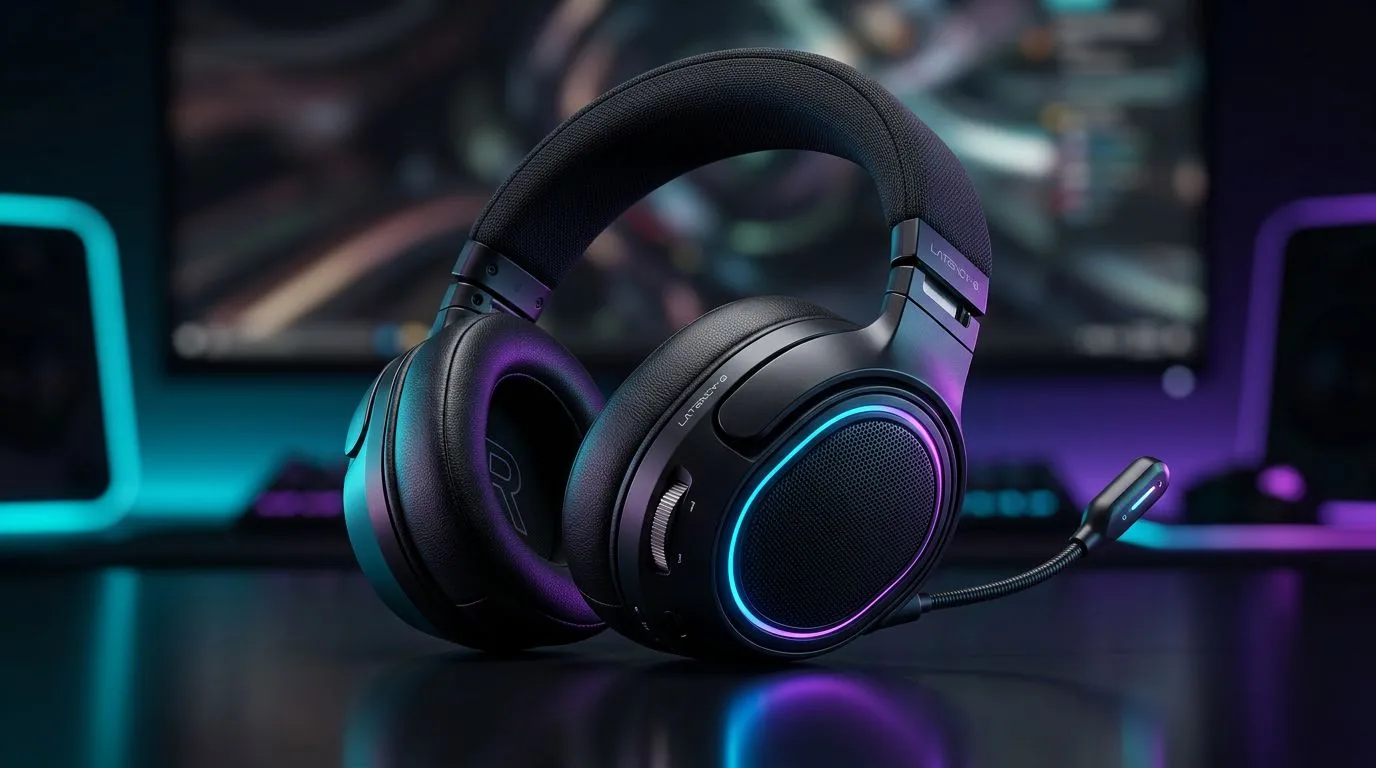
Audio Latency FPS: Why South African gamers should care 🔧
If you sweat every clutch and obsess over every bullet sound, audio latency in FPS titles matters more than you think. In a laggy round, a delayed footstep can be the difference between a clean flank and a humiliating respawn. This piece explains audio latency for FPS players, gives practical fixes you can try tonight, and points to local gear that keeps you competitive.
Audio Latency FPS — what it actually means for K/D
Audio latency is the delay between an in‑game event and when you hear it. In FPS play, that delay can make environmental cues arrive late… and late cues cost kills. The core truth: visual lag and controller latency often steal headlines, but sound timing matters for reaction and positional play. Experienced players use audio to anticipate enemy movement and pre‑aim corners.
For headset picks that balance latency and comfort, consider proven wireless options with low-latency modes. The Razer Barracuda X Chroma is a popular choice among multiplayer fans — check its multi-platform support and features on Evetech’s product page for specs and current ZAR pricing. https://www.evetech.co.za/razer-barracuda-x-chroma-wireless-headset-phantom-white/best-deal/24367
Audio Latency FPS — how to test and reduce it 🚀
Start simple: switch from Bluetooth to a wired or gaming‑grade wireless dongle, and test whether footsteps line up with on‑screen action. Use in‑game sound tests or community tools to compare. If you want a broader range to shop from, Evetech carries a full Razer headset selection you can filter by connection type and reviews. https://www.evetech.co.za/PC-Components/razer-headphones-headsets-105
Practical steps:
- Prefer USB or low‑latency 2.4GHz wireless dongles for competitive FPS play.
- Disable unnecessary audio processing on PC and in your headset app.
- Match your sound output sample rate with the game’s audio settings to avoid resampling delays.
Audio Latency Fix ⚡
For Windows, set your audio device to a stable sample rate (44.1kHz or 48kHz) in Sound Settings and disable enhancements. Use the headset’s dedicated low‑latency mode if available; it’s the quickest way to restore positional fidelity in FPS titles.
Audio Latency FPS — gear and setup tips that help your K/D ✨
Good audio is not only about low latency. Driver quality, soundstage, and headset comfort all influence performance during long sessions. If you’re hunting for headsets and want a wide selection to compare, browse Evetech’s headphone and headset category to view specs, ZAR prices, and customer feedback. https://www.evetech.co.za/components/headphone-headsets-100
Micro‑story: A Cape Town team switched from a basic Bluetooth headset to a gaming‑grade USB dongle setup. Their entry frags improved because players heard rotations earlier and landed pre‑aim shots more often. It wasn’t magic—just better timing.
Audio Latency FPS — final checklist before you queue
- Test both wired and wireless modes.
- Tweak sample rates and disable DSP.
- Pick headsets with gaming dongles if you play competitively.
- Keep an eye on driver updates and NTP sync for voice comms.
Ready to Find Your Perfect Match? The Mac vs Windows debate is complex, but for maximum power, choice, and value in South Africa, Windows is hard to beat. Explore our massive range of laptop specials and find the perfect machine to conquer your world.











