

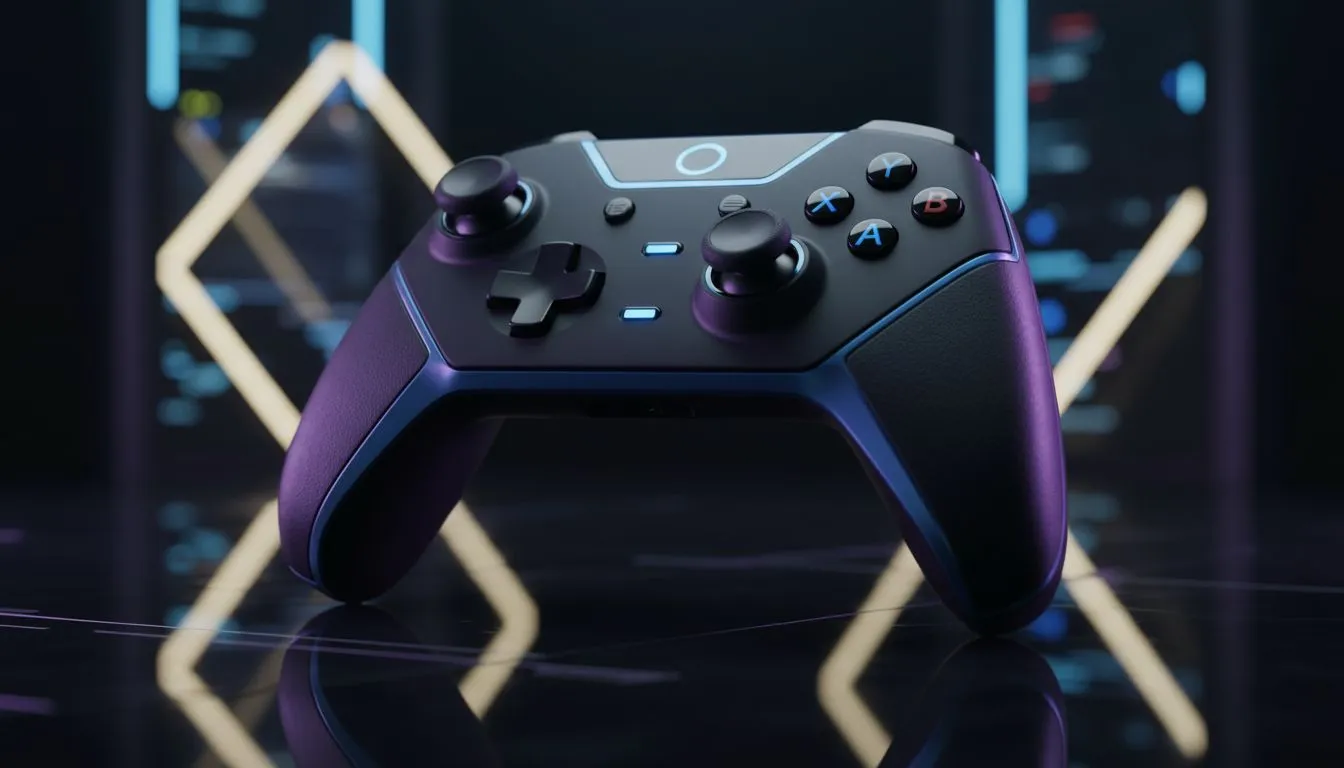
Optimising Deadzones for South African Latency
Playing Counter-Strike 2 on Joburg servers is a unique challenge. You deal with low latency but incredibly high-intensity gunfights. Finding the best controller settings CS2 to cut spray error on Joburg servers is essential for survival. Most local players struggle with the AK-47 spray pattern when using thumbsticks. We have tested various configurations to help you lock onto heads from Sandton to Cape Town.
The first step is managing your deadzones. A deadzone that is too large creates a "heavy" feeling. A deadzone that is too small causes stick drift. For CS2, you want the smallest possible value without your crosshair moving on its own. This allows for the micro-adjustments needed to counter vertical recoil. If your current gear feels unresponsive, you might need to buy gaming controllers with higher precision sensors.
Best Controller Settings CS2 to Cut Spray Error on Joburg Servers
To truly master the spray, your response curve must be consistent. Most pros recommend a "Linear" curve for CS2. This ensures your thumbstick input matches the on-screen movement exactly. When the server is running at a smooth 20ms ping in Gauteng, any input lag becomes noticeable.
Many competitive players in South Africa prefer Razer gaming controllers because of their mechanical buttons. These provide instant feedback during a spray transfer... which is the difference between a multikill and a trip back to the spectator screen.
Recoil Control Pro Tip ⚡
When practicing your spray on Joburg servers, pull your right stick down slightly faster than you think you should. Because CS2 uses sub-tick updates, the visual recoil often lags behind the actual bullet path. Trust your muscle memory over the visual tracers to keep your groupings tight.
Hardware Secrets for Lower Spray Error
Your hardware polling rate is just as important as your in-game sensitivity. High polling rates reduce the delay between your thumb movement and the game engine reaction. For those demanding the absolute lowest input lag, the Razer Wolverine V3 Tournament Edition 8K is a top-tier choice. At roughly R2,499, it offers a competitive edge that standard pads cannot match.
Lowering your "Vertical Sensitivity Multiplier" can also help. Set this to 0.8x to make the vertical recoil easier to pull down. This setting makes the horizontal axis feel faster than the vertical... allowing for quick 180-degree turns while keeping your aim steady during a long spray.
Ready to Dominate the Joburg Servers? Mastering your settings is only half the battle... you need the right tools for the job. From hall-effect sensors to ultra-fast polling rates, we have the gear to help you climb the ranks. Explore our full range of professional gaming controllers and start hitting those headshots today.











