

Quick Answer
The Intel Core Ultra 5 245K is a powerful but thermally demanding processor that benefits significantly from adequate cooling. For most South African builders, a 240mm AIO liquid cooler hits the best balance of performance and value, while a quality 120mm or 140mm air cooler works well for moderate workloads and loadshedding resilience.
Understanding the Core Ultra 5 245K Thermal Profile
The Core Ultra 5 245K operates with a base power of 125W and can boost well beyond that under sustained workloads. In gaming scenarios, the processor stays manageable, but video editing, compilation, or multi-threaded workloads push thermals higher. Getting cooling right from the start protects your investment and keeps the chip running at its rated boost clocks.
For South African PC builders, the local climate adds another variable. Gauteng summers, the humidity of KZN coastal cities, and the dry heat of the Western Cape interior all affect how hard your cooler works. Ambient temperatures of 28-35 degrees Celsius in a typical gaming room shift the baseline from which your cooler operates.
Air Cooling Options for the 245K
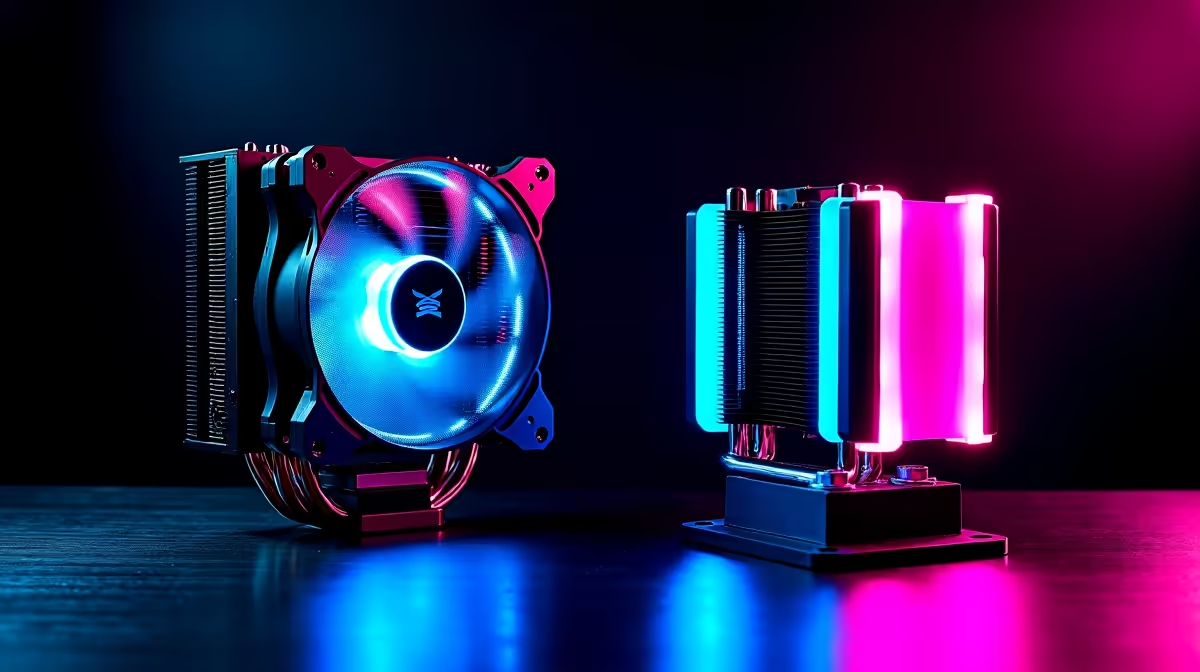
Air cooling remains a reliable, low-maintenance choice. A high-end air cooler in the R900 to R1,800 range can handle the Core Ultra 5 245K comfortably for gaming and moderate productivity workloads.
The advantages of air cooling for SA builders are practical. During loadshedding, a quality UPS can keep your PC running, and an air cooler draws less power than an AIO pump-and-fan combination, extending your UPS runtime during power outages. Air coolers have no pump that can fail and no liquid that can leak, making them a long-term reliable option.
For a R18,000 to R25,000 build centered on the 245K, pairing it with a large dual-tower air cooler keeps the chip in check without adding the complexity of liquid cooling. Look for coolers with at least 6 heat pipes and a 140mm fan for best performance.
AIO Liquid Cooler Options: 240mm vs 360mm
All-in-one (AIO) liquid coolers offer better sustained thermal performance under heavy workloads and provide a cleaner aesthetic inside a mid-tower case.
A 240mm AIO in the R1,500 to R2,800 price range is the sweet spot for the Core Ultra 5 245K. It handles gaming and mixed workloads without the 245K throttling. For a build focused on gaming, content creation, and development, a 240mm AIO gives you headroom and keeps noise levels lower than running a compact air cooler at full speed.
A 360mm AIO in the R2,500 to R4,500 range is overkill for a 245K in most gaming scenarios but makes sense if you plan to push overclocking limits or run sustained multi-threaded workloads. The larger radiator provides more thermal headroom and lower fan noise.
Case compatibility is a key check before buying any AIO. Confirm your case supports the radiator size you are targeting, checking both top-mount and front-mount clearance.
Air vs AIO: Which Makes Sense for SA Builders?
The choice depends on three factors: budget, workload, and loadshedding habits.
If you game primarily and do moderate productivity work, a quality air cooler saves R500 to R1,500 compared to a 240mm AIO and delivers very similar real-world gaming temperatures. That saving can go toward better RAM, storage, or a larger SSD.
If you do content creation, video editing, 3D rendering, or heavy software compilation, the sustained performance advantage of a 240mm or 360mm AIO keeps the 245K running at full speed for longer without thermal throttling.
For loadshedding-conscious builders who run their PC on a UPS, an air cooler is the pragmatic choice. Lower power draw means more runtime per UPS cycle.
Compatibility and Installation Notes
The Core Ultra 5 245K uses the LGA 1851 socket. Verify that any cooler you purchase explicitly lists LGA 1851 compatibility. Many older coolers require an updated mounting bracket, so check the manufacturer's compatibility list before purchasing.
Also check your case's CPU cooler height clearance if going the air route, and radiator mounting space if going AIO. These simple checks avoid the frustration of a non-fitting cooler after delivery.
Frequently Asked Questions
Does the Core Ultra 5 245K come with a stock cooler?
No. Intel's K-series processors, including the Core Ultra 5 245K, do not include a stock cooler. You need to purchase a cooler separately, which should be factored into your build budget from the start.
Is a 240mm AIO enough for the 245K under full load?
Yes, for most use cases. A quality 240mm AIO handles the 245K well during gaming and mixed workloads. If you are running sustained all-core workloads like video rendering for extended periods, a 360mm AIO or large air cooler offers more headroom.
How does loadshedding affect AIO cooler choice in SA?
During loadshedding, if you run your PC on a UPS, an AIO cooler draws slightly more power than a comparable air cooler due to the pump motor. For extended UPS use, an efficient air cooler is the better choice for maximizing runtime per battery cycle.
Ready to Find Your Perfect Match? Upgrade your build with the right graphics card to match your Core Ultra 5 245K. Shop graphics cards at Evetech











