

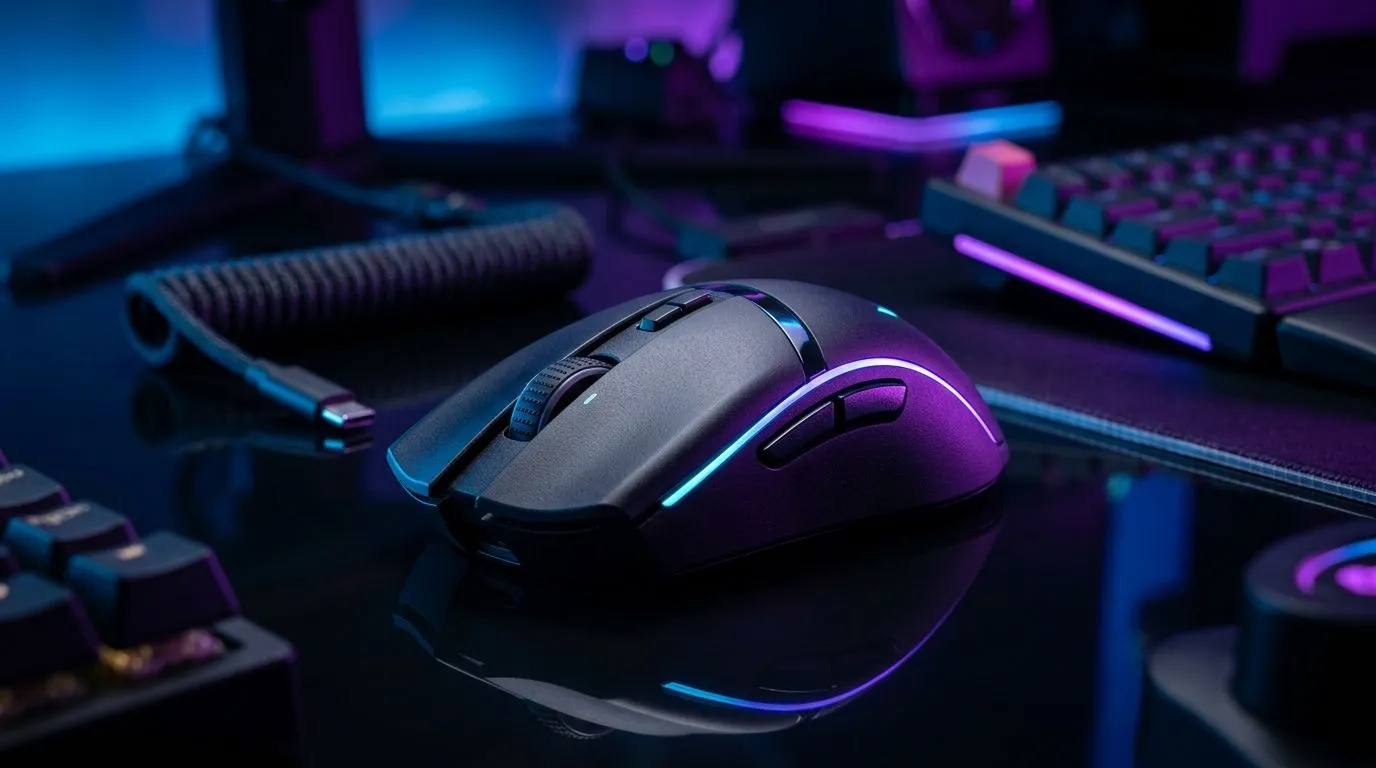
Finding the Best DPI Setting for Your Wireless FPS Mouse ⚡
South African gamers know that milliseconds count in competitive FPS matches. If your wireless mouse’s DPI is set too high, your aim might overshoot. Too low, and your reaction speed slows. So, what’s the best DPI setting for competitive FPS on a wireless mouse? Let’s explore how to find that sweet spot, optimise your accuracy, and elevate your gameplay.
Understanding DPI and Its Role in FPS Performance
DPI (dots per inch) controls how sensitive your mouse cursor is to physical movement. Higher DPI means the cursor moves further with small hand motions. Pro gamers often aim for precision, selecting DPI settings ranging between 400 and 1600 depending on their style. Wireless mice used in competitive FPS games have improved drastically, closing the gap in latency and tracking accuracy compared to wired models.
If you’re new to wireless mice, check out Evetech’s range of wireless mice designed for gamers wanting lag-free precision. Many models boast features like adjustable DPI settings and ergonomic grips suited to long sessions.
Choosing the Right DPI Setting for Competitive FPS
Every gamer’s ideal DPI differs, but starting with 800 or 1200 DPI is common for FPS titles like Counter-Strike or Valorant. This range balances swift movement with precise aim—critical when engaging in high-stakes firefights.
Professional South African players often personalise DPI alongside in-game sensitivity. For example, a lower DPI combined with a slightly higher in-game sensitivity can provide more fine control. It’s worth testing several both in practice modes and real matches.
Why not just max out your DPI? ⚠️
High DPI can cause your crosshair to jump erratically across the screen with tiny hand twitches. That’s frustrating during clutch moments. Lower DPI settings reduce noise in your movement, letting your muscle memory finely control aim.
Explore wired options too: sometimes a wired mouse offers a different feel. Browse Evetech’s wired mouse collection to compare and find what suits your grip and playstyle.
Finding Your Perfect DPI
Start at 800 DPI for hand stability, then adjust in 100 DPI steps while practising flick shots. Pair this with an in-game sensitivity that allows full sweeps across your screen in 30-40cm hand movement.
Wireless vs Wired: Does DPI Make a Difference?
Latency and tracking precision are often debated between wireless and wired mice. Modern wireless gamers’ mice offer performance comparable to wired due to advanced tech like Bluetooth Low Energy and proprietary radio signals.
If latency worries you, consider this: many wireless options at Evetech feature adjustable DPI and polling rates up to 1000Hz. They come with either detachable cables or charging docks. Take a look at the complete selection of wireless and wired mice to see specs, comfort, and recommendations.
Optimising Your Setup Beyond DPI
DPI is just one piece of the puzzle. Quality mouse feet, mousepad friction, and ergonomic shape also influence performance. Pair your mouse with durable accessories from Evetech’s mouse accessories page for smooth glides and longer device life.
Also, keep your mouse firmware updated and experiment with in-game sensitivity sliders. Many pro gamers tweak both dpi and sensitivity to create a custom feel that enhances reaction speed without sacrificing control.
Get the Best Deals on High-Performance Gaming Mice
Ready to upgrade your setup? South African gamers appreciate value, so check Evetech’s best gaming mouse deals for competitive prices. Whether wired or wireless, each mouse is tested for gaming responsiveness and build quality.
Unlock Precision with the Right DPI Setting Experiment with your DPI until aiming feels natural and smooth. Discover your ideal mouse today—Shop now at Evetech for performance that leaves lag in the dust.











