

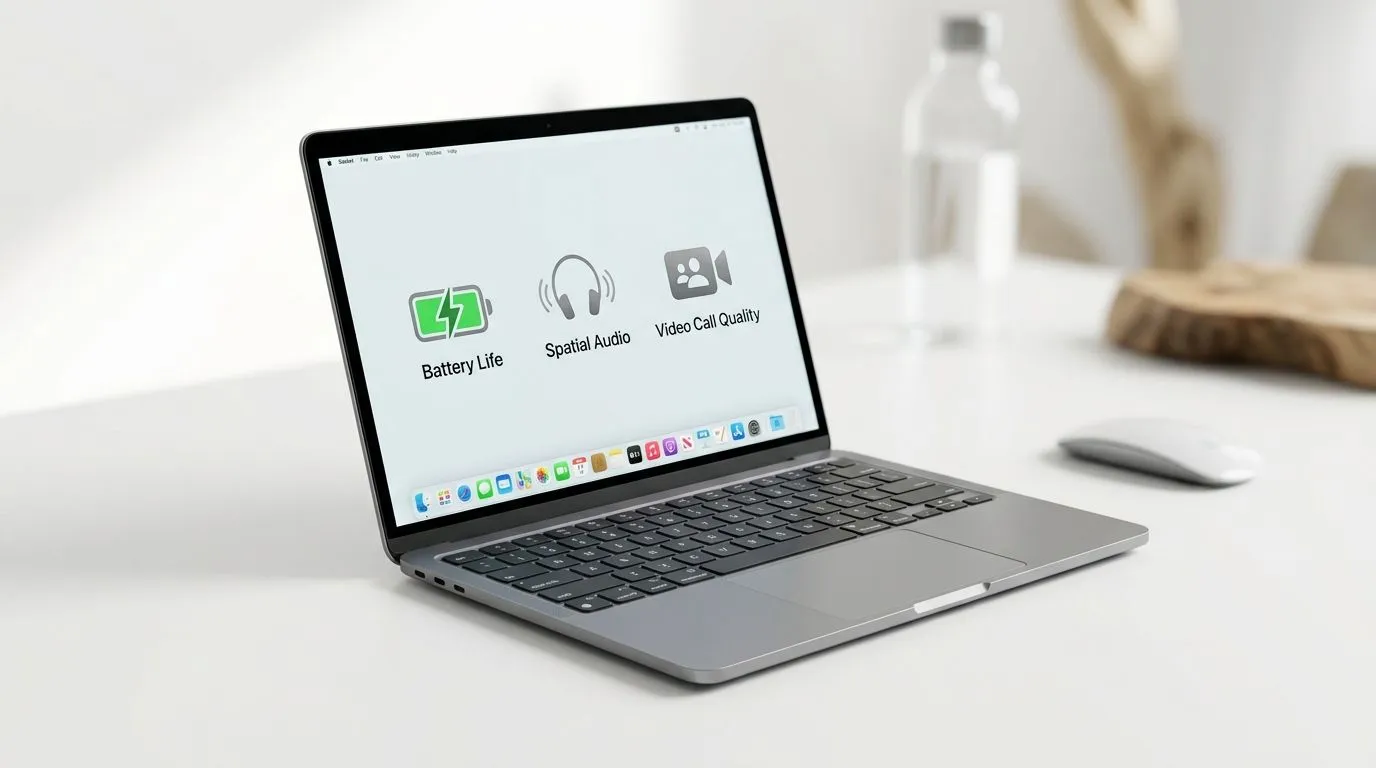
Best macOS Settings for Battery Life, Spatial Audio, and Video Calls
You’re gaming hard, streaming even harder… then your MacBook decides to die at 12%. Sound familiar? In this guide, we’ll walk through the best macOS settings for battery life, spatial audio, and video calls so your device stays cool, your headset sounds bigger, and your calls don’t lag or distort. Whether you’re in Durban traffic on Teams… or fixing audio before a ranked match, these tweaks are quick, safe, and actually noticeable. 🔋✨
Best macOS Settings for Battery Life: stop the silent drain
Battery life on macOS is mostly about two things: screen power and background activity. Start with the basics:
Adjust display and power behaviour
- System Settings → Display & Brightness → Auto-Brightness: keep it on if you want smooth transitions, but if you’re outdoors a lot, test turning it off.
- System Settings → Battery → Battery Health & Charging: enable Optimised Battery Charging to reduce wear over time.
- System Settings → Battery → Low Power Mode: turn on when you’re travelling or in long meetings. It’s not permanent, so don’t be scared to use it.
Reduce background drain (without breaking apps)
- System Settings → General → Background App Refresh: be selective. Only allow apps you truly need refreshed.
- System Settings → Privacy & Security → Location Services: set apps that don’t need location to Never or While Using.
Battery Pro Tip 🔧
on Low Power Mode for video calls. It reduces background activity and can help maintain a stable frame rate when your camera is active. If the call app still feels smooth, you’ve won the battery lottery. "
Best macOS Settings for Spatial Audio: get “bigger than life” sound
Spatial Audio works best when your device recognises the right output. Here’s the clean approach:
Choose the correct output device
- Plug in your headset, then open System Settings → Sound → Output and confirm the headset is selected.
- In your music or game app, check that spatial features aren’t muted at the app level.
Turn spatial audio on and verify
- Go to System Settings → Sound → Spatial Audio.
- Enable it, then test with a track that has clear separation (vocals plus bass). If voices sound distant, switch formats within your audio app.
If you need a MacBook upgrade to get more reliable audio and call performance, check what’s available here at Evetech:
- Browse options under R30,000 here: macbooks up to R30k
- Prefer a tighter budget? Try macbooks up to R28,449
Best macOS Settings for Video Calls: crystal voice, less echo
Video calls are where laptops quietly struggle: camera processing, network jitter, and mic pickup. Fix it in macOS first.
Mic and camera settings that actually help
- System Settings → Sound → Input: select your headset mic if you have one. It reduces room echo.
- System Settings → Privacy & Security → Microphone: ensure your call apps are allowed.
- If you use a MacBook screen in a bright room, reduce glare. It lowers your “why do I look washed out?” moments.
Reduce distractions during calls
- System Settings → Focus: set up a focus mode for calls. Silence notifications and pause background downloads.
- For meetings, close heavy tabs and keep browser extensions minimal.
You can also match your MacBook specs to your workflow. For example, if you’re running calls plus a game launcher plus a second monitor workflow, 16GB helps. Explore 16GB configurations:
And if you want smoother performance for multitasking, look at Apple silicon options like M5:
Want to compare models quickly? Start from the full list:
Ready to save battery and sound better… without guessing
Do these changes once, then test for a day:
- Turn on Low Power Mode for travel.
- Confirm spatial audio output on every headset.
- Lock microphone selection before your next meeting. ⚡
Small settings, big results… especially when you’re juggling content creation and gaming.
Ready to Find Your Perfect Match? The Mac vs Windows debate is complex, but for maximum power, choice, and value in South Africa, Windows is hard to beat. Explore our massive range of laptop specials and find the perfect machine to conquer your world.











