

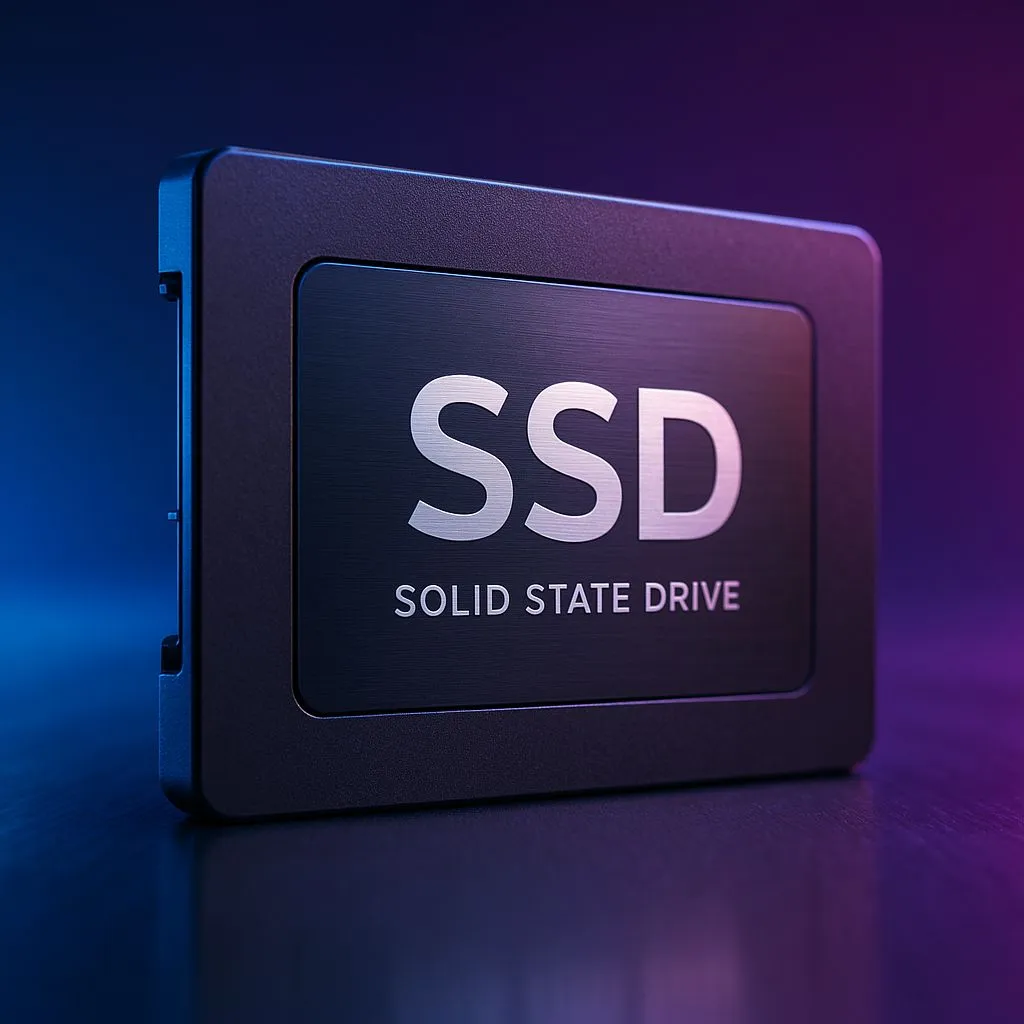
Dropping into the new Fortnite Chapter 6 map feels amazing... until it doesn't. You've got the perfect loadout, the storm is closing in, but the buildings in front of you look like blurry blobs. 😠 By the time they render, you've been eliminated by a player who was hiding in plain sight. This frustrating texture pop-in is a classic sign your storage can't keep up. It's time to find the best SSD for Fortnite Chapter 6 and secure those Victory Royales in 2025.
Why Your Old Hard Drive Can't Keep Up
Fortnite isn't the same game it was a few years ago. With every chapter, Epic Games pushes Unreal Engine to its limits, adding massive, detailed maps and high-resolution textures. Your old mechanical hard drive (HDD), with its spinning platters and moving read/write head, simply can't feed that data to your graphics card fast enough.
This delay is what causes textures to "pop in" late, giving you that ugly, low-detail look. The solution is to upgrade to a drive that can access game files instantly. Modern solid-state drives use flash memory, completely eliminating those physical bottlenecks and making them an essential upgrade for any serious gamer.
NVMe vs. SATA: Choosing the Best SSD for Fortnite
When you start looking for an SSD, you'll see two main types: SATA and NVMe. So, which is the right choice to stop texture pop-in for good?
SATA SSDs
Think of these as the entry-level champions. A SATA SSD is leagues faster than any traditional HDD and will make a massive difference to your loading times and in-game performance. They use the same cable as your old hard drive, making them a very straightforward upgrade for older PCs.
NVMe SSDs
This is the technology you want for peak performance. 🚀 NVMe (Non-Volatile Memory Express) drives plug directly into a special M.2 slot on your motherboard, bypassing cables entirely for mind-blowingly fast data transfer. If you want the absolute best SSD for Fortnite Chapter 6 and a system that feels lightning-fast, browsing the latest NVMe SSDs is the way to go. The difference in texture loading is night and day.
Check Your M.2 Slot 🔧
Not sure if your PC can take an NVMe SSD? Check your motherboard's manual or product page online for "M.2 slot". Look for terms like "PCIe Gen3" or "Gen4". A Gen4 slot will give you the fastest speeds with a compatible drive, but a Gen3 slot is still incredibly quick and a huge upgrade for Fortnite.
Key Specs to Look For in a Gaming SSD
Beyond the type, a few numbers matter when choosing your drive.
- Capacity: Fortnite's file size is always growing. We recommend a minimum of 500GB, but a 1TB drive is the sweet spot. This gives you plenty of room for the operating system, Fortnite, and a few other favourite games without having to constantly uninstall things.
- Read Speed: This is the most important spec for loading game assets and eliminating pop-in. Look for sequential read speeds of over 3,500MB/s for a good NVMe drive. This ensures textures are loaded before you even see them. Even a fast external SSD can be a great option for laptops or for taking your games on the go.
- Price: You don't need to break the bank. SSD prices have become incredibly competitive in South Africa. Keep an eye out for the best SSD deals to get maximum performance for your rand.
The Verdict: Stop Texture Pop-In for Good ✨
To guarantee a smooth, competitive experience in Fortnite Chapter 6, an upgrade is no longer a luxury... it's a necessity. While any SSD is a huge step up from an HDD, our top recommendation is a 1TB NVMe SSD.
This provides the perfect balance of speed, capacity, and value. It will completely eliminate texture pop-in, drastically cut down your loading screens, and make your entire PC feel more responsive. Explore the full range of SSDs to find the perfect drive that matches your motherboard and your budget. Don't let lag decide your next match.
Ready to Eliminate Lag for Good? A fast SSD is the single biggest upgrade you can make to stop texture pop-in and win more games. Explore our incredible SSD deals and find the perfect drive to conquer the Chapter 6 island.











