

Building an automated home in South Africa is uniquely challenging. Loadshedding and fluctuating connections make cloud-based systems frustrating. Which wireless standard should you actually trust? Finding the best Zigbee vs WiFi vs Z-Wave smart home devices for SA takes research. It comes down to budget, wall thickness, and network stability. Let us break down the ideal setup.
The Accessible Choice... WiFi Smart Gear 📶
WiFi is the easiest starting point for most local buyers. Smart plugs and RGB bulbs connect directly to your existing network. You do not need to buy a separate hub to get started. This makes it incredibly budget-friendly for beginners.
The catch is bandwidth congestion. Connecting twenty smart bulbs will quickly choke a standard ISP router. South African homes also feature thick brick walls that block weak signals. If you choose this route, you absolutely need a robust network backbone. You can easily fix dead zones by upgrading to high-performance networking routers.
The Mesh Masters... Zigbee and Z-Wave 🕸️
Zigbee and Z-Wave take a completely different approach. They create a mesh network where each device talks to the next. This keeps your internet bandwidth completely free for streaming and gaming.
Zigbee is highly responsive and supported by massive global brands. A basic Zigbee hub might set you back around R600. Z-Wave operates on a lower radio frequency. This means fewer dropped signals and better penetration through solid brick walls. Z-Wave gear is slightly pricier but offers unmatched reliability after loadshedding.
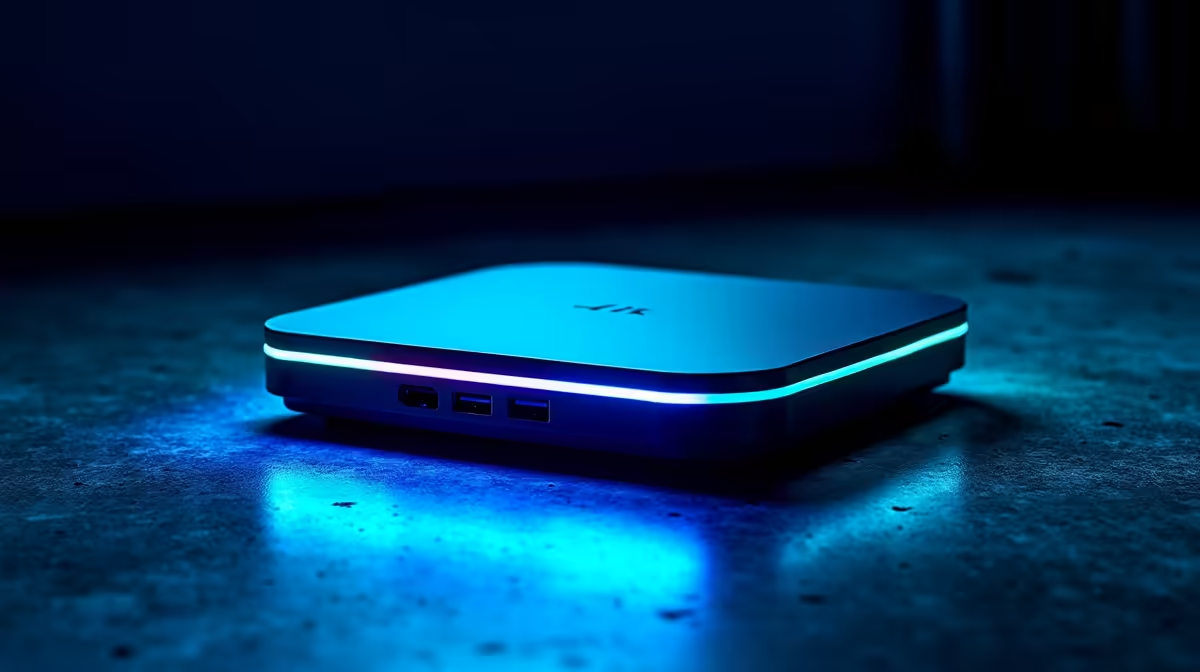
To control these mesh networks properly, you need a central brain. Many local tech enthusiasts run Home Assistant on a dedicated home server. This keeps everything running locally without relying on cloud servers. If you want a dedicated 24/7 automation hub, exploring premium pre-built PCs is a brilliant move. Alternatively, a quiet custom gaming PC can double as a powerful media and smart home server.
Powering Through the Blackouts ⚡
South African tech setups require special planning. When the grid goes down, your smart home should stay online. Local servers are vastly superior to cloud-based alternatives.
If your internet drops, a local Zigbee or Z-Wave network keeps functioning. Your battery backups will keep the central hub alive. This means your automated security lights will still trigger perfectly.
WiFi devices often panic when the internet connection drops. They constantly search for a cloud server that is unreachable. This drains power and clogs up your local router traffic.
Managing Your Local Tech Ecosystem 💻
Setting up complex lighting routines requires proper screen real estate. You really do not want to configure YAML code on a tiny mobile phone. Firing up one of the latest high-performance laptops makes managing your smart dashboards incredibly simple.
Building a futuristic house does not have to drain your ZAR reserves. Smart tech is becoming more optimised for local budgets every single year. You can frequently find incredible computing bundles and daily specials to offset the cost of extra sensors.
Network Interference Tip 🔧
When mixing Zigbee and WiFi devices, ensure your 2.4GHz WiFi channel does not overlap with your Zigbee channel. Keeping them separate prevents signal drops and keeps your automated lights responding instantly.
Start small, plan your network capacity, and scale up as your budget allows. Your ideal smart home is just a few upgrades away.
Ready to Power Your Smart Home? Whether you are managing a complex Z-Wave mesh or just need reliable WiFi, you need the right hardware to keep everything running smoothly. Explore our massive range of tech deals and build the ultimate South African setup today.











