

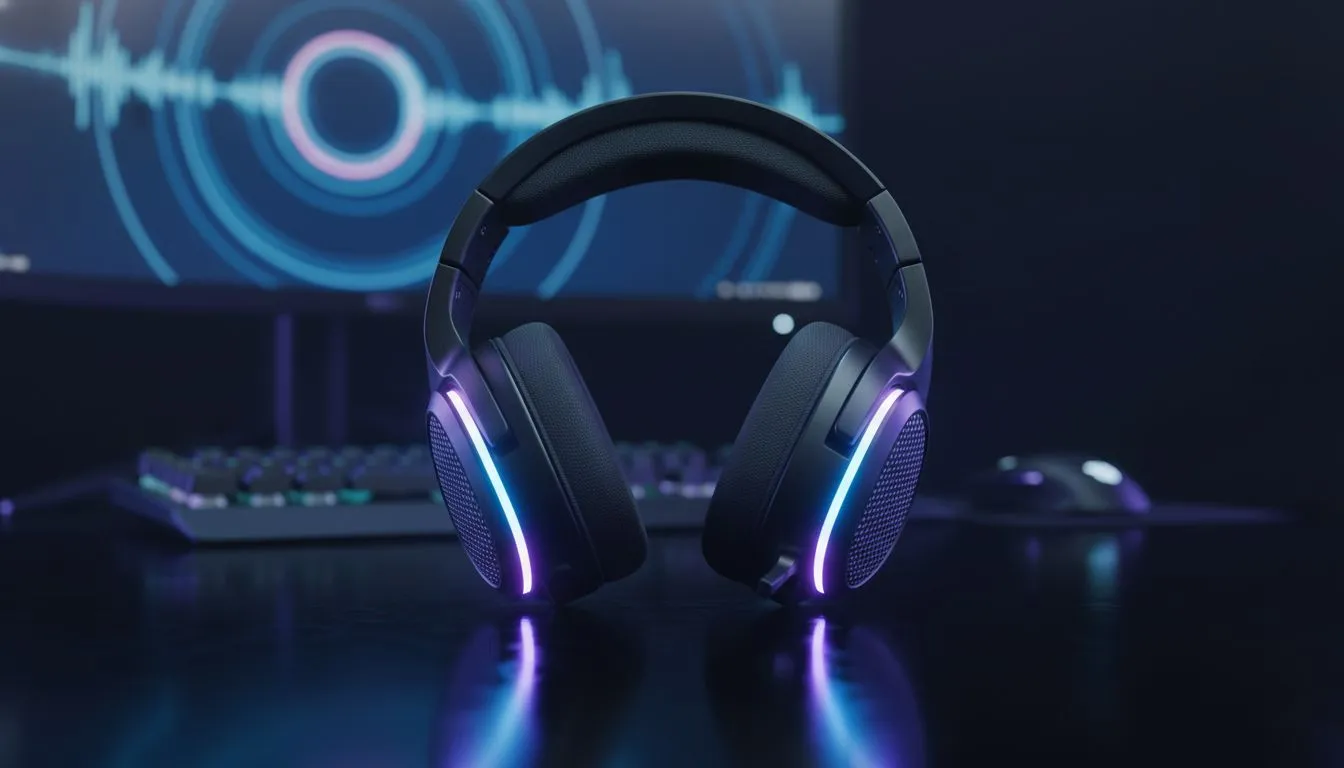
Master Your BO6 Audio Settings for Ultimate Awareness
In the high-stakes lobbies of Black Ops 6, sound is your most valuable asset. If you are tired of being flanked because you did not hear a tactical sprint behind you, your setup needs a fix. South African gamers know that every millisecond counts. Optimising your bo6 audio settings: Loudness EQ to Hear Every Footstep is the easiest way to gain a massive competitive advantage without spending a cent. 🔧
Why Loudness Equalisation is the Secret Weapon
Windows has a hidden feature called Loudness Equalisation. It balances the audio spectrum by making quiet sounds louder and loud sounds quieter. In a chaotic shooter, this means those distant footsteps become as clear as a nearby grenade blast. To enable it, right-click your sound icon... go to Playback Devices... and find the Enhancements tab for your primary output.
If you are looking for hardware that supports these fine-tuned frequencies, the Razer Barracuda X Chroma Wireless Headset is an incredible choice for local players. It offers the clarity needed to distinguish between a teammate and an enemy approaching from the shadows.
Optimal In-Game Audio Configuration
Once Windows is set up, you must align your in-game menus. Set your Audio Mix to "Headphone Bass Boost" or "Home Cinema". These profiles naturally emphasise the lower frequencies where footstep thuds live. Turn the cinematic music down to zero. It sounds great... but it only serves to distract you during a 1v1 clutch moment.
Having the right gear makes these software changes even more effective. You can browse a variety of Razer headphones and headsets that are specifically designed for spatial awareness. A good pair of drivers will ensure that the "Loudness EQ" effect does not sound distorted or muddy during intense firefights. ⚡
Audio Precision Tip ⚡
Always set your Windows sample rate to 48kHz (DVD Quality). Higher rates like 96kHz or 192kHz can sometimes cause audio "popping" or delay in fast-paced engines like BO6. This simple tweak ensures your audio processing stays synced with the game's tick rate for the most accurate positioning possible.
Elevate Your Setup for Local Servers
With local South African servers providing low-latency gameplay, your audio needs to be just as responsive. If your current gear feels a bit dated, it might be time for an upgrade. Check out the wide range of headphone headsets available at Evetech to find something that fits your budget. 🚀
Whether you are playing on a budget or a high-end rig, these bo6 audio settings: Loudness EQ to Hear Every Footstep will change how you approach every corner. You will stop guessing where the enemy is... and start pre-firing with confidence. High-quality audio is not just a luxury... it is a necessity for anyone serious about their rank. ✨
Ready to Hear the Difference? Don't let poor audio hold your K/D ratio back. For the best deals on gaming gear and the most competitive prices in South Africa, we have you covered. Explore our massive range of headset specials and find the perfect pair to dominate the leaderboards today.











