

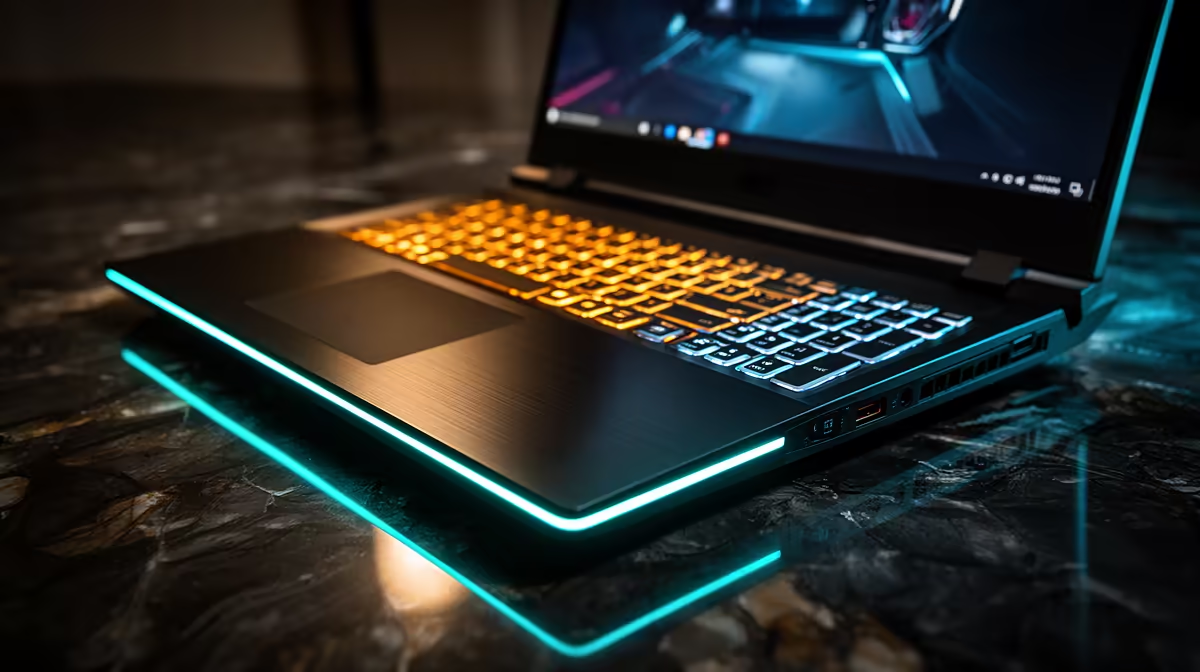
So, you've grabbed one of the first Copilot+ PCs in South Africa? Lekker! These machines are built for the future of AI, packing a dedicated Neural Processing Unit (NPU) for incredible efficiency. But are you getting every drop of power from your new investment? A few smart tweaks can make it fly. 🚀
Let's dive in and show you exactly how to boost your Copilot+ laptop performance and unlock its true, brainy potential.
Understand Your NPU for Better Performance
Before we tweak, let's quickly understand the magic inside. Unlike traditional laptops that rely solely on the CPU and GPU, a Copilot+ PC has an NPU. Think of it as a specialised brain for AI tasks like real-time translation, advanced background effects in video calls, or using the new Recall feature.
By optimising how your system uses this NPU, you free up your main processor and graphics card for gaming, creative work, and everything else you love to do. This is the key to maximising your Copilot+ laptop's performance.
Optimise Your Software for Peak AI Speed 🔧
The quickest wins often come from software. Getting your settings and drivers in order ensures the hardware can run at its full potential without any bottlenecks.
Keep Your System & Drivers Updated
This might sound basic, but for new tech, it's critical. Manufacturers are constantly releasing updates to improve stability and speed.
- Windows Update: Always run the latest version of Windows 11. Microsoft is continuously refining how the operating system works with NPUs.
- Graphics Drivers: Whether you have NVIDIA, AMD, or Intel graphics, keep those drivers fresh. They often include specific optimisations for AI applications.
- Manufacturer Software: Use apps like Dell Update or HP Support Assistant to get the latest firmware and chipset drivers. These are essential to improve Copilot+ performance on models from our range of cutting-edge AI laptops.
Pro Performance Tip ⚡
In Windows 11, go to Settings > System > Display > Graphics. Here, you can manually assign specific apps to use your high-performance GPU. This is perfect for ensuring your games or video editing software get maximum power, while letting the NPU handle background AI tasks.
Hardware Choices That Boost Copilot+ Laptops
While the "Copilot+ PC" badge guarantees a certain level of performance, the components inside still matter immensely. If you're feeling a slowdown, or are planning your next purchase, here’s what to focus on.
The RAM and Storage Equation
AI processes love memory. While the minimum spec for a Copilot+ PC is 16GB of RAM and a 256GB SSD, pushing beyond this makes a real-world difference.
- RAM: With 32GB of RAM, you can comfortably run multiple applications, a dozen browser tabs, and AI features like Live Captions simultaneously without a stutter.
- Storage: A fast NVMe SSD doesn't just make your laptop boot faster; it ensures that AI models and apps load instantly.
If your current machine is struggling, a RAM or SSD upgrade could be the most cost-effective way to get a speed boost. You can check out our latest laptop specials to see what powerful new configurations are available.
Choosing the Right Processor
The processor is the heart of your machine, and modern CPUs from AMD and Intel are designed with AI in mind. For example, the latest generation of Laptops with AMD Ryzen AI integrates a powerful XDNA architecture specifically to accelerate AI workloads on-device, ensuring your experience is snappy and responsive.
Ultimately, a balanced system with a modern processor, ample RAM, and fast storage is the perfect foundation to get the absolute best Copilot+ laptop performance in South Africa. ✨
Ready to Unleash True AI Speed? Optimising your machine is key, but starting with the right hardware makes all the difference. A powerful Copilot+ PC is your ticket to the future of computing in South Africa. Explore our massive range of laptop specials and find the perfect machine to conquer your world.











