

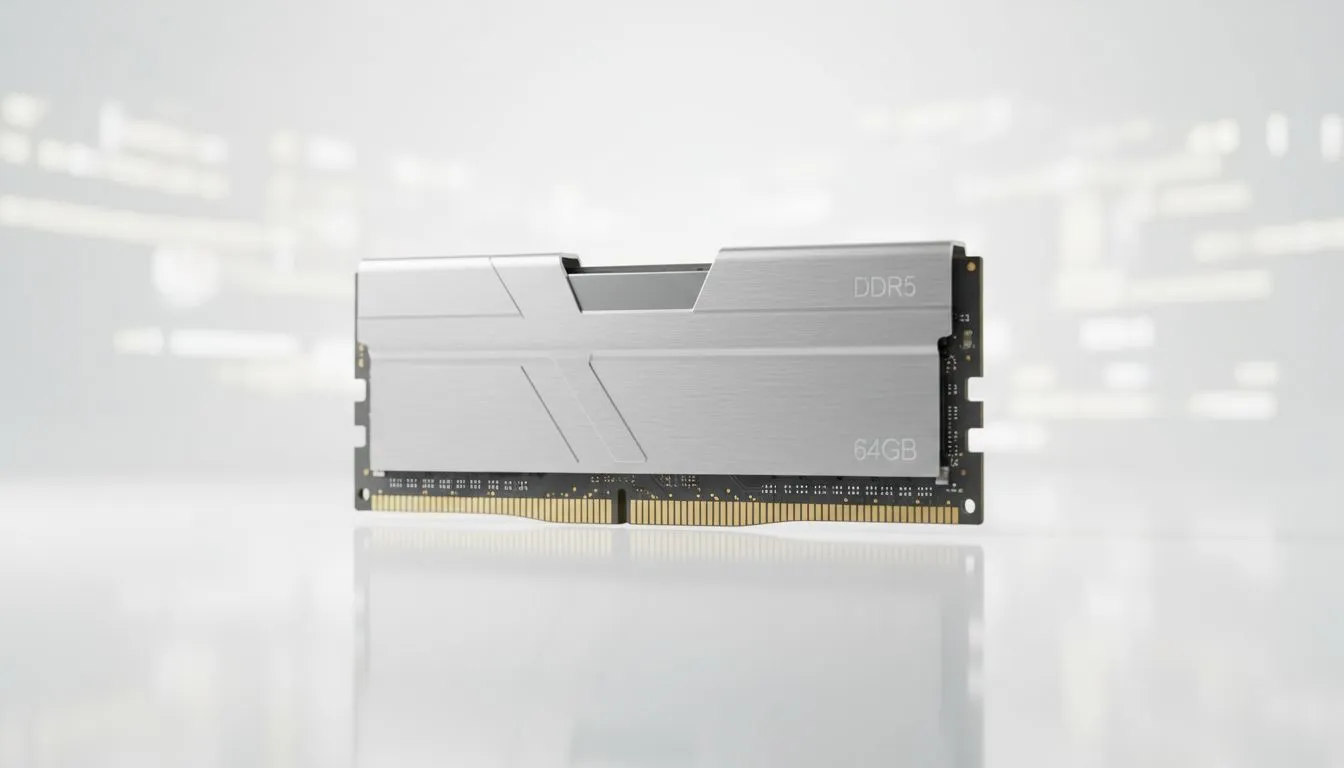
You know the feeling. You’re deep in a Discord call, a YouTube guide is playing on your second screen, and you have about 27 browser tabs open for research… just in case. Suddenly, everything grinds to a halt. Your mouse stutters. The audio crackles. It’s a classic sign your browser needs more RAM, and it’s one of the most common bottlenecks for South African gamers and power users today. Let's fix that. 🚀
Why Your Browser is So RAM-Hungry
It's easy to blame Chrome or Firefox, but modern web pages are complex applications. Each tab, extension, and video stream runs as its own process, demanding a slice of your PC’s memory (RAM). When you run out, your system starts using the much slower storage drive as "virtual memory," and that’s when the lag kicks in.
For gamers, this is a nightmare. Alt-tabbing out of a competitive match in Valorant or Apex Legends to check a guide can cause your whole system to freeze if your browser is hogging all the resources. It’s not just an inconvenience; it can cost you the round. This is a clear signal that your setup is struggling and your browser needs more RAM to multitask effectively. For many, a simple upgrade to a solid DDR4 memory kit is the most effective fix.
Quick Fixes Before You Upgrade
Before you spend a cent, there are a few software-side tricks you can try to manage your tabs without the lag. These methods help you get the most out of your current hardware.
Tame Your Tabs with Extensions & Settings
Modern browsers have built-in tools to help. In Google Chrome, head to Settings > Performance and ensure "Memory Saver" is turned on. This automatically "freezes" inactive tabs, freeing up precious memory for the tasks you're focused on.
For older systems that might still be running on a budget, even a small boost can make a difference. If you're on an older motherboard, checking for compatible DDR3 gaming RAM modules can be a cost-effective way to get a little more headroom.
Keyboard Shortcut Pro Tip ⚡
Overwhelmed by tabs? Use Ctrl + Shift + A (in Chrome Edge) to open a search box that instantly finds any open tab. It's much faster than clicking through them one by one and helps you close what you don't need, freeing up RAM on the spot.
The Telltale Signs You Need a RAM Upgrade
Software tweaks can only do so much. If you experience these symptoms regularly, it's a clear sign your hardware is the bottleneck and your PC needs more physical RAM.
- System-wide Sluggishness: It’s not just the browser; other apps and even Windows itself feel slow.
- Frequent Freezing: Apps become unresponsive when you have multiple tabs open.
- "Low on Memory" Errors: Your PC is literally telling you it's out of breath.
- Struggling with Modern Games: Many new titles recommend 16GB of RAM. If you have 8GB, your browser and game will be fighting for resources.
For most gamers in 2024, 16GB is the sweet spot. However, if you're a streamer, content creator, or just want to future-proof your rig, jumping to 32GB of the latest DDR5 memory is a brilliant investment for buttery-smooth performance. ✨
Choosing the Right RAM for Your Rig
Upgrading RAM is one of the easiest PC upgrades you can do. The main thing to check is your motherboard's compatibility—is it DDR4 or DDR5? Once you know that, you can pick a kit that fits your budget and performance needs.
When it comes to the latest platforms, performance and stability are key. That's why trusted brands like Kingston DDR5 are a top choice for enthusiasts who demand proven reliability and speed. For builders looking for that perfect mix of high performance and excellent value for money, options from ADATA DDR5 deliver fantastic speeds without breaking the bank. 🔧
Ultimately, feeding your PC more RAM is the definitive solution when your browser and games are fighting for resources. It smooths out your entire computing experience, from browsing to epic gaming sessions.
Ready to End the Lag for Good? A slow browser is a symptom, not the problem. Upgrading your RAM is the single most effective way to speed up your entire system. Explore Evetech's massive range of RAM deals and give your PC the breathing room it deserves.











