

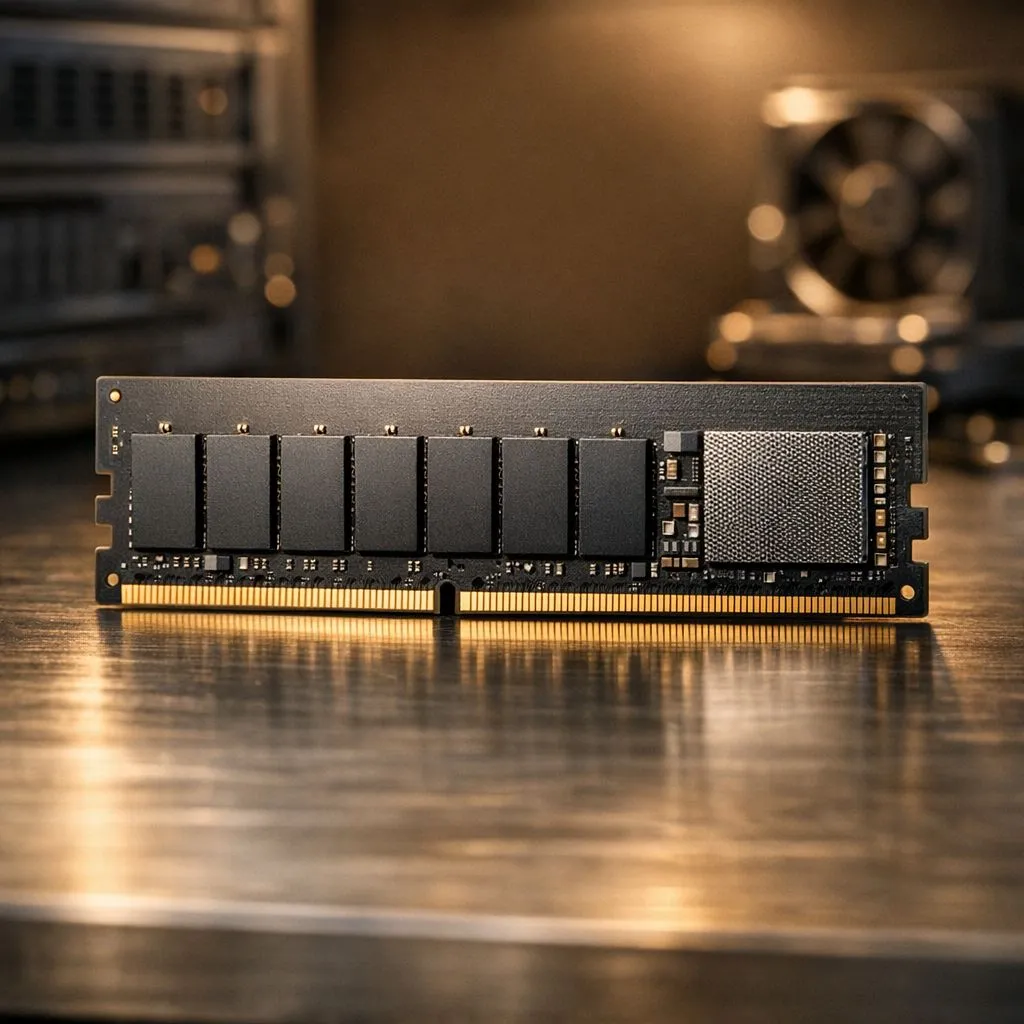
Ever stared at a loading screen, willing it to finish faster? Whether you're booting up Apex Legends or just opening a massive spreadsheet, that frustrating delay is often a bottleneck your PC’s RAM and CPU can’t solve alone. The secret to that instant, snappy feeling lies in a small but mighty component you might not even know about: cache memory. This is the unsung hero that dramatically speeds up your daily tasks. 🚀
So, What Exactly is Cache Memory?
Think of your computer’s storage (SSD or HDD) as a massive warehouse in another city. Your RAM is like your local shop's stockroom… much closer and faster. But cache memory? That’s the small workbench right next to your CPU, holding the exact tools and data it needs for the job right now.
It’s a small, extremely fast type of memory located directly on or very close to the processor. Its one job is to store frequently accessed data and instructions. By predicting what the CPU will need next and having it ready, cache memory prevents the processor from having to wait for data to arrive from the much slower RAM, drastically speeding up your tasks.
The Different Levels of Cache: L1, L2, and L3
Not all cache is created equal. It's organised in a hierarchy, with each level offering a different balance of speed and size.
L1 Cache: The CPU's Personal Assistant
This is the fastest and smallest level of cache, built right into each CPU core. It holds the most critical, immediate instructions. It's tiny, often measured in kilobytes (KB), but its lightning speed is essential for keeping the processor fed with data without any delay.
L2 Cache: The Team Supervisor
L2 cache is slightly larger and a bit slower than L1. It serves as a backup, holding data that the CPU is likely to need soon but not immediately. In modern processors, both Intel and AMD have refined how L2 and L3 caches work together to optimise performance. You'll see these differences play out across the latest Intel laptops on special and the newest Ryzen laptop deals.
L3 Cache: The Shared Library
This is the largest and slowest level of cache, but it's still much faster than your main system RAM. L3 cache is typically shared across all cores of the CPU. It acts as a large pool of data that any core can access, which is fantastic for multitasking and complex applications like gaming or video editing. A larger L3 cache is often a key feature in the best gaming laptop deals, as it helps keep frame rates smooth and consistent.
Check The Specs! 🔧
When comparing CPUs, don't just look at clock speed (GHz) and core count. Pay attention to the L3 cache size (listed in MB). A CPU with a larger L3 cache can often outperform one with a slightly higher clock speed in real-world tasks, especially in gaming and content creation.
How Cache Memory Boosts Your Real-World Performance
Okay, the theory is great, but how does this help you when you’re trying to clutch a round in Valorant? ✨
A powerful CPU with a healthy amount of cache memory directly translates to a smoother experience. For gamers, it means quicker loading times for maps and textures because that data is pre-loaded into the cache. For creative professionals, it means apps like Adobe Photoshop or Premiere Pro launch faster and feel more responsive when applying complex filters.
Even on a budget, the impact is noticeable. You don't need to break the bank to get a system that feels quick and responsive for everyday work and play. Many of our top-rated gaming laptops under R20k are built around processors with excellent cache architecture.
Ultimately, a good cache system works hand-in-hand with your GPU to deliver a seamless experience. The CPU prepares the frames and instructions, and the GPU renders them. When the CPU can do its job faster thanks to its cache, your whole system benefits, which is why our range of GeForce RTX gaming laptops on special pair powerful graphics with CPUs that won't hold them back.
Ready for a Real Speed Boost? Understanding cache memory is the first step to unlocking true performance. Don't let a slow CPU hold you back. Explore our incredible range of laptop deals and find a machine with the power to keep up with you.











