

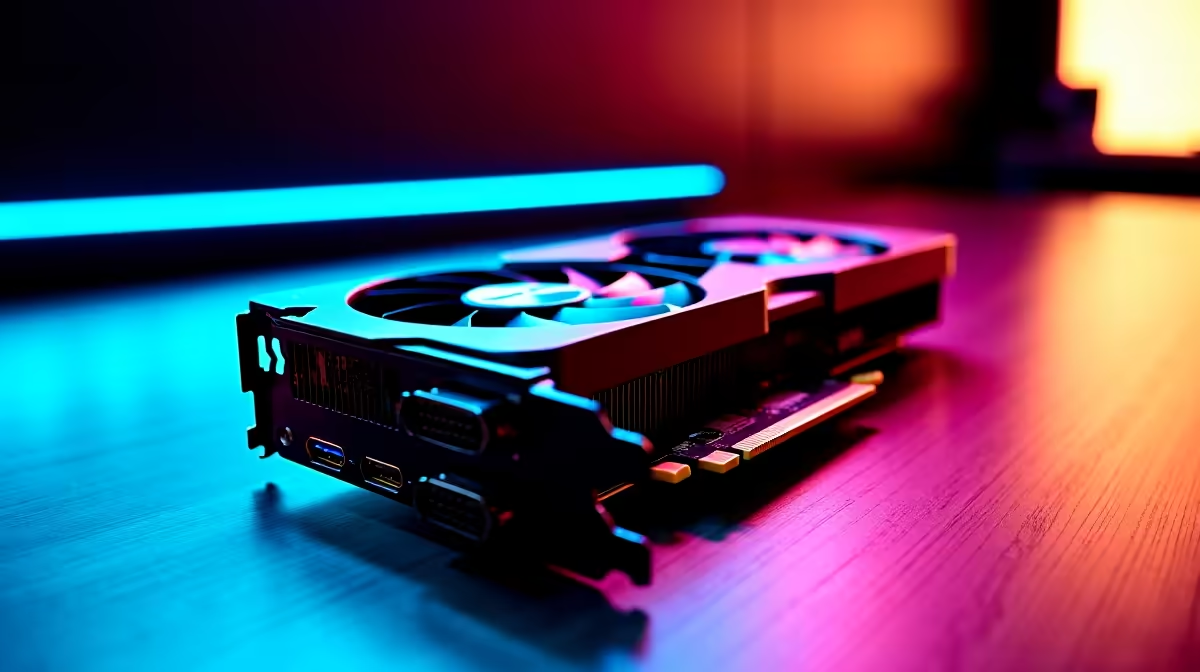
Ever stared at your desk and thought three screens would be the ultimate flex? You aren't alone. South African gamers and remote workers love a massive digital workspace. But if you are eyeing Nvidia's newest budget contender, you are probably asking... can the RTX 5050 handle triple monitor setups? Let us dive into the real-world performance to see if this entry-level GPU can push all those pixels.
Understanding the Hardware Limits ⚡
The RTX 5050 brings incredible power efficiency to the table. While it might not rival the flagship titans, it packs enough punch for daily multitasking. If your goal is running spreadsheets, watching streams, and managing Discord simultaneously, this card barely breaks a sweat.
To make this happen, you just need to pair it with the right high-refresh-rate monitors to keep your workflow buttery smooth. Most modern 50-series cards come equipped with multiple DisplayPort and HDMI outputs, making physical connectivity a breeze.
Gaming Across Three Screens 🚀
Now, what about gaming? Spanning a modern AAA title across three 1080p displays requires serious graphical horsepower. The RTX 5050 is a 1080p champion on a single screen... but tripling that resolution stretches its VRAM to the absolute limit.
For demanding games, you will need to dial back the graphics settings, optimise your background apps, or rely heavily on DLSS 4 to maintain playable frame rates. If you want uncompromising ultra settings across all three displays, you might want to explore beefier graphics cards in our catalogue.
Multi-Monitor Pro Tip 🔧
When setting up three screens, try to use monitors with the exact same native resolution and refresh rate. Mixing a 60Hz panel with a 165Hz panel can sometimes cause micro-stuttering in Windows when moving applications between displays.
The Supporting Cast ✨
Your GPU does not work in isolation. Pushing pixels to multiple displays while running heavy background tasks demands a balanced system. A strong CPU and plenty of RAM are essential to prevent bottlenecks.
If you are building from scratch, checking out our pre-built PC specials is a great way to guarantee system harmony without spending R30,000 or more on custom parts. Alternatively, if you want something tailored purely for high frame rates, our premium gaming PC deals offer rigs perfectly balanced for multi-display setups.
What About Portability?
Not everyone wants a massive desktop tower dominating their room. If you travel often or just prefer a cleaner aesthetic, modern mobile GPUs are incredibly capable. Many new high-performance laptops feature Thunderbolt 4 or HDMI 2.1 ports. This allows you to dock them at home, run a triple monitor setup with ease, and then pack up and go when the loadshedding schedule forces a sudden location change.
Ready to Expand Your View? Whether you are building a budget-friendly productivity station or a full-blown sim racing rig, having the right hardware makes all the difference in South Africa. Explore our massive range of PC upgrades and find the perfect parts to power your ultimate setup today.











