

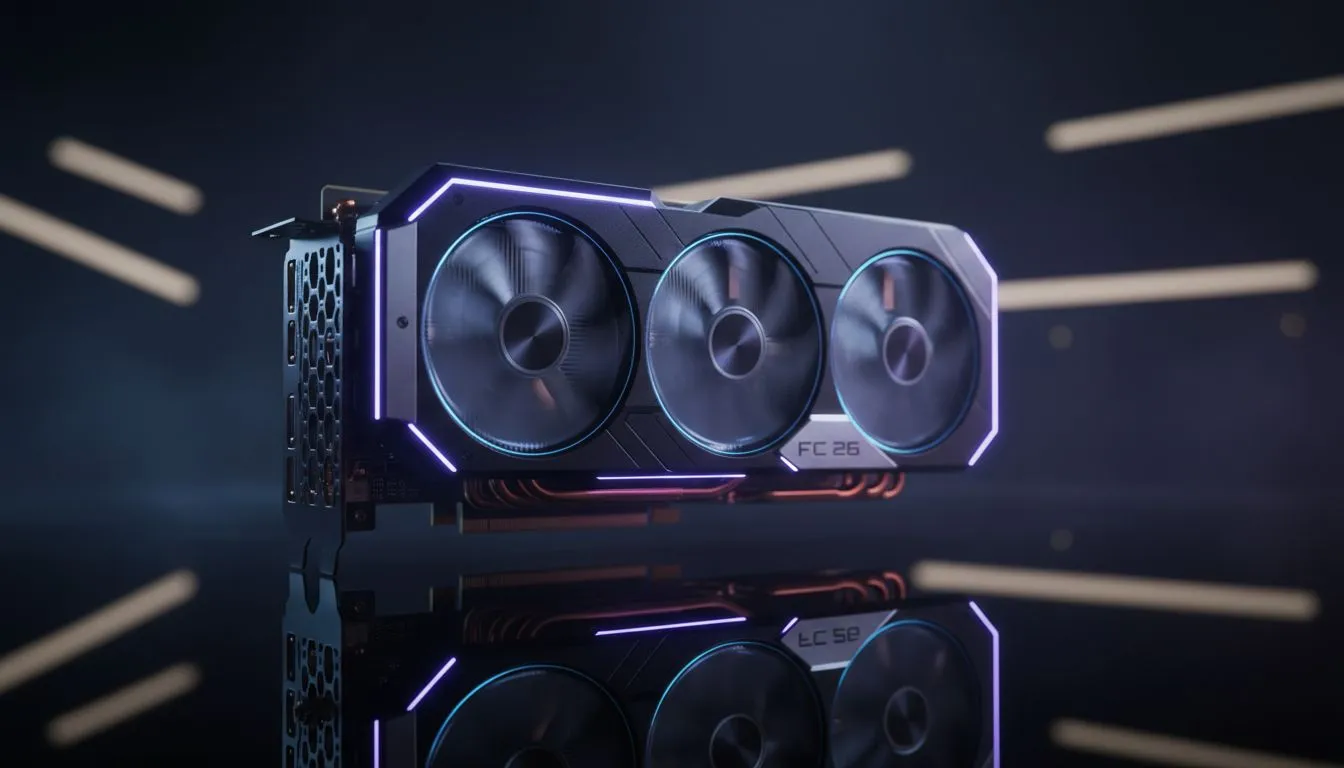
FC 26 is finally here, but nothing ruins a last-minute counter-attack like a sudden frame drop. If you see screen tearing or micro-stutters on your PC, you are not alone. Many South African players struggle with unoptimised settings. Learning how to cap FPS in FC 26 is the secret to getting that buttery smooth gameplay we all crave on the pitch. ⚽
Why Capping Your Frames Matters in FC 26
Most gamers think more frames are always better. In reality, inconsistent frame delivery causes visible stutters. When your GPU pushes 140 FPS but your monitor only handles 60Hz, you get screen tearing. By learning how to cap FPS in FC 26, you align your hardware output with your display. This creates a much more stable experience. If your current hardware is struggling to keep up, upgrading to modern NVIDIA and ATI graphics cards can provide the headroom needed for high-fidelity football.
How to Cap FPS in FC 26 Using In-Game Settings
The easiest way to limit your performance is through the FC 26 settings menu. Navigate to Display Configuration and look for the Frame Rate option. You can usually choose between "No Limit", "60 FPS", or "30 FPS". For most players in South Africa, locking this to 60 FPS is the safest bet for stability. If you are using high-end MSI graphics cards, you might prefer using external software for more granular control.
Performance Pro Tip ⚡
Always disable 'Dynamic Resolution' in the FC 26 display settings. While it tries to help performance, it often causes sudden blurriness during corners or fast breaks. Setting a fixed resolution with a capped frame rate provides a much cleaner visual experience throughout the entire match.
Using Driver Software for Better Results
Sometimes the in-game limiter is not enough. You can use the NVIDIA Control Panel or AMD Adrenalin software to set a Max Frame Rate globally. This is often more reliable than the game's own engine. Even those using Intel Arc graphics cards have access to specific driver tools to manage frame pacing.
For those who prefer the red team, AMD Radeon graphics cards offer a feature called Radeon Chill. This dynamically saves power while keeping your frames within a specified range... perfect for keeping your PC cool during a hot South African summer.
Smooth Play for Every Setup
Not everyone is using a dedicated gaming rig. Some users run simulations or heavy renders on workstation graphics cards and play a few matches during their lunch break. No matter your hardware, the goal remains the same. A steady 60 FPS feels significantly better than a fluctuating 90 FPS. Capping your frames ensures your CPU and GPU work in harmony... reducing heat and preventing those annoying mid-game hitches. ⚡
Ready to Score the Winning Goal? Fixing your frame rate is just the start of a premium gaming experience. For the best deals on hardware that can handle FC 26 without breaking a sweat, we have you covered. Explore our massive range of laptop specials and find the perfect machine to conquer the pitch today.











