

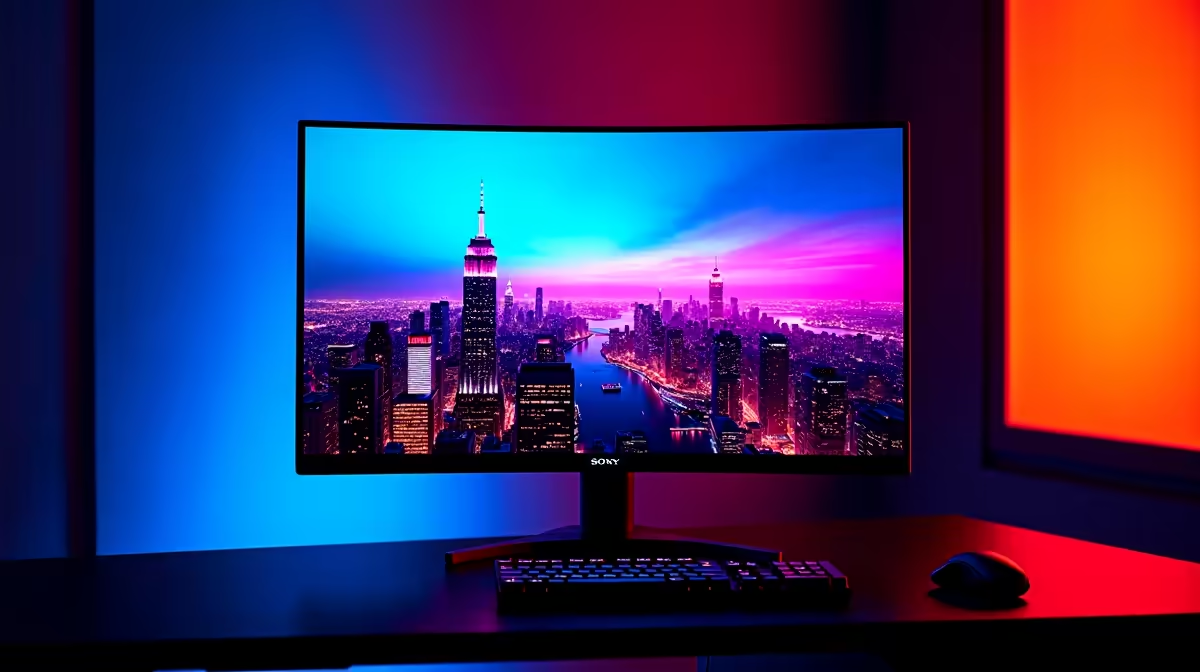
If you have just stepped into the neon-soaked ruins of the latest soulslike, you have likely noticed the striking contrast between glowing ichor and deep shadows. Getting your Code Vein 2 HDR settings right is the difference between a muddy mess and a visual masterpiece. For South African gamers, balancing peak brightness with local lighting conditions is key to ensuring those vibrant effects do not lose their punch ⚡.
Optimise Your Display for Neon Environments
High Dynamic Range (HDR) is not just a toggle you flip and forget. It requires fine-tuning your PC monitors to match the game engine’s specific output... especially when navigating the high-contrast environments of the Neon Cities. If your screen is not calibrated, the glowing blues and purples of the city streets can bleed into the dark corners, hiding enemies and lowering your survival rate.
Start by checking our latest best PC monitor deals to see if your current hardware actually supports true 10-bit colour. Many budget panels use "simulated" HDR which can often make the game look worse. If you are seeing "grey" blacks instead of deep, inky shadows, you need to adjust the HDR Black Level in the game’s system menu... this prevents that washed-out look that ruins the atmosphere.
HDR Calibration Pro Tip ⚡
Before adjusting in-game sliders, use the Windows HDR Calibration app available on the Microsoft Store. It creates a system-level profile that tells the game exactly what your monitor's minimum and maximum luminance levels are, preventing "clipping" where bright highlights lose all their detail.
Finding the Best Hardware for Code Vein 2 HDR Settings
For those seeking maximum immersion in the Vein, the choice of panel type is pivotal. Our wide selection of all gaming monitors includes OLED and Mini-LED options that are perfect for handling the intense highlights of neon signs against pitch-black alleyways. If you prefer a wrap-around view that covers your peripheral vision, curved monitors can help keep you focused on the action while the HUD remains easily accessible at the edges 🚀.
Resolution and Connectivity Matters
High resolution is non-negotiable for a sequel this detailed. Browsing our 5k/4k monitors will reveal textures you might have missed... from the intricate stitch work on your character’s veil to the flickering lights of a distant skyscraper.
Sometimes, the issue is not the screen but the bandwidth. Check out our monitor accessories for high-quality HDMI 2.1 or DisplayPort cables. These ensure your signal is strong enough to handle 4K resolution with HDR enabled at high refresh rates ✨. Even if you are a mobile warrior, portable monitors have come a long way in offering decent HDR support for gaming on your laptop while visiting friends or travelling across South Africa.
Final Adjustments for Peak Performance
Once your hardware is sorted, return to the Code Vein 2 HDR settings menu. Set the "Paper White" brightness to a level that makes the UI readable without it glowing like a sun. Most players find a value between 100 and 200 nits works best for evening sessions in a dimly lit room 🔧. By taking ten minutes to calibrate properly, you ensure that every boss fight and cinematic look exactly as the developers intended.
Ready to See the Light? The quest for the perfect visual experience is complex, but for maximum immersion and value in South Africa, a high-end display is hard to beat. Explore our massive range of gaming monitor specials and find the perfect screen to bring the Neon Cities to life.











