

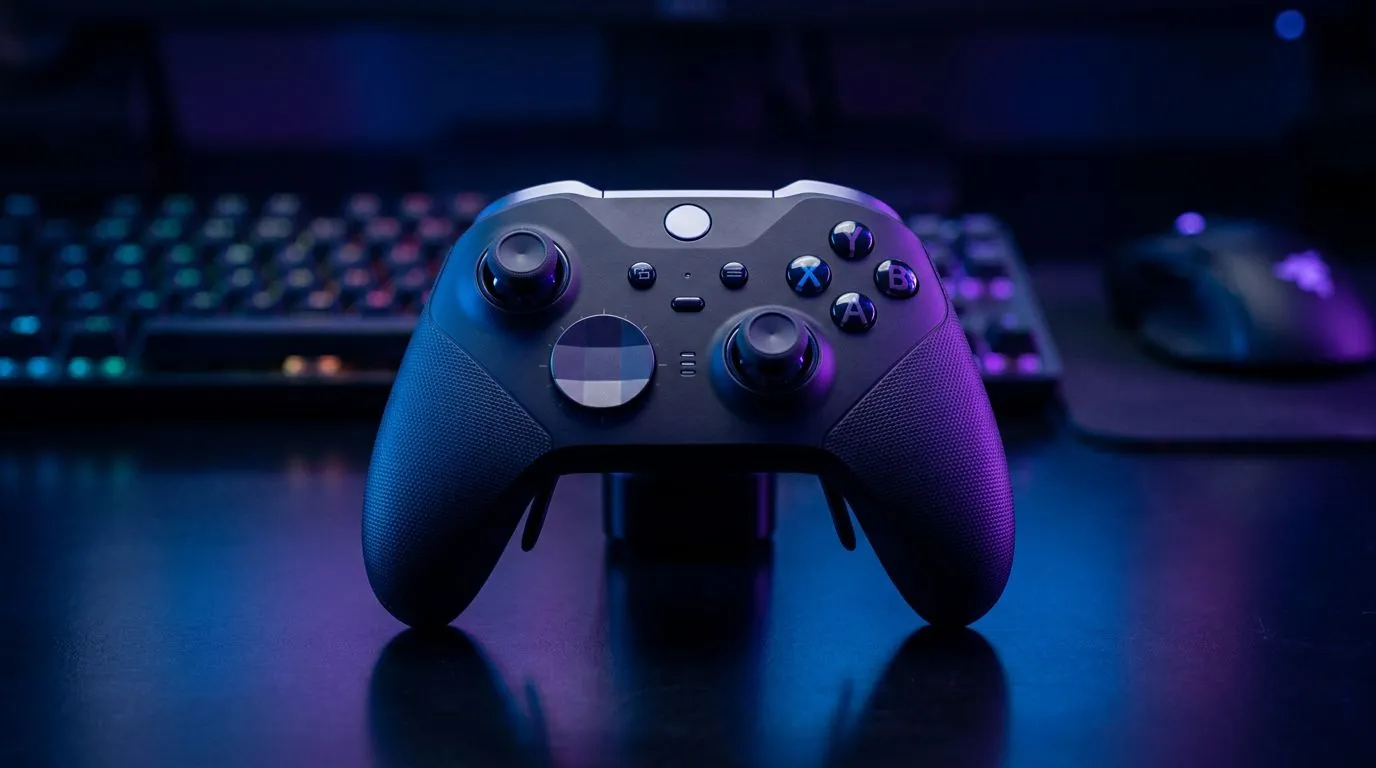
Controller vs Keyboard and Mouse: When a Controller Is Better
South African gamers — tired of awkward aim and cramped living-room setups? Whether you're queued for a LAN in Cape Town or gaming on a sleeper laptop in Jozi, knowing when to pick a controller can save hours of frustration and improve wins. Controllers shine in relaxed, analogue-heavy play — racing, platformers, fighting games — and this guide shows exactly why, when, and which options to consider. 🔧✨
Controller vs Keyboard and Mouse: Comfort, Reach, and Play Style
Comfort matters. Controllers keep your hands symmetrical, reduce wrist extension, and let you play on a couch or TV without a desk. For games where movement is analogue and aim is assisted, controllers often feel more intuitive. If you prefer light, tactile button presses and precise pixel-level aim, keyboard and mouse still rule. For a quick way to test the controller experience, browse Evetech’s controller selection and compare models here: Razer Wolverine V3 Tournament Edition and similar controllers on Evetech. https://www.evetech.co.za/razer-wolverine-v3-tournament-edition-8k/best-deal/24274
When a Controller Is Better: Game Types and Situations
Controllers typically win in:
- Racing and flight sims — analogue sticks give smoother steering and throttle control.
- Fighting games and platformers — sticks and face buttons are built for combo flow.
- Local multiplayer and couch co-op — controllers are effortless to pass around. If you mainly play shooters competitively on PC, keyboard and mouse often deliver memorably tighter aim. Still, many console-style FPS players find aim assist + controller combos very usable on crossplay titles.
Controller vs Keyboard and Mouse: Hardware Choices and Features
Not all controllers are equal. Look for low-latency or high-polling options if you care about responsiveness — some controllers now advertise advanced polling tech and hardware remaps. For browsing controllers and filtering by brand, check Evetech’s full controller category for availability and specs. ⚡ https://www.evetech.co.za/PC-Components/buy-gaming-controllers-365
Pro Tips: Settings, Remaps, and Ergonomics
Productivity Pro Tip ⚡
On Windows, use the PowerToys FancyZones utility to create custom snap layouts for your windows. It's a lifesaver for managing multiple apps on an ultrawide monitor, letting you organise your timeline, preview window, and asset folders perfectly for video editing.
Quick tweaks that make controllers sing:
- Tune deadzones and sensitivity per game; smaller deadzones for sharper turning.
- Enable aim assist where available; it often bridges the gap vs mouse aim.
- Use controller remap profiles for complex actions; pro controllers let you rebind paddles and triggers.
If you prefer Razer hardware, Evetech lists Razer controllers and filtered Razer options so you can compare features like polling and trigger mapping. 🚀 https://www.evetech.co.za/PC-Components/buy-gaming-controllers-365?brands=Razer
Final Take: Choose by Game, Comfort, and Context
Controller vs keyboard and mouse isn't a single right answer. Match your primary genres, your play environment, and whether you prioritise ergonomics or absolute precision. Try a controller for a weekend before switching; many South African retailers, including Evetech, have returns and product pages with full specs to help you decide.
Ready to Find Your Perfect Match? The Mac vs Windows debate is complex, but for maximum power, choice, and value in South Africa, Windows is hard to beat. Explore our massive range of laptop specials and find the perfect machine to conquer your world.











