

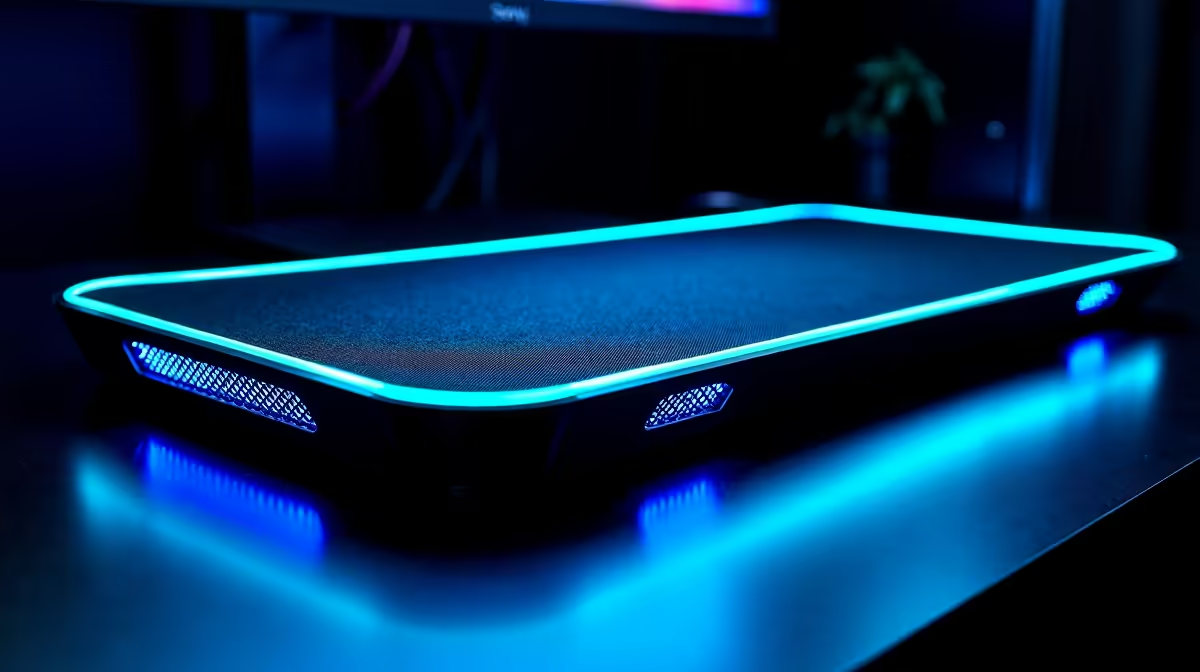
Struggling to maintain 60FPS in the Dark Place? Remedy’s Northlight Engine is a visual masterpiece, but it’s also a certified laptop killer. In the South African heat, thermal throttling can turn your high-end rig into a stuttering mess. If you've noticed your frame rates dipping during intense Alan Wake 2 sessions, it might be time to look at how cooling pads prevent throttling in Northlight Engine games.
Why the Northlight Engine Demands Better Cooling
Remedy Entertainment’s Northlight Engine is a technical marvel. It handles complex physics and ray-traced reflections with ease. However, these features come at a cost... heat. Laptops are particularly vulnerable. When the internal temperature hits a certain threshold, the system slows down to protect itself. This is thermal throttling. If you want to maintain peak performance, understanding how cooling pads prevent throttling in Northlight Engine games is essential for every South African gamer. ⚡
How Cooling Pads Prevent Throttling in Northlight Engine Games
The primary issue is airflow. Most gaming laptops pull air from the bottom vents. When placed directly on a desk, the intake gap is tiny. By using laptop cooling pads, you lift the chassis and provide a dedicated stream of air. In a heavy title like Alan Wake 2, this extra breathing room can keep your GPU from downclocking. It is the difference between a smooth 60FPS and a stuttering mess during a boss fight. ❄️
Top Cooling Choices for Local Conditions
In South Africa, our ambient temperatures are often higher than in Europe or America. This means our hardware works harder to stay cool. If you are looking for premium reliability, Cooler Master cooling solutions offer superior build quality and high-pressure fans. They are designed to move air through dense laptop grills effectively. 🔧
For those looking for a budget-friendly way to keep their rigs running, affordable MARVO cooling pads provide excellent value, often starting under R300. Keeping your gear cool doesn't have to cost a fortune... but it will save your hardware in the long run. 🚀
Airflow Pro Tip ⚡
Always use your laptop on a flat, hard surface. Using it on a bed or carpet chokes the intake vents. Even a basic stand helps, but an active cooling pad is the best way to keep those Northlight textures crisp without the stutter.
Ready to Keep Your Cool? The Northlight Engine is demanding, but for maximum performance and hardware longevity in South Africa, keeping your laptop cool is vital. Explore our massive range of cooling pads and find the perfect accessory to keep your frame rates high.











