

Beat the Heat and Keep Your Frames High
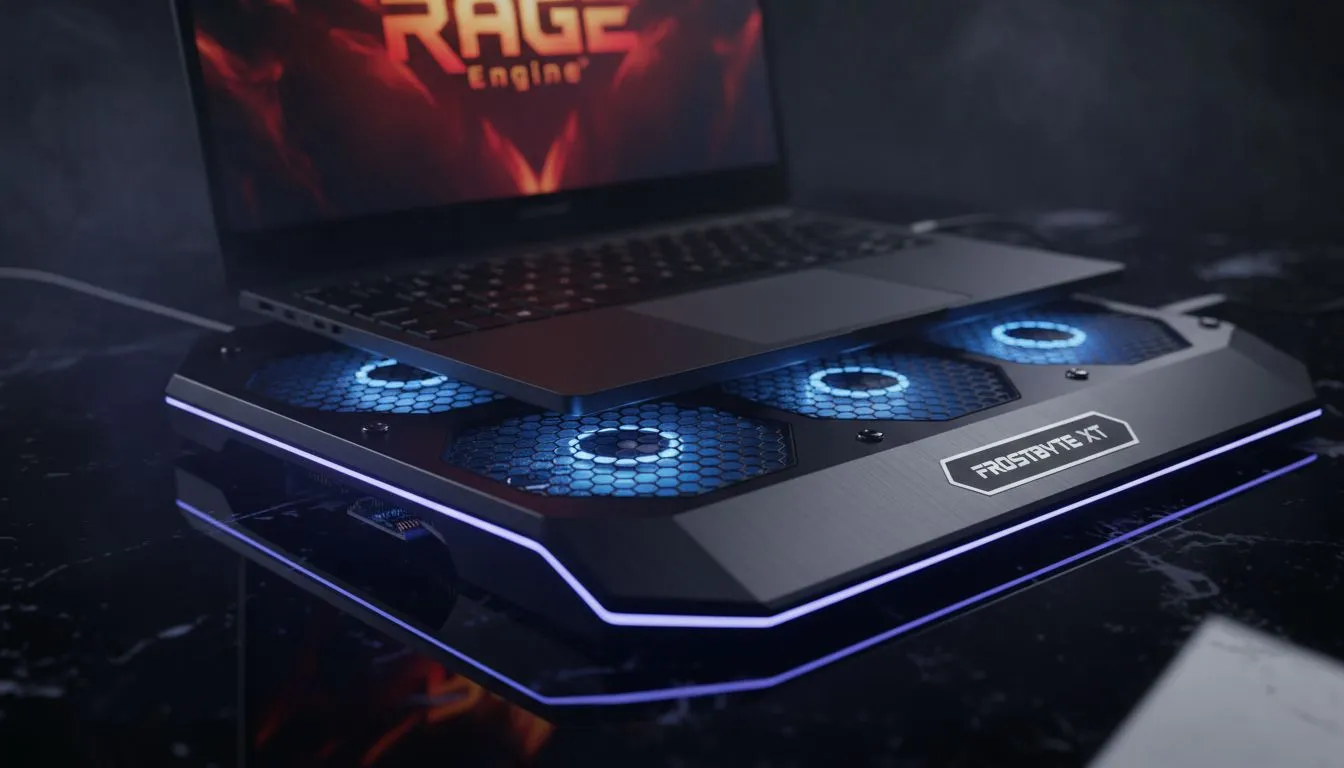
Ever wondered why your frame rates tank just as you are cruising through Los Santos or riding across the heartlands in Red Dead Redemption 2? It is usually not your GPU failing... it is the heat. The RAGE engine is notoriously heavy on hardware, pushing both your CPU and GPU to their limits. In our scorching South African summer, your laptop often fights a losing battle against ambient temperatures. This is where we ask: do Cooling Pads Prevent Throttling in RAGE Engine? The short answer is a resounding yes. By providing a consistent source of fresh air, these pads help maintain the boost clocks required for a smooth experience. 🔧
Why the RAGE Engine Demands Better Thermal Management
Thermal throttling is a safety mechanism built into your silicon. When your laptop hits a certain temperature threshold, typically around 90 degrees Celsius, it slows down to prevent permanent damage. Because Rockstar’s engine handles complex physics and massive open worlds, it generates immense heat. If your laptop sits flat on a desk, it chokes on its own exhaust. Investing in Cooler Master cooling pads allows for better heat dissipation. These premium units use high-airflow fans to move hot air away from the chassis before it can soak into the motherboard and trigger a performance dip. ⚡
Thermal Maintenance Tip ⚡
Beyond just using a cooling pad, make sure to use a can of compressed air to blow out your laptop vents every three months. Dust buildup in South African households can act as an insulator, making even the best cooling solutions less effective. Keeping those fins clear ensures the RAGE engine has the thermal headroom it needs to perform.
Affordable Solutions for Stable Performance
You do not need to spend thousands of Rands to see a measurable difference in your thermals. Even entry-level options like Marvo cooling pads provide a significant lift in ergonomic comfort and cooling efficiency. By simply raising the rear of the laptop, you increase the intake volume significantly. For many mid-range gaming laptops, this small adjustment is the difference between a stable 60 FPS and a stuttering mess during high-action sequences. 🚀
When you are deep in a heist or a shootout, the last thing you want is your hardware holding you back. Keeping your internals under 85 degrees ensures that the RAGE engine can utilise every bit of power available. It is a small price to pay for protecting your investment and ensuring your gameplay remains fluid. ✨
Ready to Find Your Perfect Match? Don't let thermal throttling ruin your gaming sessions. For the best thermal performance and value in South Africa, a dedicated cooling solution is essential. Explore our massive range of laptop cooling pads and find the perfect partner for your gaming rig today.











