

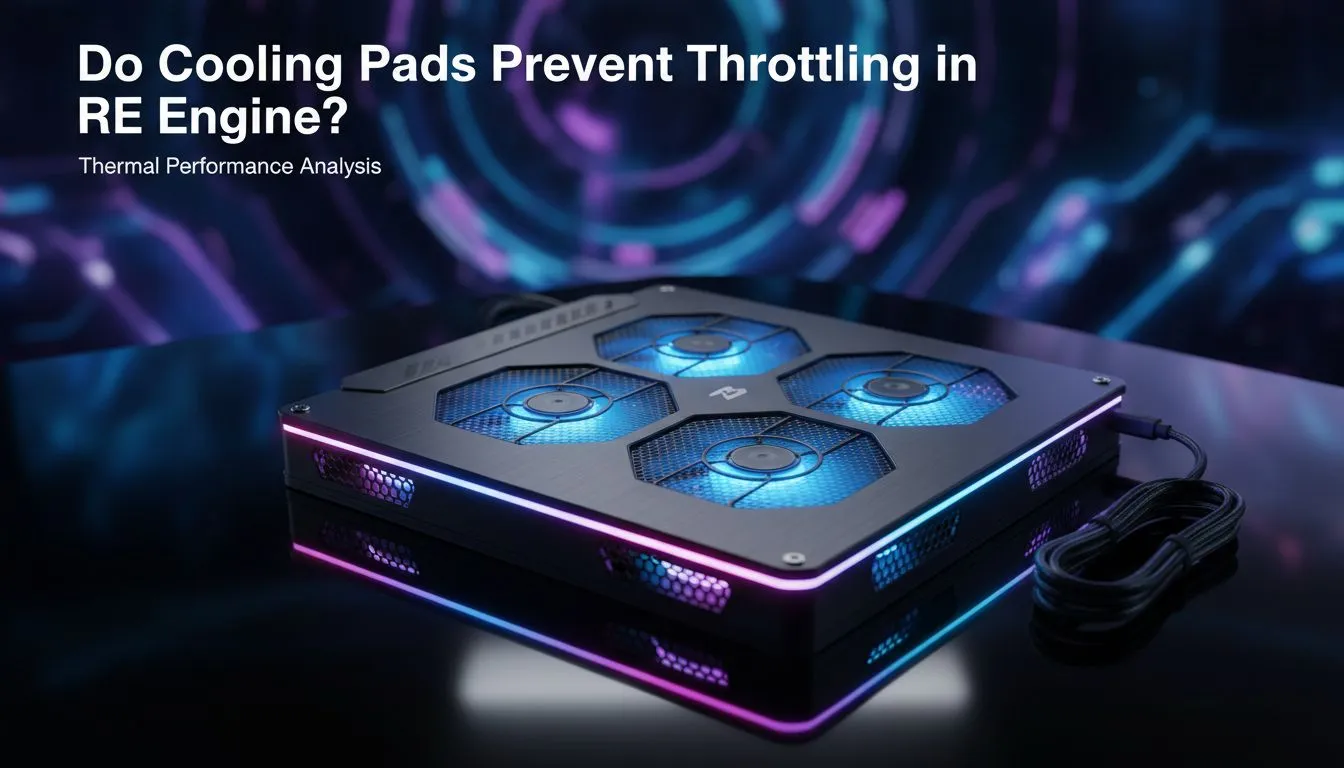
Why RE Engine Titles Push Your Hardware to the Limit
Ever felt your laptop turn into a space heater while running Resident Evil 4 Remake or Monster Hunter Wilds? When the RE Engine pushes your hardware, frames often drop suddenly. That is thermal throttling in action. In the South African heat, keeping your rig cool is not just about comfort... it is about survival. Let's see if cooling pads prevent throttling in RE Engine effectively. 🔧
The RE Engine is famous for its stunning visuals and efficient optimisation. However, it is also incredibly demanding on both your CPU and GPU. As temperatures climb inside your chassis, your laptop lowers clock speeds to prevent permanent damage. This is why your smooth 100 FPS suddenly tanks to a choppy 40. Investing in high-quality laptop cooling pads can provide the extra airflow needed to keep those boost clocks stable during intense boss fights.
Choosing the Right Gear to Beat the Heat
Not all fans are created equal. If you want premium thermal management and durability, looking at Coolermaster cooling pads is a smart move. They focus on silent operation and high static pressure to force air through tight vents.
For gamers on a tighter budget who still need to protect their hardware, MARVO cooling pads offer great value for money in ZAR. They often feature multiple fans to cover a wider surface area. This ensures that every hot spot on your laptop's underside receives direct cooling. ⚡
Airflow Pro Tip ⚡
Always place your cooling pad on a hard, flat surface like a desk. Using a laptop on a bed or carpet chokes the intake vents, making even the best cooling pad useless. A flat surface ensures the fans can actually push cool air into your chassis to keep the RE Engine running smoothly.
Does it Really Stop Throttling?
The short answer is yes... but with a caveat. A cooling pad usually drops internal temperatures by 3 to 8 degrees Celsius. While that might sound small, it is often the difference between hitting the thermal limit and staying just below it. In a local climate where ambient temperatures can hit 30 degrees, that margin is vital for maintaining performance. 🚀
By reducing the heat soak in your laptop's components, you ensure that the RE Engine can maintain its high-fidelity lighting and complex physics without the system pulling the emergency brake. It is a simple, cost-effective way to extend the life of your gaming machine while keeping your gameplay fluid. ✨
Ready to Keep Your Cool? Thermal throttling can ruin the best gaming moments, but the right setup keeps you in the lead. Explore our massive range of laptop specials and find the perfect machine or accessory to conquer your world.











