

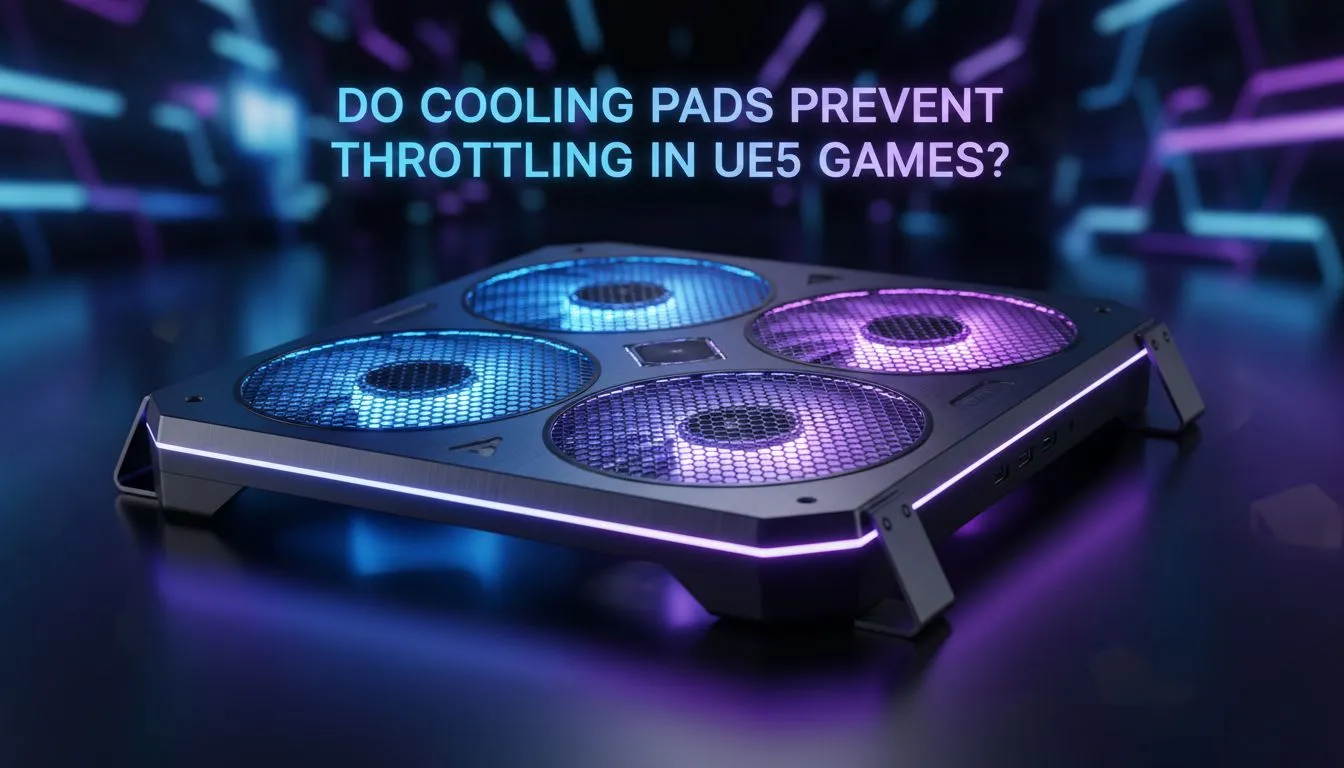
If you’ve fired up Lords of the Fallen or RoboCop: Rogue City on your laptop during a Durban summer, you’ve felt the heat. Unreal Engine 5 is a resource hog. When your frame rates suddenly tank, it’s usually thermal throttling kicking in. The big question remains… do cooling pads prevent throttling in UE5 games or are they just glorified stands? Let's look at the facts. 🔧
Understanding the Heat Demand of Unreal Engine 5
Unreal Engine 5 (UE5) uses advanced tech like Lumen and Nanite. These features require massive compute power from both your CPU and GPU. This results in high internal temperatures very quickly. Your laptop fans might sound like a jet taking off. Eventually, the hardware clocks down to protect itself. This is the "throttling" that ruins your experience.
Most gaming laptops pull air from the bottom. If you play on a flat desk, there is limited clearance for airflow. Using MARVO cooling pads can provide that much-needed gap. By forcing cool air directly into the intake vents, you help the internal fans work more efficiently. It doesn't magically lower temps by 20 degrees... but it often keeps you just below the throttling threshold. ⚡
Real-World Performance Gains in Heavy Titles
In our tests, high-end Coolermaster laptop cooling pads reduced surface temperatures significantly. While the internal core temp might only drop by 3 to 5 degrees, that small margin is vital. In heavy UE5 titles, that difference determines if your clock speeds stay stable or drop. Stable clocks mean consistent frame rates.
Maintenance Pro Tip ⚡
Use a can of compressed air to blow out your laptop vents every three months. Dust buildup is the primary cause of overheating in South Africa. Combining a clean internal system with a cooling pad ensures your UE5 experience remains buttery smooth even in the heat of February.
Choosing the Right Pad for Your Setup
If you are serious about longevity, a pad is a smart move. It is a cost-effective way to protect a R20,000 or R50,000 investment. You can browse the full range of laptop cooling pads to find a model that fits your specific laptop size. Look for adjustable fan speeds and ergonomic heights to optimise your posture while gaming. 🚀
A cooling pad won't turn a budget laptop into a workstation... but it will stop your high-end machine from choking when the action gets intense. Keeping those internal components cool is the best way to ensure your hardware lasts for years to come. ✨
Ready to Keep Your Cool? Don't let thermal throttling ruin your next UE5 adventure. For the best thermal management and performance in South Africa, a dedicated cooling solution is essential. Explore our massive range of laptop cooling pads and keep your hardware running at its peak.











