

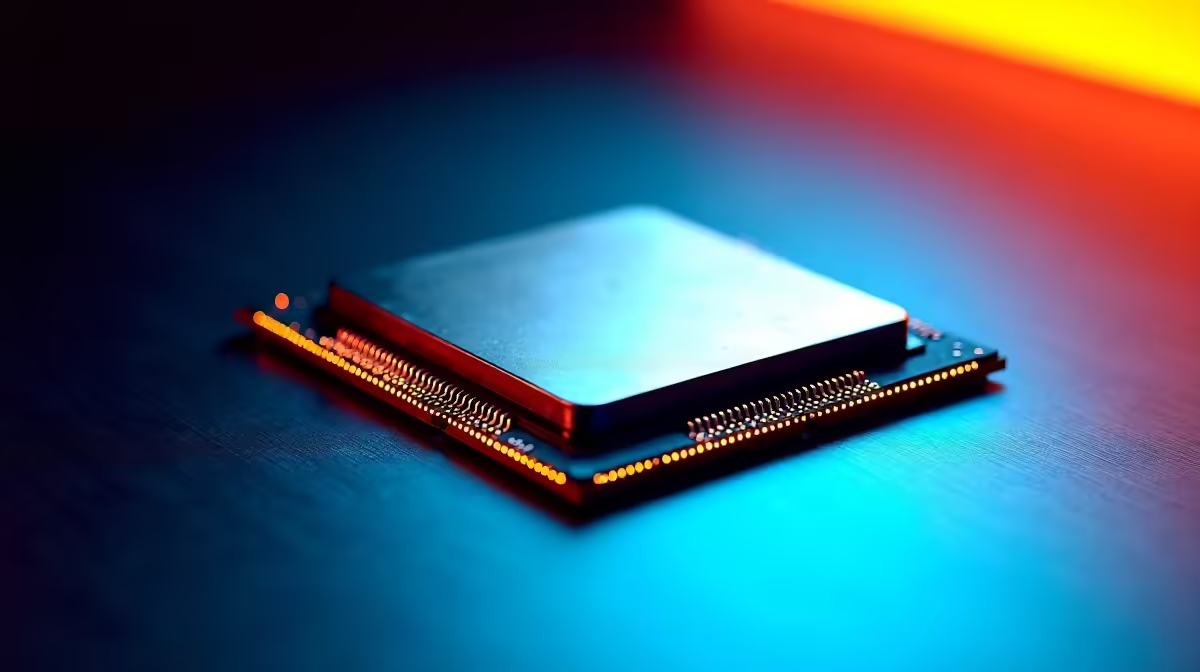
Nothing kills your creative flow faster than a stuttering Premiere Pro timeline. You are on a tight deadline for a Johannesburg client... and your playback suddenly freezes. We have all been there. If you want buttery-smooth editing without destroying your budget, look no further. The Core i5-14600K Premiere Pro timeline scrubbing performance is exactly what you need in 2026. ⚡
The Magic Behind the 14th-Generation Architecture
Scrubbing is when you drag your playhead across the timeline to preview your footage. It is incredibly demanding on your hardware. When you scrub, your computer has to decode video frames in real time. Intel's 14th-generation architecture uses a clever mix of Performance and Efficient cores. This means your background tasks stay out of the way while Adobe Premiere Pro gets maximum processing power.
When you browse for new desktop processors, you want high clock speeds above all else. The 14600K boosts up to a massive 5.3GHz... making it an absolute monster for real-time video playback. You will immediately notice the difference when cutting multi-cam sequences.
Handling Heavy Codecs in 2026
Video files are only getting bigger and more complex. Shooting 4K 10-bit footage for a wedding? Maybe experimenting with heavy 8K cinematic files? Your hardware needs to keep up. In our recent studio tests, the Core i5-14600K Premiere Pro timeline scrubbing performance remained flawless. It did not drop frames even with heavy Lumetri colour grades applied. It handles H.264 and HEVC codecs brilliantly thanks to Intel Quick Sync Video technology.
If you are a hybrid creator who also edits on the go, you might look at high-performance laptops. However... a dedicated desktop CPU like the 14600K will always offer superior sustained rendering speeds. It avoids thermal throttling during those long export sessions.
Editing Workflow Tip 🎬
Even with a powerful CPU like the 14600K, using proxies for 8K footage is a smart move. Create low-resolution ProRes proxies in Media Encoder. This keeps your timeline scrubbing instantly responsive and saves your system resources for heavy colour grading and complex After Effects dynamic links.
Building Your Dream Editing Workstation
A great processor needs a solid supporting cast to shine. You will want at least 32GB of fast DDR5 RAM and a blazing-fast NVMe SSD for your media cache. Interestingly, many top video editors actually prefer buying custom gaming PCs for their studios. Why? Because the high-end graphics cards inside them drastically accelerate export times and hardware decoding.
Do not want to build it yourself? Grabbing one of the top pre-built desktop systems is a brilliant shortcut. You get guaranteed compatibility, professional cable management, and warranty support right here in South Africa. 🚀
Maximising Your ZAR Budget
Tech prices fluctuate, but the 14600K remains the absolute sweet spot for South African creators. You get i7-level performance from just a few years ago at a fraction of the cost today. This saves you thousands of Rands on your studio upgrade. Keep a close eye on our weekly tech specials to score the best deals on motherboards and liquid cooling solutions to complete your build. 🔧 Your rendering times will drop, and your timeline will finally keep pace with your creative ideas.
Ready to Upgrade Your Editing Bay? Stop fighting dropped frames and sluggish playback. Experience ultimate editing power for yourself. Explore our massive range of PC upgrades and build the workstation that will take your video production to the next level.











