

Quick Answer
The Core i5-14600K runs hot under sustained load, and Intel ships it without a boxed cooler in most markets, acknowledging that stock solutions cannot handle its thermal demands. An aftermarket cooler, whether a solid air tower or a 240mm AIO, is a practical necessity for anyone running this CPU at its full potential, and the performance gains from better thermals are significant.
Intel's Boxed Cooler: The Honest Assessment
Intel ships the Core i5-14600K without a boxed cooler, acknowledging that the CPU's thermal demands exceed what a stock solution would handle. The 14600K has a base TDP of 125W with a maximum turbo power of 181W, and in multi-threaded workloads it sustains those high power levels for extended periods. Any cooler that can't handle 150W sustained is going to throttle this chip.
If you've sourced a third-party boxed cooler with your retail kit, expect it to cap performance in prolonged gaming sessions and render tasks. Junction temperatures will spike toward the 100 degree Celsius limit, triggering throttling and reducing boost clocks. The chip will still function, but you're leaving meaningful performance on the table.
Air Cooler Performance at This Thermal Envelope
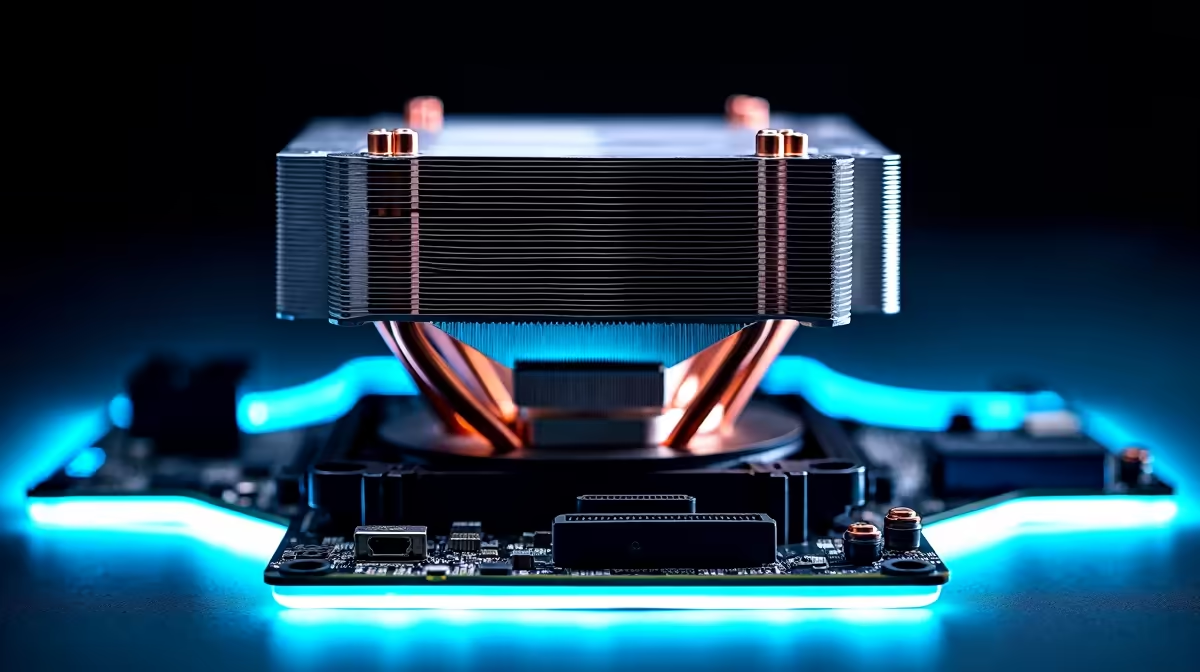
A quality dual-tower air cooler is the cost-effective sweet spot for the 14600K. Options like the DeepCool AK620 or Noctua NH-D15 handle the 14600K's sustained load without thermal throttling, keeping package temperatures in the 75 to 85 degree range under prolonged stress. Single-tower coolers with 120mm fans struggle unless paired with a high-static-pressure fan setup.
For SA builders, air coolers have a practical advantage: no pump, no tubing, no risk of leaks, and no noise spike when a pump ramps up. They're also more resilient in environments where ambient temperatures are higher during summer months. Installation is straightforward on LGA1700 motherboards with the correct mounting hardware included in most modern cooler packaging.
Pricing for quality air coolers in SA lands between R900 and R2,200 depending on the tier, making them accessible for mid-range builds pairing the 14600K with an RTX 4070 or RX 7800 XT.
AIO Liquid Cooler Performance and When It Makes Sense
A 240mm AIO will keep the 14600K cooler than most air towers, but a 360mm AIO is where you see the most dramatic results, with sustained temperatures often 10 to 15 degrees lower than a comparable air cooler under full multi-threaded load. For content creators running extended Blender renders or video encodes on the 14600K's 14 cores, that thermal headroom translates to sustained all-core boost clocks and faster completion times.
For pure gaming, the difference between a quality air cooler and a 240mm AIO is minimal. Gaming workloads rarely stress all 14 cores simultaneously, so the 14600K throttles less under gaming conditions regardless of the cooler. Where AIOs earn their keep is in mixed workloads or overclocking scenarios where sustained all-core power draw is the norm rather than the exception.
AIO pricing in SA ranges from around R1,500 for 240mm units to R2,800 and beyond for 360mm options from brands like Corsair, DeepCool, and NZXT. Factor in 2 to 5 business days for delivery if your build has a deadline around a LAN event or project deadline.
Mounting Considerations for LGA1700
The Core i5-14600K uses Intel's LGA1700 socket. Most modern aftermarket coolers include LGA1700 mounting hardware out of the box, but older coolers may require an adapter bracket. Confirm compatibility before purchasing, particularly with air coolers released before late 2021. AIOs from established brands universally include LGA1700 brackets in current retail packaging.
Frequently Asked Questions
Does the i5-14600K need liquid cooling for gaming?
No, a quality dual-tower air cooler is sufficient for gaming workloads. AIOs offer better thermal performance in sustained multi-threaded tasks, but for gaming a cooler like the DeepCool AK620 or be quiet! Dark Rock 4 handles the 14600K without throttling.
What cooler size is minimum for avoiding throttle on the 14600K?
A 140mm or dual-tower air cooler is the recommended minimum for all-core workloads. Smaller 120mm single-tower coolers can manage gaming scenarios, but anything below risks sustained throttling during heavy CPU tasks.
Is it worth overclocking the i5-14600K with a good cooler?
The 14600K has unlocked multipliers and responds well to overclocking on Z690 and Z790 boards. With a 360mm AIO, modest all-core overclocks of 5.0 to 5.2GHz are stable without pushing temperatures beyond safe limits. Air cooling restricts overclocking headroom compared to liquid.
Ready to Find Your Perfect Match? Upgrade your CPU and build the full system around it. Browse processors at Evetech











