

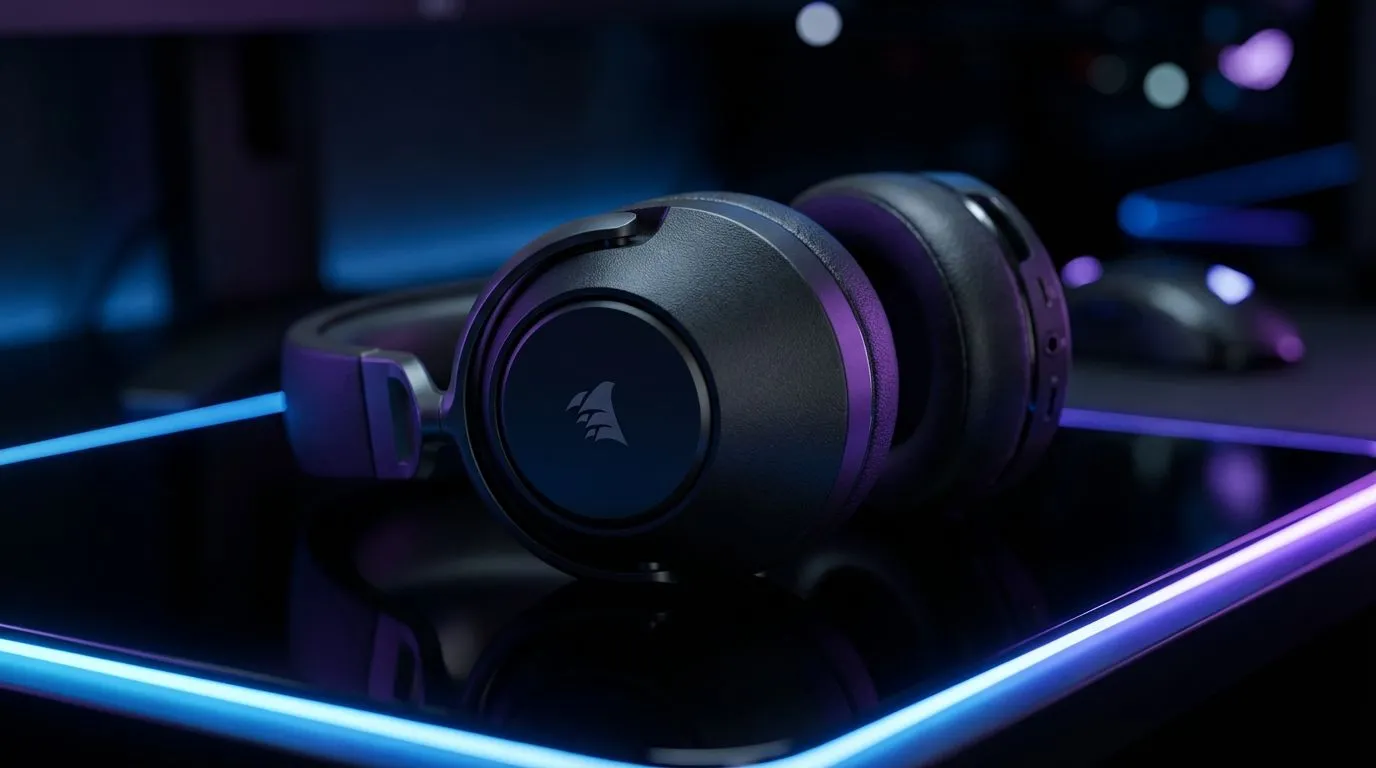
Landing that headshot in Warzone often comes down to hearing footsteps before you see the player. If you are rocking the Corsair HS65, you already have great hardware. But the default profile might be holding you back. Fine-tuning your Corsair HS65 EQ settings is the quickest way to gain a competitive edge in South African servers. Let's get your audio dialed in for victory 🎧.
Optimising Your Corsair HS65 EQ Settings for FPS
The Corsair HS65 relies on the iCUE software to unlock its full potential. While the "Pure Direct" mode is great for music, it often lacks the punch needed for competitive gaming. To get the best Corsair HS65 EQ settings, you need to navigate to the equaliser tab in iCUE and create a custom profile.
If you find the software a bit too complex, you might want to look at other premium gaming headsets that offer simpler plug-and-play experiences. However, for those who want to tweak every decibel, the 10-band EQ in iCUE is a powerful tool.
The Warzone and Apex Legends Profile
In "Battle Royale" titles, the soundscape is chaotic. You have air strikes, vehicles, and constant gunfire. To hear footsteps clearly, you need to reduce the "muddy" bass frequencies.
- 32Hz to 125Hz: -3dB (Reduces heavy explosions)
- 250Hz to 500Hz: 0dB (Keep it neutral)
- 1kHz to 4kHz: +4dB (This is the sweet spot for footstep clarity)
- 8kHz to 16kHz: +2dB (Adds crispness to reloading sounds)
The Valorant and CS2 Tactical Profile
Tactical shooters require pinpoint accuracy. You aren't just listening for footsteps... you are listening for the specific floor material someone is walking on. For these games, we recommend a "V-shaped" curve with a heavier emphasis on the high-end frequencies.
If you feel like you need more hardware-level customisation, checking out Razer’s audio lineup can provide a different perspective on spatial awareness.
Audio Clarity Pro Tip ⚡
Always disable 'Windows Sonic for Headphones' when using Corsair iCUE. Having two different spatial audio processors running at the same time creates 'phasing' issues. This makes it much harder to tell if an enemy is behind you or just on a different floor.
Why Soundstage Matters for South African Gamers
Local competitive play often happens in noisy environments... whether it is a busy household or a local LAN event. The Corsair HS65 has excellent passive isolation, but your EQ settings do the heavy lifting. By boosting the 2kHz to 6kHz range, you ensure that vital information cuts through the noise of the game's soundtrack.
For those looking for a wireless alternative with similar performance, the Razer Barracuda X Chroma is a fantastic option that balances comfort with high-end acoustic tuning 🚀.
Finding Your Balance
Remember that everyone’s hearing is slightly different. What sounds "crisp" to one player might sound "tinny" to another. Use these profiles as a baseline and adjust the sliders by 1dB increments until you find your perfect match. A well-tuned headset doesn't just make the game sound better... it makes you a more effective player.
Ready to Find Your Perfect Match? Finding the right audio balance is key to winning, but having the right gear is where it all begins. For maximum power, choice, and value in South Africa, our selection is hard to beat. Explore our massive range of headset specials and find the perfect machine to conquer your world.











