

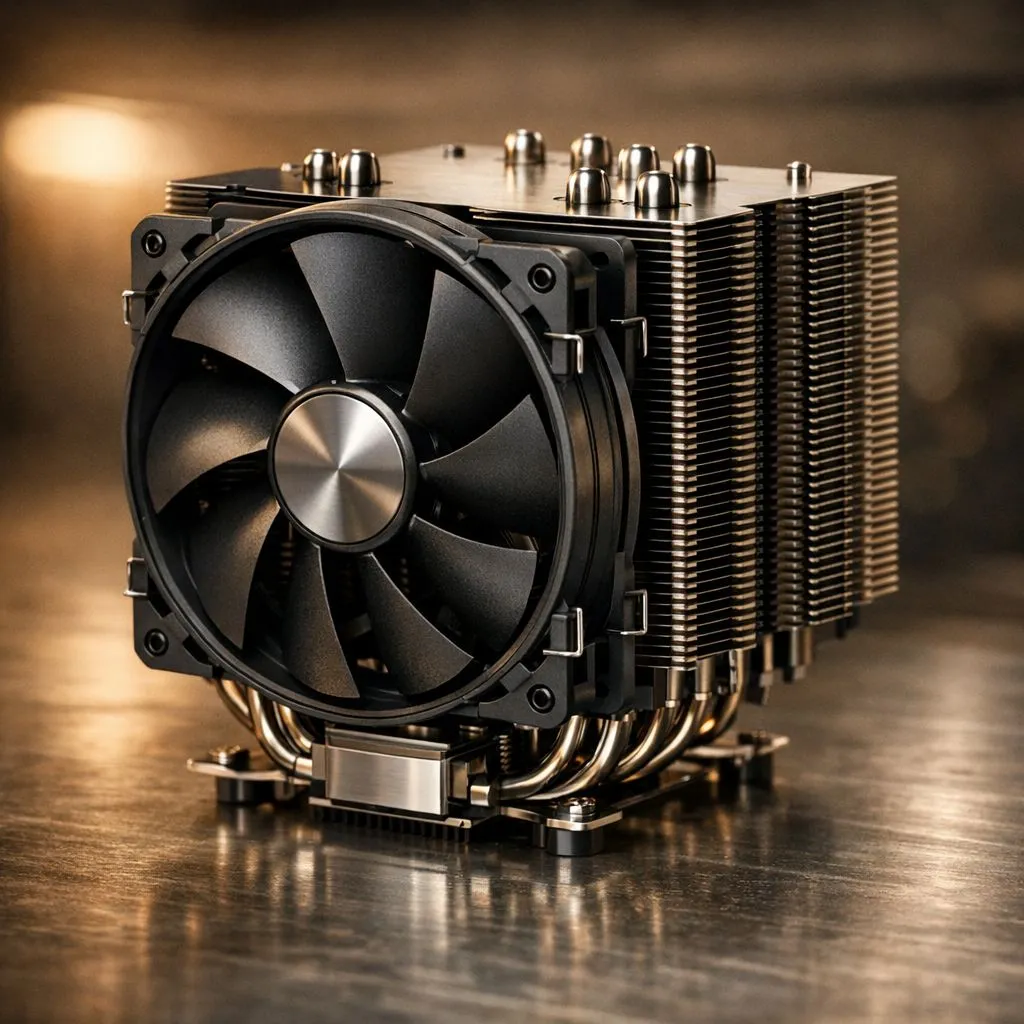
When the South African summer hits, it isn't just you feeling the heat. Your gaming PC is fighting a silent battle against 30°C ambient temperatures. High-end processors generate immense heat, and without the right cooling, your performance will tank just as the match heats up. Managing CPU Temperatures South Africa style means being proactive before the January heatwave arrives... it is about protecting your investment.
Why CPU Temperatures in South Africa Matter for Performance
Our local climate presents a unique challenge for hardware enthusiasts. While reviewers in cooler climates might see peak temps of 70°C, a dusty room in Gauteng or a humid afternoon in Durban can easily push those numbers toward the danger zone. When you buy high-end Intel CPUs, they are designed to protect themselves through thermal throttling. This means the clock speed drops to prevent physical damage... resulting in stuttering and lower frame rates when you can least afford it.
Keep High-End CPUs Cool With Targeted Hardware
If you are pushing the limits with modern AMD CPUs, a basic air cooler often falls short during a summer gaming marathon. You need to consider the Thermal Design Power (TDP) of your specific chip. For example, high-performance Intel 14-Core CPUs generate significant heat under load. An All-In-One (AIO) liquid cooler with at least a 240mm radiator is usually the baseline for keeping these beasts under control when the mercury rises. ⚡
Summer Cooling Pro Tip ⚡
"During the hottest months, try undervolting your CPU. It reduces the voltage supplied to the processor without necessarily losing performance. This can drop your peak temperatures by 5°C to 10°C... which is often the difference between a stable system and a thermal throttle."
Optimising Airflow for the Local Climate
Ambient temperature is your biggest enemy. If your room is 35°C, your CPU cannot physically be cooler than that without extreme cooling. Ensure your chassis has a clear path for air. If you are running AMD Ryzen 7 CPUs, you want a balance of intake and exhaust fans to prevent hot air from pooling around the VRMs. 🔧
Cleaning your dust filters every two weeks is a must in our environment. A clogged filter can increase internal case temperatures by several degrees. That is unnecessary heat your CPU cooler has to fight against every single day. 🚀
Monitoring and Maintenance
Do not wait for a blue screen to check your thermals. Use software like HWMonitor or Ryzen Master to keep an eye on your idle and load temps. If you see your idle temps climbing above 50°C, it might be time to re-apply high-quality thermal paste. Investing a few hundred ZAR in premium thermal compound can yield better results than buying a whole new fan. ✨
Ready to Chill Your Rig? Don't let the summer heat kill your win streak. Whether you need a beefy new cooler or a more efficient processor, we have the best hardware to keep you in the game. Explore our massive range of CPU specials and find the perfect machine to conquer your world.











