

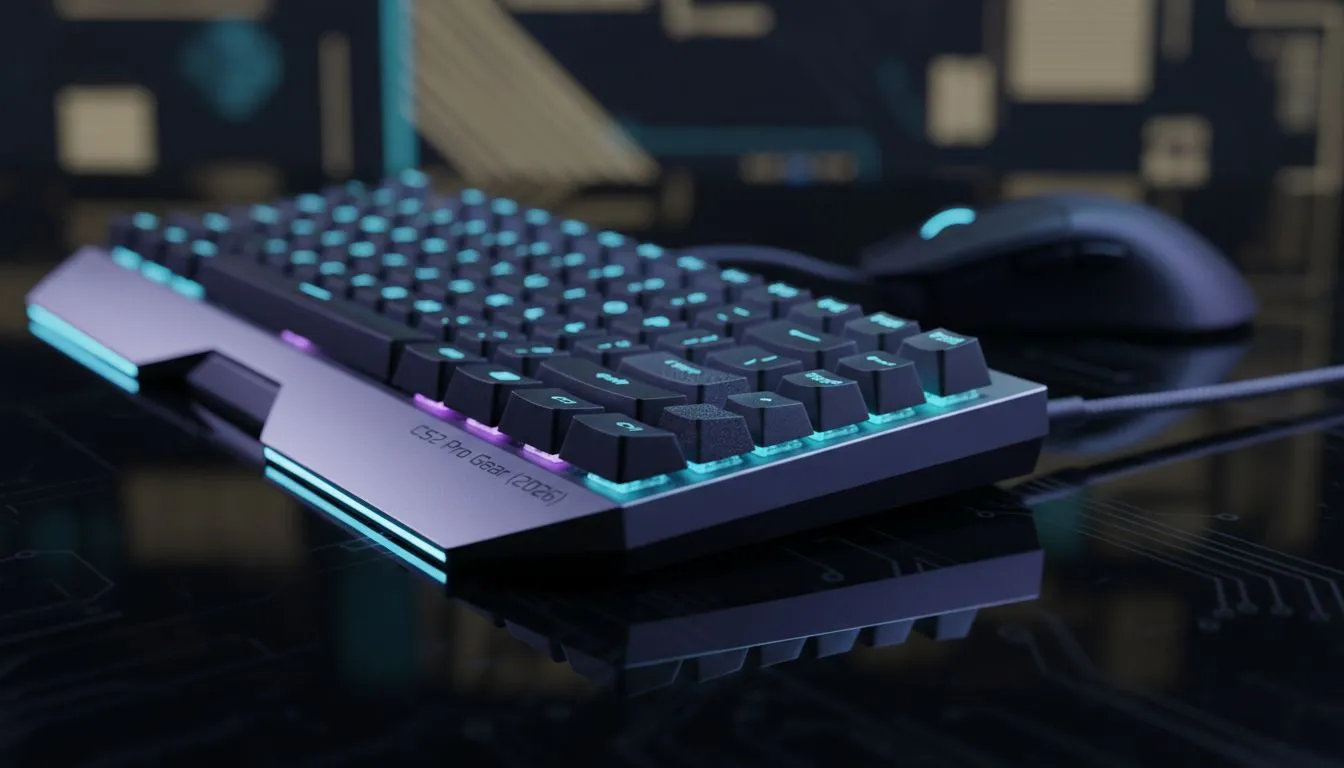
Dropping into a site on de_mirage and losing a duel because your frame rate dipped? In South Africa, where ping can be a challenge, every extra frame matters. This CS2 pro settings guide 2026: Boost FPS & visibility is your roadmap to buttery smooth gameplay. We have tested the latest updates to ensure you see enemies before they see you. 🚀
Optimising Video Settings for Maximum Performance
To win more duels, you need to stop treating CS2 like a cinematic experience. High textures might look pretty, but they can obscure your vision during a chaotic execute. Most professionals stick to "Low" or "Medium" settings for shadows and shaders. This ensures that your hardware focuses on delivering frames rather than rendering realistic puddles. If your current screen is struggling to keep up with these high frame rates, it might be time to browse the latest PC monitors to find a panel with a higher refresh rate.
Visibility is often determined by your "Boost Player Contrast" setting. Keep this enabled. It adds a slight glow around character models, making them pop against dark backgrounds. Finding the right balance between brightness and colour vibrance is easier when you have access to the best PC monitor deals in the country.
The Resolution Debate: 4:3 vs 16:9
Even in 2026, the 4:3 stretched resolution remains king for many veterans. It makes player models appear wider, which can help with clicking heads... though it does reduce your peripheral vision. If you prefer the modern look, staying at 1080p or 1440p on all gaming monitors provides a much sharper image.
NVIDIA Reflex Tip ⚡
Ensure NVIDIA Reflex Low Latency is set to 'Enabled + Boost'. This reduces system latency by keeping the GPU clock frequencies high, which is vital for those tight corners in competitive play. It effectively bridges the gap between your mouse click and the action on screen.
Advanced Visibility and Immersion Settings
While traditionalists stick to flat screens, some local players are finding that curved monitors offer a more immersive field of view that helps track movement in their peripheral vision. Regardless of the shape, ensure your "Multisampling Anti-Aliasing Mode" is set to at least 4x MSAA. This removes the jagged edges that can be distracting when you are holding a long angle with an AWP.
If you are a competitive player who travels to local LANs or gaming cafes, you might even consider portable monitors for a consistent warm-up experience on the go. Consistency is the secret sauce of every Global Elite player.
Future-Proofing with High Resolution
For those who use their rigs for both work and play, 5K & 4K monitors offer incredible detail. While CS2 pros rarely play at 4K due to the massive performance hit, having the overhead allows you to enjoy the game's lighting engine in all its glory during casual matches. Just remember to adjust your "Global Shadow Quality" to high if you have the GPU headroom... it helps you spot enemy shadows around corners before they peek. 🔧
Finally, do not overlook your physical setup. Using high-quality monitor accessories like adjustable arms can help you achieve the perfect "pro tilt" or eye-level height. This reduces neck strain during those long weekend grinds on the server. ✨
Ready to Find Your Perfect Match? The CS2 pro settings guide 2026: Boost FPS & visibility is only half the battle... the rest is your hardware. For maximum power, choice, and value in South Africa, Evetech has you covered. Explore our massive range of laptop specials and find the perfect machine to conquer your world.











