

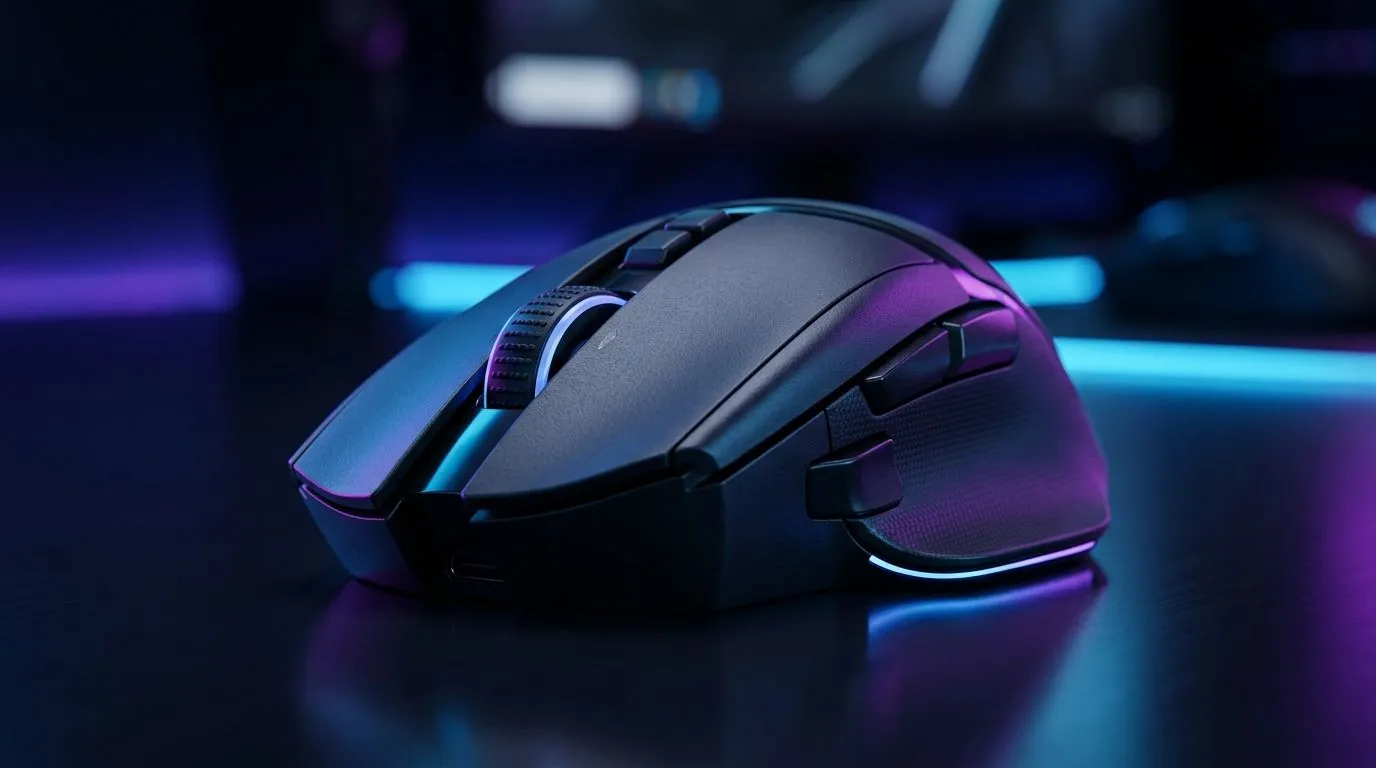
Performance Pulse: Why Customisable DPI Matters for FPS Precision
If your crosshair feels a little “off” in a clutch round, it usually isn’t your aim alone. It might be your mouse setup. For South African FPS players grinding Apex, Valorant, CS2, or Call of Duty, tiny pointer adjustments can make a real difference. That is where customisable DPI in NGENUITY steps in… and why tuning your mouse properly matters more than most people think ⚡
Performance Pulse: What DPI really changes in FPS play
DPI stands for dots per inch. In simple terms, it affects how far your cursor moves when you move the mouse. Higher DPI can feel faster, while lower DPI often gives you finer control for head-level tracking and recoil control. HyperX’s NGENUITY software lets compatible mice be adjusted up to 26,000 DPI, giving players a wide range to experiment with. For the software and device support details, see HyperX’s official NGENUITY page and product documentation.
Source: https://hyperx.com/pages/ngenuity
For FPS games, the goal is not always the highest number. It is the most consistent feel. A well-set mouse can help you stay calmer in tense moments, especially when a final circle or overtime round puts pressure on every flick.
Performance Pulse: Build a setup that matches your play style
A mouse is only one part of the picture. Shape, weight, cable drag, sensor quality, and grip style all affect precision. If you are shopping around, it helps to compare different categories before you buy. Have a look at mouse accessories for better control, then compare wired gaming mice for low-latency consistency. If you prefer a cleaner desk with less cable clutter, wireless mouse options are worth a look too.
South African buyers also know that value matters. Deals can shift quickly, so checking the latest gaming mouse deals can be the difference between settling and scoring a sharper setup. If you want a broader view, Evetech’s gaming mouse category makes it easier to compare specs, price points, and styles in one place.
Performance Pulse: How to tune DPI without overcomplicating it
Start low, then work upward in small steps. Test each setting in a training range or aim trainer. Aim for steady tracking, not just fast turns. If the cursor feels twitchy, the setting is probably too high. If you keep lifting the mouse too much, it may be too low.
A good rule of thumb is to pair your DPI with in-game sensitivity and stick to one setup for a week. That gives your muscle memory time to settle. Sudden changes often feel exciting at first, but consistency usually wins in competitive play.
FPS Tuning Tip 🔧
Use a fixed sensitivity profile for one game first. Test it for tracking, flicks, and recoil control before changing anything else. Small adjustments make it easier to find your sweet spot without confusing muscle memory.
Performance Pulse: Why this matters for South African gamers
Not everyone has time for endless tweaking. Most of us want a setup that just works after work, after class, or after load shedding finally behaves. That is why adjustable DPI is useful. It gives you flexibility without forcing a full hardware upgrade. If your current mouse supports NGENUITY, you can fine-tune performance instead of replacing everything.
And if you are building a new battlestation, it helps to think in ZAR terms. A mouse that fits your grip and game style can deliver better value than chasing flashy specs you will never use. In practical terms, a well-matched mouse often feels more “premium” than a more expensive one that fights your hand.
Ready to Find Your Perfect Match? The Mac vs Windows debate is complex, but for maximum power, choice, and value in South Africa, Windows is hard to beat. Explore our massive range of laptop specials and find the perfect machine to conquer your world.











