

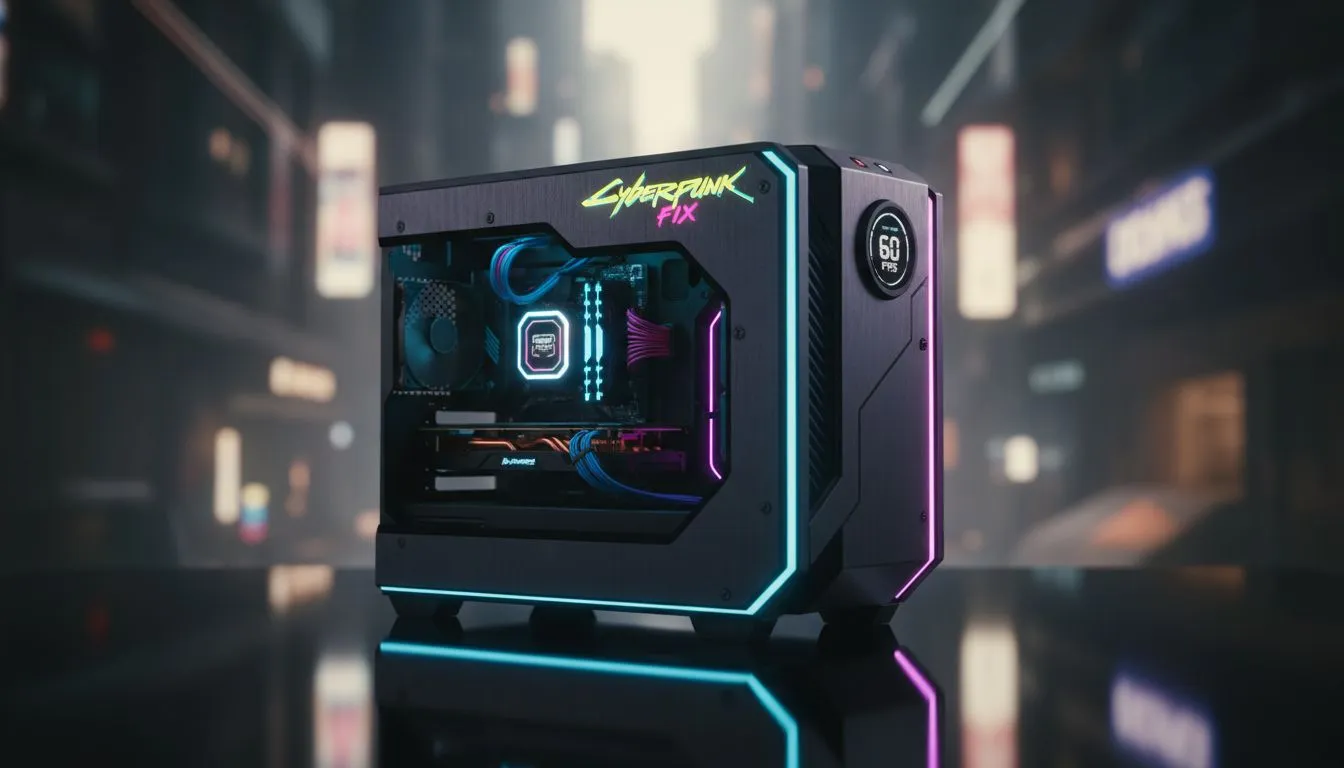
Squeezing Every Frame from Night City
Struggling to walk through Night City without your frame rate dropping to a slideshow? You are not alone. Many South African gamers want to experience the neon lights but lack the hardware for ultra settings. Finding a reliable Cyberpunk 2077 low-end fix is essential for anyone running older hardware. You can achieve a playable FPS on budget PCs with the right set of tweaks and optimisations. 🔧
Optimising Your In-Game Settings for Speed
The most effective Cyberpunk 2077 low-end fix starts within the game menu. Start by enabling AMD FSR 2.1 or higher... even if you have an NVIDIA card. Setting it to "Balanced" or "Performance" provides a massive boost. Lowering the "Crowd Density" setting is also vital. High density puts immense pressure on your CPU... which is often the bottleneck in many budget gaming PCs.
Turn off demanding features like Screen Space Reflections and Volumetric Fog. These effects are beautiful but heavy on older VRAM. If you find your current rig is still lagging... it might be time to browse our buy PCs under R20k category for a modern entry-level powerhouse.
Performance Pro Tip ⚡
Always disable 'Chromatic Aberration' and 'Film Grain' in the graphics settings. Not only do these effects make the image look blurry on lower resolutions, but turning them off can also slightly improve your frame pacing. It makes the game look cleaner and run smoother on limited hardware.
Windows Tweaks and Driver Updates
Software health is just as important as hardware power. Ensure your Windows Game Mode is toggled on... as this prioritises system resources for your game. Updating your GPU drivers is a non-negotiable step for any Cyberpunk 2077 low-end fix. Both NVIDIA and AMD have released specific drivers that optimise performance for the 2.1 update.
If your system still feels sluggish despite these changes... consider looking at our latest pre-built PC deals. Sometimes a fresh start with modern components is the only way to truly enjoy the game. 🚀
When Software Tweaks Aren't Enough
Sometimes code optimisations can only take you so far. If you are still seeing single-digit frames during combat... your hardware might simply be outdated. You can find incredible value by checking out the best gaming PC deals currently available in South Africa.
For those who want to experience Night City with Path Tracing or at 4K... you will need something more substantial. If you have the budget to push your limits... we recommend you buy PCs above R20k to ensure a future-proof experience. ✨
Ready to Find Your Perfect Match? Night City looks better when it isn't stuttering. For maximum power, choice, and value in South Africa, our curated builds are hard to beat. Explore our massive range of laptop specials and find the perfect machine to conquer your world.











