

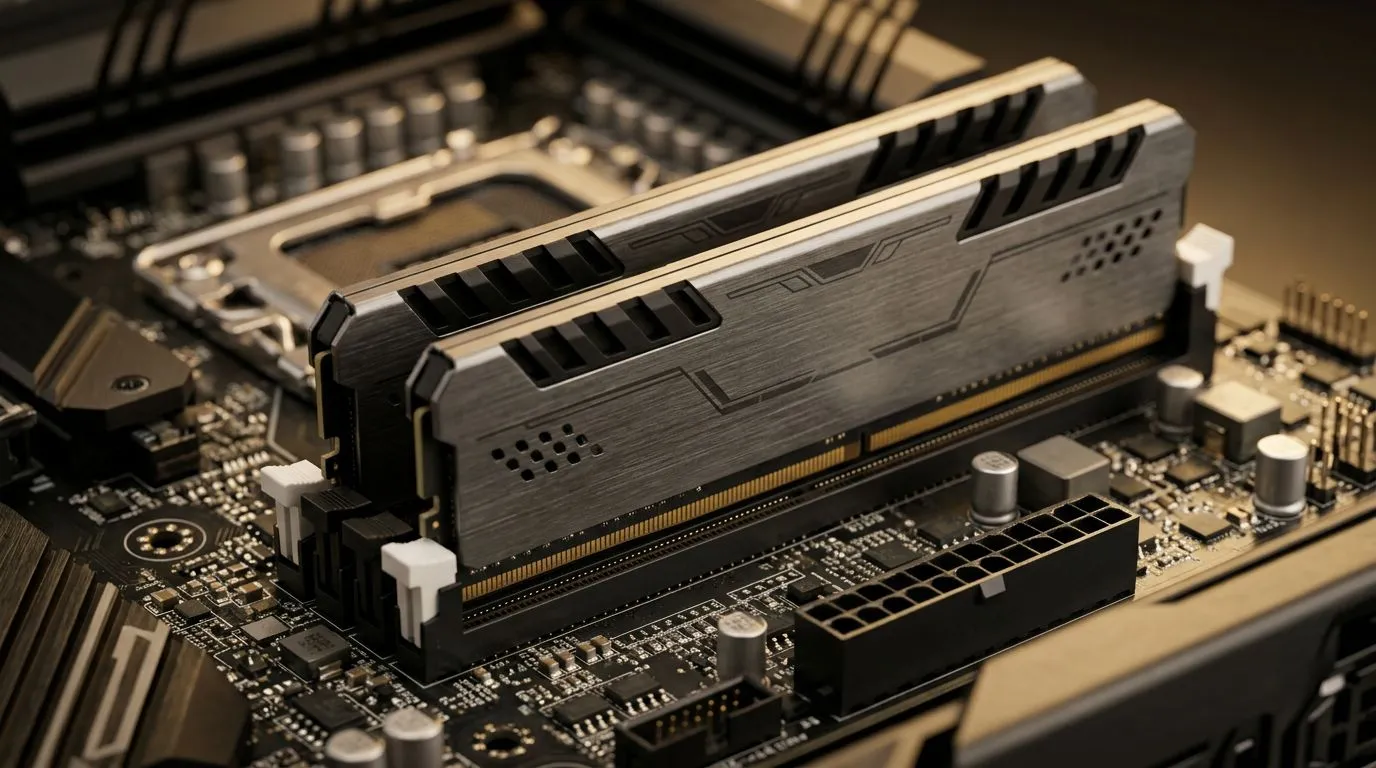
Maximising Your Workflow with DDR5 Workstation Optimisation
If you are a 3D artist or a CAD professional in South Africa, you know the frustration of waiting for a complex scene to render. As projects grow in complexity, your hardware often becomes the bottleneck. Achieving true DDR5 workstation optimisation for faster 3D rendering is about more than just buying the fastest RAM; it is about balancing memory bandwidth, latency, and system stability to ensure your viewport stays fluid and your final export times drop significantly. 🚀
Understanding the Memory Bottleneck
Many creators upgrade to high-speed modules but fail to enable XMP or EXPO profiles in the BIOS. Without these settings, your RAM runs at base JEDEC speeds, leaving performance on the table. For those looking for a balanced entry point, our pre-built PC deals offer pre-configured memory settings designed to get you working immediately without the headache of manual tuning.
When dealing with massive textures and high-poly models, memory capacity is king, but speed dictates how quickly your CPU can feed data to your GPU. If you are pushing your system to the limit, consider NVIDIA GeForce gaming PCs as a base, as these cards provide the CUDA acceleration necessary to complement high-speed DDR5 memory.
Hardware Synergy for Professional Results
Building a stable workstation requires a cohesive ecosystem. If you prefer the multi-threaded efficiency of Team Red, our all AMD Ryzen PC deals provide excellent platforms that thrive on fast memory timings. Conversely, if your software stack is optimised for Intel’s architecture, checking out our all Intel PC deals will ensure you have the PCIe lanes needed for high-speed NVMe storage and multi-GPU setups. ⚡
Productivity Pro Tip ⚡
Always ensure your RAM is installed in the correct slots (usually 2 and 4) to enable dual-channel mode. Running single-channel memory on a modern workstation can cut your effective bandwidth in half, drastically increasing render times in applications like Blender or V-Ray.
Choosing the Right Foundation
Not every machine is built for the rigours of 24/7 rendering. For dedicated professional use, it is wise to look at our workstation PCs which are tested for long-term reliability under heavy thermal loads. If you are working on a budget but need raw compute power, all Intel Arc gaming PCs have become a surprising contender for budget-conscious creators who need solid performance without the premium price tag. ✨
Proper DDR5 workstation optimisation is the secret to a smoother creative process... it allows you to spend less time staring at progress bars and more time iterating on your art. Whether you are building from scratch or upgrading your current rig, the right memory configuration is the most cost-effective way to boost your daily output. 🔧
Ready to Find Your Perfect Match? The Mac vs Windows debate is complex, but for maximum power, choice, and value in South Africa, Windows is hard to beat. Explore our massive range of laptop specials and find the perfect machine to conquer your world.











