

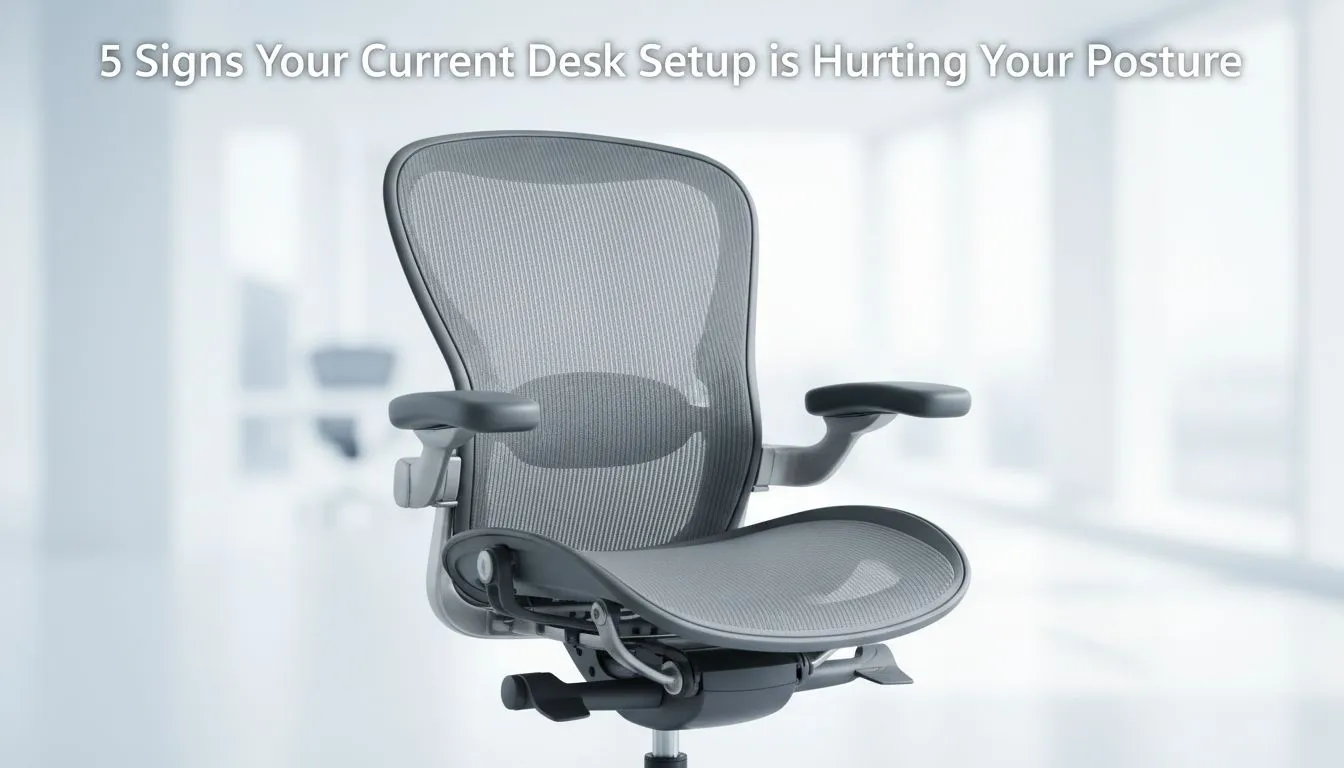
Is your desk setup quietly wrecking your posture? Quick check for gamers and creators 🔧
If you spend long sessions queuing for raids, editing footage, or grinding ranked ladders, this matters. Small desk habits turn into nagging neck pain, rounded shoulders and headaches — and they creep up faster than a patch note. Read these five clear signs and quick fixes that fit South African budgets and desks.
Sign 1 — Your monitor sits too low or too high
A screen that’s not eye level forces your neck into a constant tilt. Aim for the top third of the monitor at eye height; you should look slightly down at the centre. If you need a low-cost lift or a neat arm for an ultrawide, check Evetech’s selection of monitor accessories to find the right mount or riser for your set-up.
- Natural link: monitor accessories — https://www.evetech.co.za/PC-Components/buy-monitor-accessories-368
Sign 2 — Your keyboard and mouse position makes you reach
Elbows should be roughly at 90 degrees and wrists neutral. If you’re reaching forward, slide the keyboard forward, lower the chair, or add a keyboard tray. Consider ergonomic mice or split keyboards to reduce ulnar deviation; small swaps can stop pain from becoming chronic.
Sign 3 — Cable chaos is forcing compromise on ergonomics ✨
A messy cable run often means you can’t position your gear where it’s healthiest. Tidy the desk with clips and sleeves so you can place your monitor and peripherals properly. Evetech stocks Orico accessories that are tidy, affordable, and perfect for small desks.
- Natural link: Orico accessories — https://www.evetech.co.za/PC-Components/buy-monitor-accessories-368?brands=Orico
Sign 4 — Your monitor doesn’t give you enough adjustability
If your monitor only tilts and won’t swivel or change height, you’ll keep adjusting your posture to compensate. A monitor arm can add reach and rotation — ideal for multi-monitor setups or living room battlestations. See WINX options for robust, gamer-friendly solutions.
- Natural link: WINX monitor solutions — https://www.evetech.co.za/PC-Components/buy-monitor-accessories-368?brands=WINX
Sign 5 — You think “budget” means zero ergonomics
Good posture gear doesn’t need to cost a fortune. You can pick accessories under R3,338 that dramatically improve posture and comfort. Start with a proper stand or arm and a simple wrist rest; your body will thank you after long sessions.
- Natural link: affordable accessories under R3,338 — https://www.evetech.co.za/PC-Components/buy-monitor-accessories-368?max-price=3338
Posture Reset ⚡
Sit back in your chair with feet flat, set monitor top third at eye level, and test a 2-minute micro-break every 20 minutes. Use a small pillow behind your lower back if your chair lacks lumbar support.
Quick checklist: fixes you can do tonight
- Raise or lower your monitor so the top third is eye level.
- Move keyboard forward so forearms are supported.
- Route cables out of the way and use a monitor arm if you need swivel.
- Take movement breaks; stand and stretch after every hour.
- If pain persists, see a professional; these steps reduce risk but don’t replace diagnosis.
Why this matters (and what to buy first)
Poor posture affects focus, reaction times and long-term health. Start with the monitor position and keyboard reach — they’re the two biggest posture drivers for gamers and creative pros. A modest investment in the right accessories often pays back in comfort and fewer sick days. For more hardware and accessories, Evetech lists options that suit desktop footprints and budgets across South Africa.
Ready to Find Your Perfect Match? The Mac vs Windows debate is complex, but for maximum power, choice, and value in South Africa, Windows is hard to beat. Explore our massive range of laptop specials and find the perfect machine to conquer your world.











