

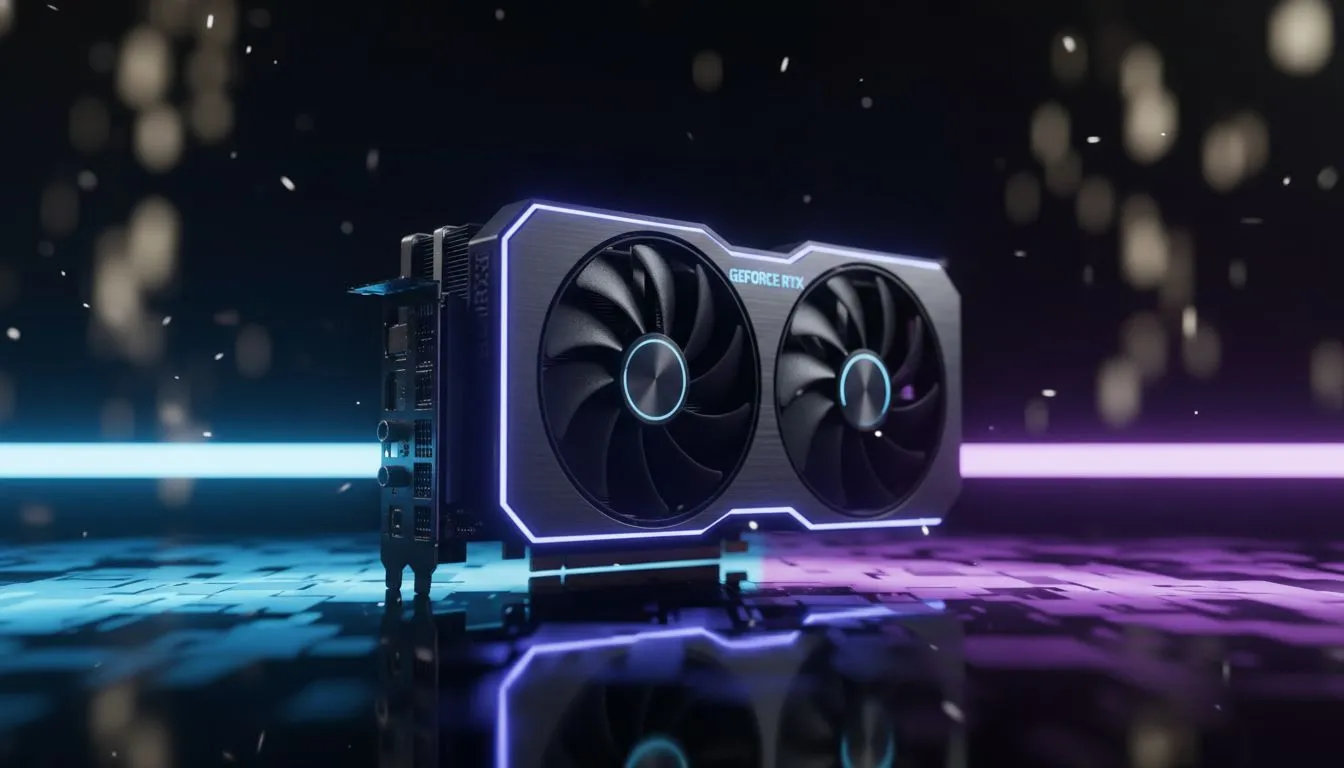
Sanctuary has never looked more terrifying or beautiful. With the recent ray tracing update, Diablo 4 players in South Africa are asking: do I prioritise reflections or shadows? Balancing performance while keeping your frame rate high is crucial when those Helltides get intense. Let’s dive into the Diablo 4 ray tracing performance: reflections vs shadows trade-offs to see which settings actually deserve your GPU's power.
Balancing Visuals in the Hells of Sanctuary
Ray tracing is no longer just a buzzword... it is a demanding reality for modern PC gaming. In Diablo 4, the implementation focuses on two main pillars: how light bounces off surfaces and how objects cast shadows. While both enhance the grim atmosphere of the game, they impact your hardware differently. If you are shopping for the latest NVIDIA and AMD graphics cards, you need to know where to allocate your frame budget.
Ray Traced Reflections: Worth the Performance Cost?
Reflections are the most immediate visual upgrade you will notice. In the rain-slicked streets of Kyovashad or the blood-soaked floors of a dungeon, ray tracing allows for real-time reflections of your character’s spells and the environment. Standard SSR (Screen Space Reflections) often fails when an object moves off-screen, but ray tracing keeps the image consistent.
However, this is the most taxing setting. Even on high-end MSI graphics cards, enabling high-quality reflections can see a significant drop in FPS. For most players at 1440p, keeping reflections at "Medium" provides that essential gloss without making the game feel sluggish during heavy combat encounters.
Optimisation Pro Tip ⚡
If you find your frame rate dipping below 60 FPS with ray tracing active, prioritise using DLSS 3 or FSR 3 Frame Generation. These technologies are designed to bridge the performance gap, allowing you to keep those beautiful reflections active without sacrificing the smoothness required for high-tier Nightmare Dungeons.
Ray Traced Shadows: Adding Depth to the Dark
Ray traced shadows are more subtle but arguably more important for the "feel" of Diablo 4. Traditional shadows often look jagged or unnaturally sharp. Ray tracing introduces "contact hardening," where shadows are sharp near the base of an object and soften as they stretch away. This adds a layer of realism to the flickering torchlight in Scosglen.
The performance hit for shadows is generally more stable than reflections. If you are using Intel Arc graphics cards, you might find that ray traced shadows offer a better "visual bang for your buck" compared to reflections. Similarly, the massive VRAM found on modern AMD Radeon graphics cards helps manage the high-resolution shadow maps required for this setting.
Finding the Right Hardware in South Africa
Choosing between reflections and shadows often comes down to your resolution. At 4K, the demand on your GPU is immense. While workstation graphics cards can crunch these numbers, they aren't always the most cost-effective path for a pure gaming rig. For most South African gamers, a mid-to-high-tier consumer GPU is the sweet spot.
If you have to choose, we recommend prioritising shadows for atmosphere and reflections for that "wow" factor during screenshots. In the heat of a Helltide, a stable frame rate will always be more valuable than a perfect reflection in a puddle of demon blood. 🔧 ⚡
Ready to Find Your Perfect Match? The Diablo 4 ray tracing performance: reflections vs shadows debate is complex, but for maximum power, choice, and value in South Africa, a GPU upgrade is hard to beat. Explore our massive range of graphics card specials and find the perfect machine to conquer Sanctuary.











