

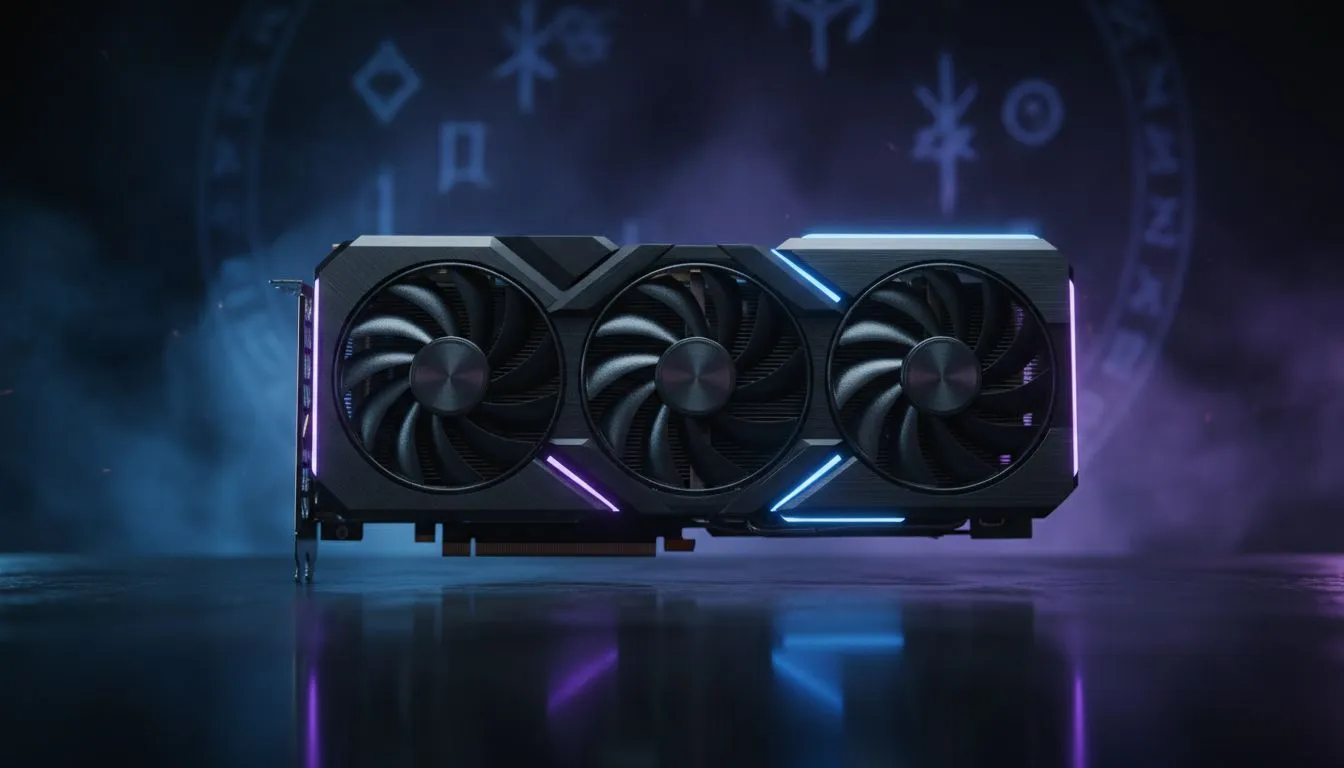
Why Diablo 4 VRAM Limits Are Stuttering Your Game
Sanctuary has never looked more terrifying... or more demanding. If you have tried cranking Diablo 4 to Ultra settings only to be met with hitching and stuttering, you are likely hitting a hardware wall. It is not just about raw power anymore. The secret to smooth demon-slaying lies in your video memory. Specifically, Diablo 4 VRAM requirements for those crisp textures are higher than many expected.
The High Cost of Ultra Textures in Sanctuary
Diablo 4 uses an asset streaming system that loves to gobble up every megabyte of memory it can find. When you select Ultra Textures, the game loads massive, uncompressed assets to ensure every ritual circle and suit of plate armour looks sharp. If your card lacks enough space, the system swaps data to your slower system RAM. This causes those annoying micro-stutters during intense Helltides.
To avoid this, you need a card that can breathe. Most modern NVIDIA and ATI graphics cards now aim for higher capacities to handle these modern titles. While 8GB was the standard for years, the shift toward high-resolution assets has moved the goalposts.
Why 12GB is the New Sweet Spot for Gamers
Having 12GB VRAM ensures that you have a buffer for the game's peak demands. It is not just about the current frame... it is about the data waiting in the wings. When you are teleporting to Kyovashad, the game pre-loads assets to keep the transition seamless.
For South African gamers looking to balance price and performance, MSI graphics cards often provide excellent cooling solutions that allow these high-VRAM modules to run at peak efficiency without thermal throttling.
Performance Pro Tip ⚡
If you are struggling with stuttering on an 8GB card, try lowering only the 'Texture Quality' to High while keeping other settings on Ultra. This specifically reduces VRAM pressure without sacrificing lighting or shadow effects, often resulting in a much smoother frame rate in dense zones like Scosglen.
Exploring High-VRAM Options Across Brands
It is not just a one-horse race anymore. While the big green team is popular, other players offer fantastic memory configurations. For example, Intel Arc graphics cards have entered the market with surprisingly generous memory buffers at aggressive price points in ZAR. These are becoming a viable choice for players who want to avoid the "VRAM out of memory" errors without breaking the bank.
Beyond Just Gaming
Some users need their machines to do more than just hunt Lilith. If you are a content creator by day and a Barbarian by night, you might even consider workstation graphics cards for their massive memory pools and stability. Though typically for rendering, the extra overhead ensures you never run out of space, regardless of how many high-res texture packs you install.
The AMD Advantage in Texture Heavy Titles
We cannot talk about memory capacity without mentioning the red team. Historically, AMD Radeon graphics cards have been very generous with their VRAM allocations. Many of their mid-range cards offer 12GB or even 16GB, making them a "future-proof" pick for titles like Diablo 4 that prioritise texture streaming.
Choosing a card with at least 12GB VRAM means you can enjoy Sanctuary in all its dark, gritty glory... without the immersion-breaking stutters that plague lesser hardware. It is about more than just a number on a box. It is about a smooth, consistent experience from the first level to the final endgame grind.
Ready to Find Your Perfect Match? Don't let VRAM limits hold back your journey through Sanctuary. For maximum power, choice, and value in South Africa, upgrading your GPU is the best way to ensure smooth gameplay. Explore our massive range of graphics card specials and find the perfect machine to conquer your world.











