

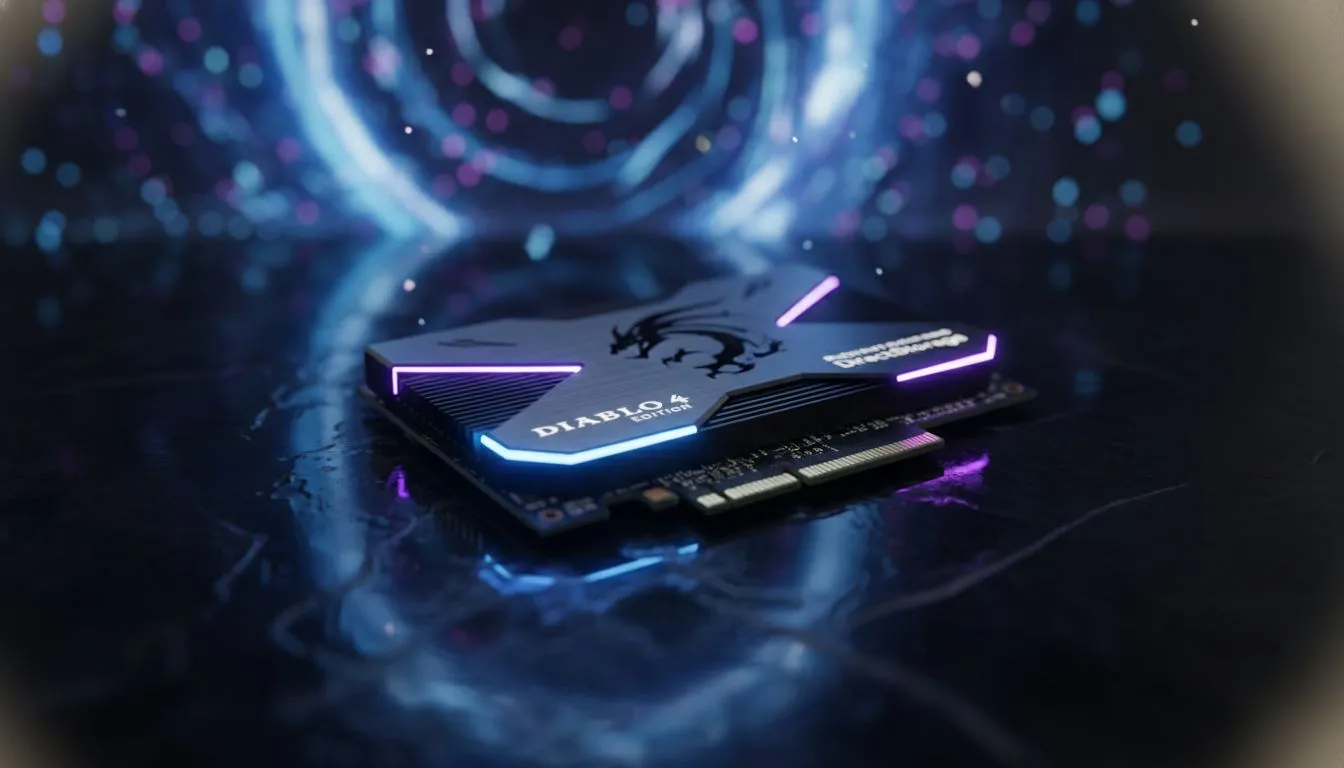
Understanding DirectStorage Diablo 4 Performance
Sanctuary is a vast, interconnected world where every second counts during a Helltide. When Blizzard announced DirectStorage Diablo 4 support, the local gaming community started asking questions. Does this tech actually make your dungeon crawling smoother... or is it just another marketing buzzword? If you are still running your OS on an old mechanical drive, the answer is a resounding yes. Modern solid state drives are no longer a luxury for PC enthusiasts in South Africa. They are the baseline for any stable gaming experience in 2024.
DirectStorage allows your graphics card to handle data decompression. This process traditionally lived on your CPU. By moving this task, the game can load high-resolution textures almost instantly. You will notice fewer "hiccups" when transitioning between zones like Fractured Peaks and Scosglen. To see these benefits, checking out the best SSD deals is the first step toward a stutter-free experience. ⚡
Why NVMe Speed Matters in Sanctuary
While a standard SATA drive is better than a hard drive, it cannot fully leverage the DirectStorage Diablo 4 implementation. The protocol requires the high bandwidth found in modern NVMe interfaces. If you frequently move your setup between LANs or friend's houses, even a high-speed external SSD can offer better utility than an ageing internal SATA disk.
The difference in throughput is staggering. A standard SATA drive tops out around 560MB/s... while a Gen4 NVMe can exceed 7,000MB/s. In Diablo 4, this translates to faster asset streaming. This means less "pop-in" of environmental details when you are riding your mount at full speed across the map.
Sanctuary Speed Tip ⚡
To get the most out of DirectStorage in Diablo 4, ensure you are running Windows 11. While Windows 10 supports the tech, the newer OS features an upgraded storage stack specifically designed to bypass legacy bottlenecks. Also, ensure your game is installed on a drive with at least 10% free space to maintain peak write speeds during patch updates.
Choosing the Right Drive for Your Rig
Upgrading your storage is one of the most cost-effective ways to boost your PC's responsiveness. When browsing through various SSDs, look for drives that support PCIe 4.0 or 5.0 for future-proofing. Even if your current motherboard only supports PCIe 3.0, these drives are backwards compatible. You will still see a massive leap in quality of life.
The DirectStorage Diablo 4 update specifically targets the elimination of loading screens. For South African gamers dealing with fluctuating power or connectivity, reducing the time spent waiting for the game to "handshake" with servers is vital. A faster drive ensures that once the server says "go," your hardware is ready to render the world immediately. 🚀
Is Your Current Setup Holding You Back?
Many gamers focus entirely on their GPU or CPU. They often forget that storage is the bridge between your data and your display. If that bridge is narrow, your high-end RTX card will sit idle while waiting for textures to arrive. Investing in high-performance NVMe SSDs ensures that every component in your system is working at its full potential.
Whether you are pushing for Level 100 or just enjoying the seasonal story, the tech behind your storage matters. DirectStorage is here to stay... and Diablo 4 is just the beginning of this trend in modern AAA titles. ✨
Ready to Slay Loading Screens? Don't let slow storage hold you back from conquering the depths of Sanctuary. For the best performance, reliability, and value in South Africa, upgrade your rig today. Explore our massive range of NVMe SSD specials and experience Diablo 4 the way it was meant to be played.











