

Why Ray Tracing Taxes Your Flight Simulator Experience
Microsoft Flight Simulator 2024 is a visual masterpiece, but it can turn your high-end PC into a space heater. If you are noticing stutters while landing at OR Tambo, you aren't alone. The secret to smoother flight often lies in one setting. When you disable ray tracing MSFS 2024 for instant FPS gains, you unlock a much more stable experience without sacrificing the core beauty of the globe. 🚀
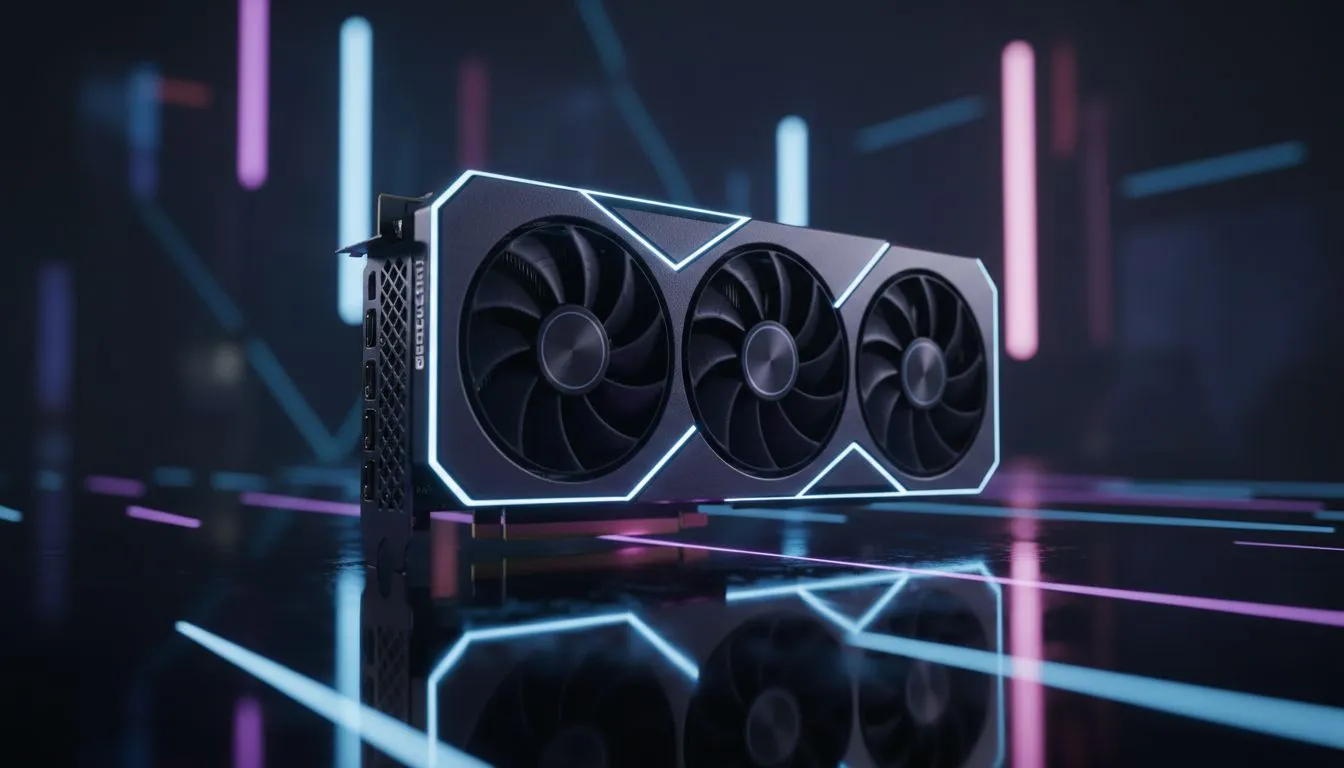
Ray tracing simulates light in real time. It looks beautiful on cockpit glass... but it eats resources. For many South African gamers, the trade-off isn't worth the lag. By turning this off, you free up your GPU to handle higher resolutions or better textures. If your current card is struggling with the sim's heavy lighting, upgrading to the latest NVIDIA graphics cards can make a world of difference.
How to Disable Ray Tracing MSFS 2024 for Instant FPS Gains
To get started, head into the Options menu while in the main hangar or mid-flight. Navigate to the Graphics tab. Look for the Ray Tracing toggle under the advanced settings. Switch it to "Off" and apply the changes. You will likely see your frame rate jump by 20% or more immediately. 🔧
For those who value cooling and build quality, MSI graphics cards often provide the thermal headroom needed for long hauls across the Atlantic. Keeping your hardware cool is just as important as choosing the right software settings for long-term stability.
Smooth Flight Pro Tip ⚡
Always clear your rolling cache after a major update in MSFS 2024. This simple step prevents weird stuttering and texture pop-in that often persists even after you've optimised your graphics settings. It ensures the game isn't trying to load old data over new assets.
Choosing the Right Hardware for Flight Sim 2024
Not everyone wants to turn settings down. If you want the full experience with every bell and whistle, you need serious power. Budget-conscious pilots might explore the growing ecosystem of Intel Arc graphics cards for solid entry-level performance at a great price point in ZAR. ⚡
Alternatively, the raw rasterisation power found in AMD Radeon graphics cards offers incredible value for high-resolution flying. These cards often feature large amounts of VRAM, which is vital for loading high-detail airport textures. Professional creators or those running complex simulation rigs may even look towards workstation graphics cards for maximum stability and driver reliability. ✨
Ready to Elevate Your Flight Experience? Don't let low frame rates ground your ambitions. Whether you're flying local routes or crossing oceans, the right hardware makes every landing smoother. Explore our massive range of GPU specials and find the perfect card to power your virtual cockpit.











