

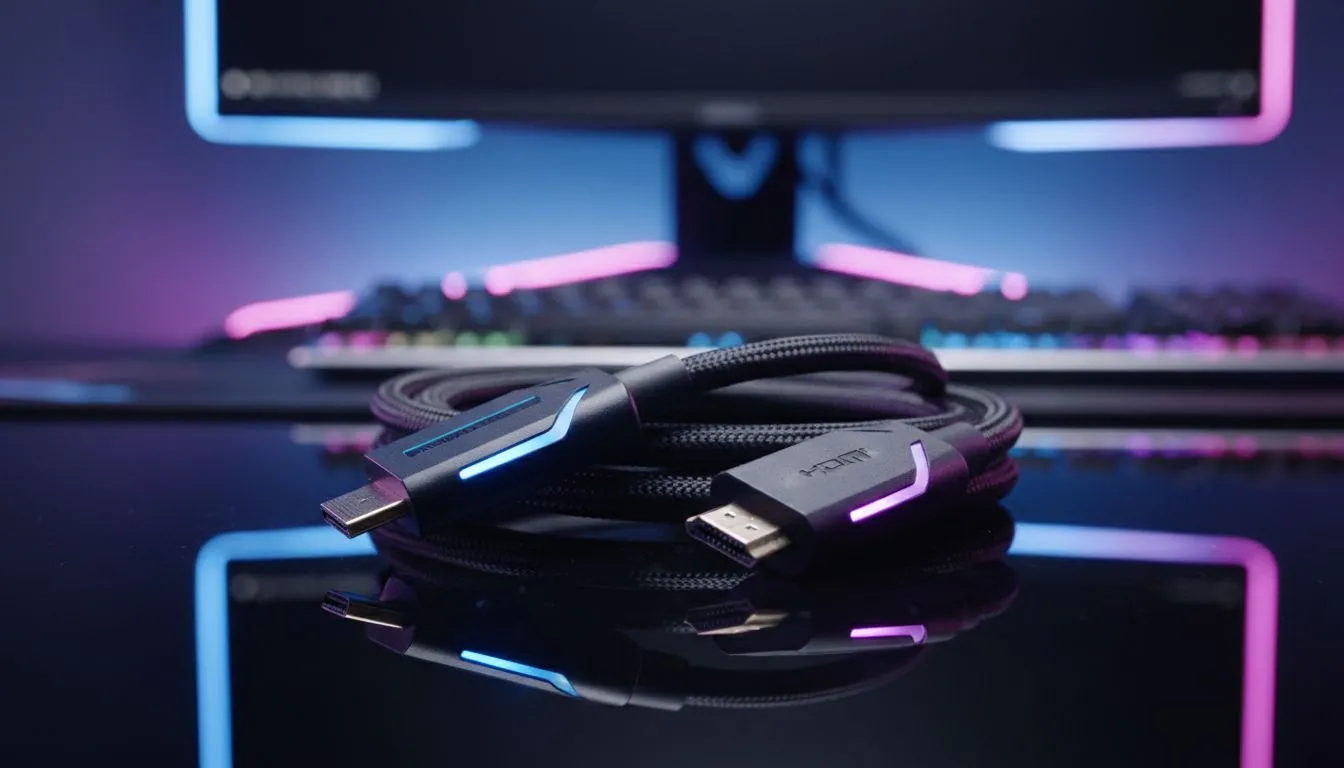
Understanding DisplayPort vs HDMI 320Hz Bandwidth
You just unboxed a 320Hz monster from Evetech and the refresh rate is staggering. But as you look at the back of your GPU, a classic dilemma arises. Should you use DisplayPort or HDMI? Getting the DisplayPort vs HDMI 320Hz choice right is the difference between buttery smoothness and a frustrating black screen. Let’s break down which cable actually delivers the performance you paid for.
Pushing 320 frames per second requires massive data throughput... more than standard office cables can handle. If you are currently browsing the best PC monitor deals, you will notice that most high-end screens support both standards. However, not all ports are created equal. For a resolution like 1440p at 320Hz, you generally require DisplayPort 1.4 with DSC or a full-spec HDMI 2.1 connection. ⚡
Why DisplayPort is Often the Better Choice
DisplayPort has long been the king of desktop gaming. Most PC monitors prioritise DisplayPort for their highest refresh rate settings. If you look through all gaming monitors in our latest catalogue, you will find that DP 1.4 is the industry standard. It handles high refresh rates with ease using Display Stream Compression (DSC). This technology is visually lossless... meaning you get the speed without sacrificing image quality.
Cable Quality Matters ⚡
Always check the version of the cable included in your box. To hit 320Hz without signal drops, ensure your DisplayPort cable is VESA certified. If you prefer HDMI, look for the 'Ultra High Speed' label. This ensures it supports the full 48Gbps bandwidth required for elite gaming performance in South Africa.
When to Choose HDMI 2.1 for High Refresh Rates
HDMI 2.1 has caught up significantly in recent years. It is a popular choice for curved monitors that double as entertainment hubs for consoles. HDMI 2.1 supports 4K at high refresh rates, making it a versatile pick for premium setups. Even certain portable monitors now feature mini-HDMI ports that can handle impressive speeds for gaming on the move. If your GPU and monitor both support the 2.1 standard, the choice between DisplayPort vs HDMI 320Hz often comes down to which cable you already have on your desk. 🔧
Final Verdict for 320Hz Enthusiasts
If you are pushing extreme resolutions on 5K and 4K monitors, bandwidth becomes even tighter. At 320Hz, DisplayPort remains the more stable choice for PC users due to better driver integration... especially when using NVIDIA G-Sync. Before you start your next match, check your monitor accessories to ensure you have a high-quality, shielded cable. A small investment in a better cable can save you from flickering or signal loss during intense firefights. 🚀
Ready to Find Your Perfect Match? The DisplayPort vs HDMI 320Hz debate is technical, but for maximum power and value in South Africa, having the right screen is what matters most. Explore our massive range of gaming monitors and find the perfect hardware to dominate the leaderboard.











