

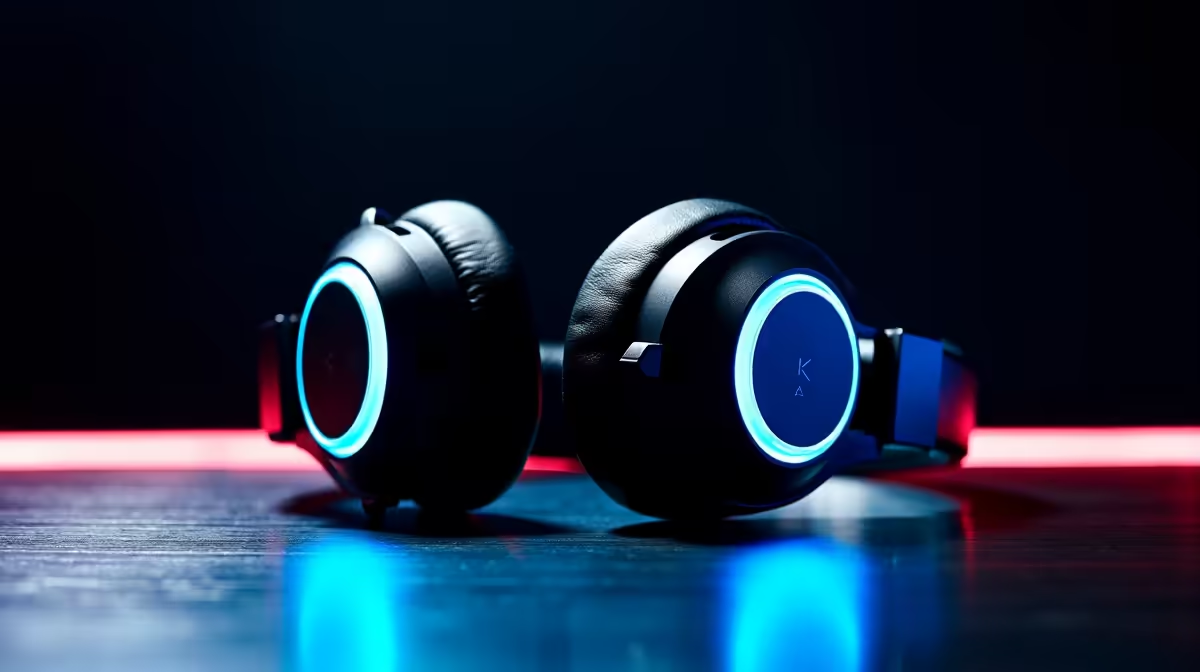
Dolby Atmos, Windows Sonic, and DTS:X are three spatial audio technologies built into Windows that promise surround sound through headphones - but they deliver very different experiences, and the right choice for gaming depends on your headset, the games you play, and what you're willing to spend. Here's a clear breakdown of all three.
Quick Answer
Dolby Atmos vs Windows Sonic vs DTS - which is best for gaming? Windows Sonic is free and delivers solid spatial audio for most gamers. Dolby Atmos for Headphones is the premium option with better object-based positioning in supported games. DTS Headphone:X offers a different spatial character that some gamers prefer for competitive titles. Try Windows Sonic first; upgrade to Dolby Atmos if you play Atmos-supported AAA games.
🔧 What Each Technology Does
Windows Sonic for Headphones is Microsoft's built-in spatial audio solution, available free on all Windows PCs. It decodes 7.1 surround content and head-related transfer function (HRTF) processing to simulate directional audio through standard stereo headphones. Activation is instant: right-click your headphone output in Sound Settings > Spatial Sound > Windows Sonic. It requires no subscription and works with any headset.
Dolby Atmos for Headphones is a premium spatial audio technology that costs a one-time fee via the Microsoft Store. Dolby Atmos is object-based audio - rather than fixed speaker channels, sounds are positioned in 3D space as independent objects. In games with native Atmos support (like Halo, Forza, and many Xbox-published titles), this produces noticeably more precise positional audio. In games without Atmos support, it falls back to virtualising standard surround channels.
DTS Headphone:X is another paid option available through the Microsoft Store. DTS uses a different HRTF algorithm and tuning profile that emphasises certain frequency ranges. Many competitive gamers prefer DTS for its clear high-frequency footstep reproduction in tactical shooters. DTS also offers in-app equalisation for fine-tuning.
📊 Gaming Performance Comparison
For competitive FPS titles (Valorant, CS2, Apex Legends, Rainbow Six Siege): directional accuracy is paramount. Windows Sonic performs well here and costs nothing. DTS Headphone:X is a popular choice among competitive players for its footstep clarity. Dolby Atmos helps in these titles but its advantage is most pronounced in games with native Atmos mixdowns.
For immersive single-player games (Cyberpunk 2077, Elden Ring, Forza Horizon, Microsoft Flight Simulator): Dolby Atmos delivers its most convincing results when the game has a native Atmos soundtrack. The difference between Atmos and Windows Sonic in Forza Horizon 5, for example, is immediately noticeable - engine sounds, crowd noise, and ambient detail feel more three-dimensional.
For multiplayer games on SA servers (running on Vumatel, Afrihost, or MTN fibre): network latency is the bigger factor in competitive performance than spatial audio. All three technologies add minimal processing overhead and will not impact network performance.
Headset compatibility matters. High-quality open-back headphones reveal the differences between spatial audio systems most clearly. Budget closed-back headsets may not have the driver quality to reproduce the spatial cues these technologies create, making the choice between them less meaningful.
💡 Practical Recommendations
Start with Windows Sonic - it's free, easy to enable, and delivers a meaningful upgrade over stereo audio in almost every game. If you find spatial audio valuable and play games with native Dolby Atmos support, invest in Dolby Atmos for Headphones. The one-time cost is minimal compared to the improvement in supported titles.
If you primarily play competitive FPS games and want maximum footstep clarity, try DTS Headphone:X's trial period before purchasing. Competitive players often have strong preferences between DTS and Dolby based on their specific game and headset combination.
Note that these technologies work at the Windows audio driver level - they apply to any app that outputs through your headphones, including Discord voice chat, game audio, and streaming. Some headsets include their own proprietary spatial audio software (like Razer Surround or SteelSeries Sonar) that can conflict with Windows spatial audio. Disable one or the other rather than running both simultaneously.
❓ Frequently Asked Questions
Does spatial audio work with any headset or only gaming headsets? Spatial audio works with any headphones or headset connected to your PC, including standard stereo audio headphones. The virtualisation processing happens in software. Premium headphones with accurate frequency response and wide soundstage will deliver better spatial audio results than budget alternatives.
Can I use Dolby Atmos and Windows Sonic at the same time? No - only one spatial audio mode can be active at a time in Windows. Select your preferred option through Settings > System > Sound > your output device > Spatial audio. The active selection applies system-wide.
Is there a free way to try Dolby Atmos before buying? Yes - the Dolby Access app on the Microsoft Store offers a free trial period for Dolby Atmos for Headphones. Download the app and activate the trial to test it with your specific headset and games before committing to the purchase.
Evetech stocks Graphics Card Deals and Evetech Best Sellers — shop online with fast delivery across South Africa.
Ready to Find Your Perfect Match? Shop at Evetech











