

Why Frame Gen hurts your Dota 2 responsiveness
South African Dota 2 players already face a unique challenge with local ping. When you are fighting for a last hit or landing a perfect Chronosphere... every millisecond counts. You might be tempted to toggle on Frame Generation to see that FPS counter climb. However, addressing Dota 2 input lag means prioritising frame timing over visual fluff. Frame Gen creates artificial frames... which adds a buffer that slows down your mouse response. ⚡
The hidden cost of artificial smoothness
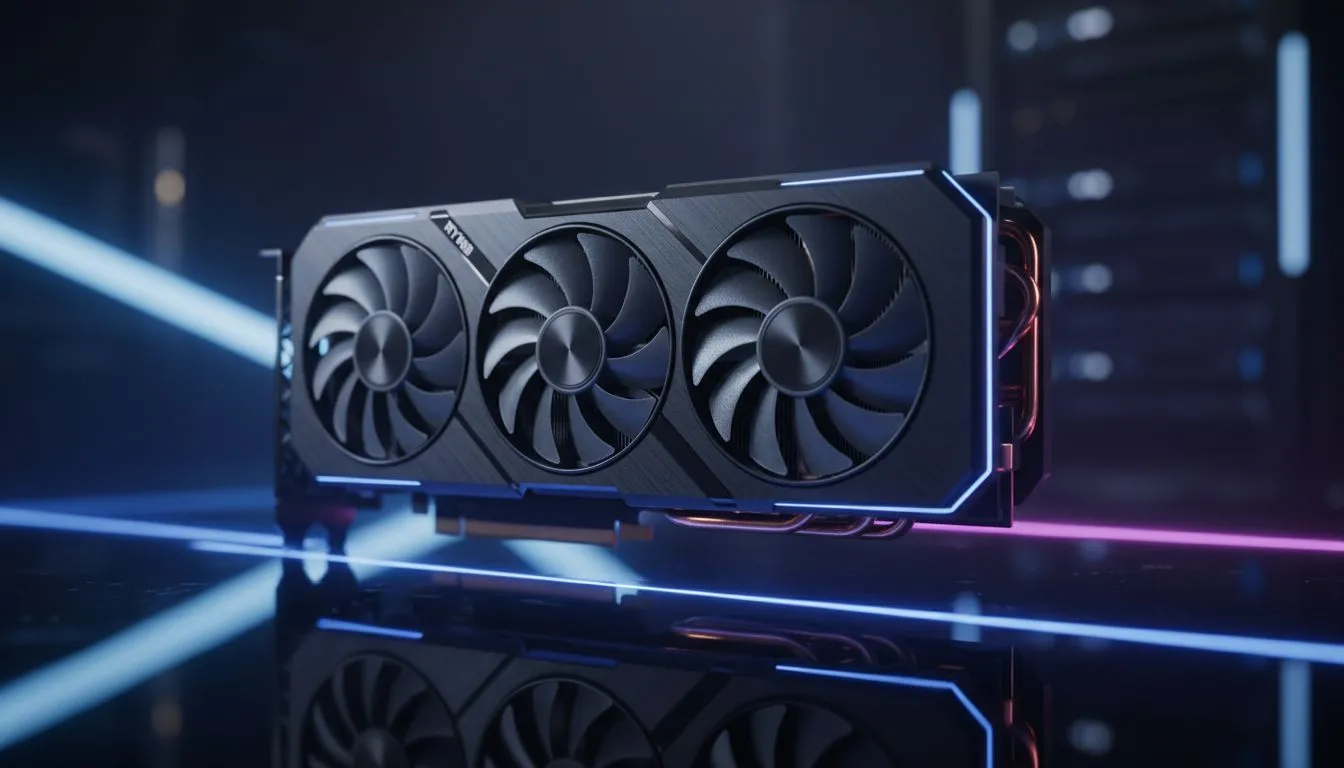
Frame Generation works by inserting an interpolated frame between two real ones. While this looks silky smooth on a 144Hz monitor, it introduces a delay because the GPU must wait for the next real frame to calculate the fake one. In a fast-paced MOBA, this delay is the difference between a successful Manta dodge and a trip back to the fountain. If your current rig is struggling, upgrading to modern NVIDIA graphics cards will give you higher raw frames without the processing overhead.
For those who want premium cooling and consistent clock speeds, choosing MSI ensures your hardware doesn't throttle during intense team fights. Higher raw performance is always superior to "fake" frames when competitive integrity is on the line.
Choosing hardware for low latency gaming
If you are building a new setup, the market has expanded significantly. Even the latest Intel Arc graphics cards offer competitive drivers that focus on reducing system latency. It is about finding a balance between your budget and the responsiveness you need for high-level play. 🔧
Some users prefer a dual-purpose machine. While workstation graphics cards are built for rendering, they provide incredible stability for gamers who also do heavy content creation. On the other hand, many local pros prefer to buy AMD Radeon graphics cards because of their excellent "Anti-Lag" features which directly combat input delay.
Latency Pro Tip ⚡
Always run Dota 2 in 'Exclusive Fullscreen' mode rather than 'Borderless Window'. Windows Desktop Window Manager (DWM) adds a slight layer of composition lag in borderless mode. By going exclusive, you give the game direct control over the display output... reducing your total system latency by a few vital milliseconds.
The settings that actually matter
To truly minimise Dota 2 input lag, focus on "NVIDIA Reflex" or "AMD Anti-Lag" settings in your dashboard. These technologies synchronise the CPU and GPU to ensure the engine doesn't queue too many frames. This keeps your clicks feeling snappy and direct. Avoid V-Sync at all costs... it is the primary culprit for heavy mouse movement. If you see screen tearing, consider a G-Sync or FreeSync monitor instead of software-based vertical sync. 🚀
Investing in a high-refresh-rate monitor and a GPU that can push those frames natively is the best way to climb the MMR ladder in South Africa. Keep your settings lean, your drivers updated, and your Frame Gen off. ✨
Ready to Eliminate Input Lag? Don't let hardware delays hold back your MMR climb. For the best performance, choice, and value in South Africa, our GPU range is designed to give you the competitive edge. Explore our massive range of graphics card specials and find the perfect upgrade to dominate the lanes.











