

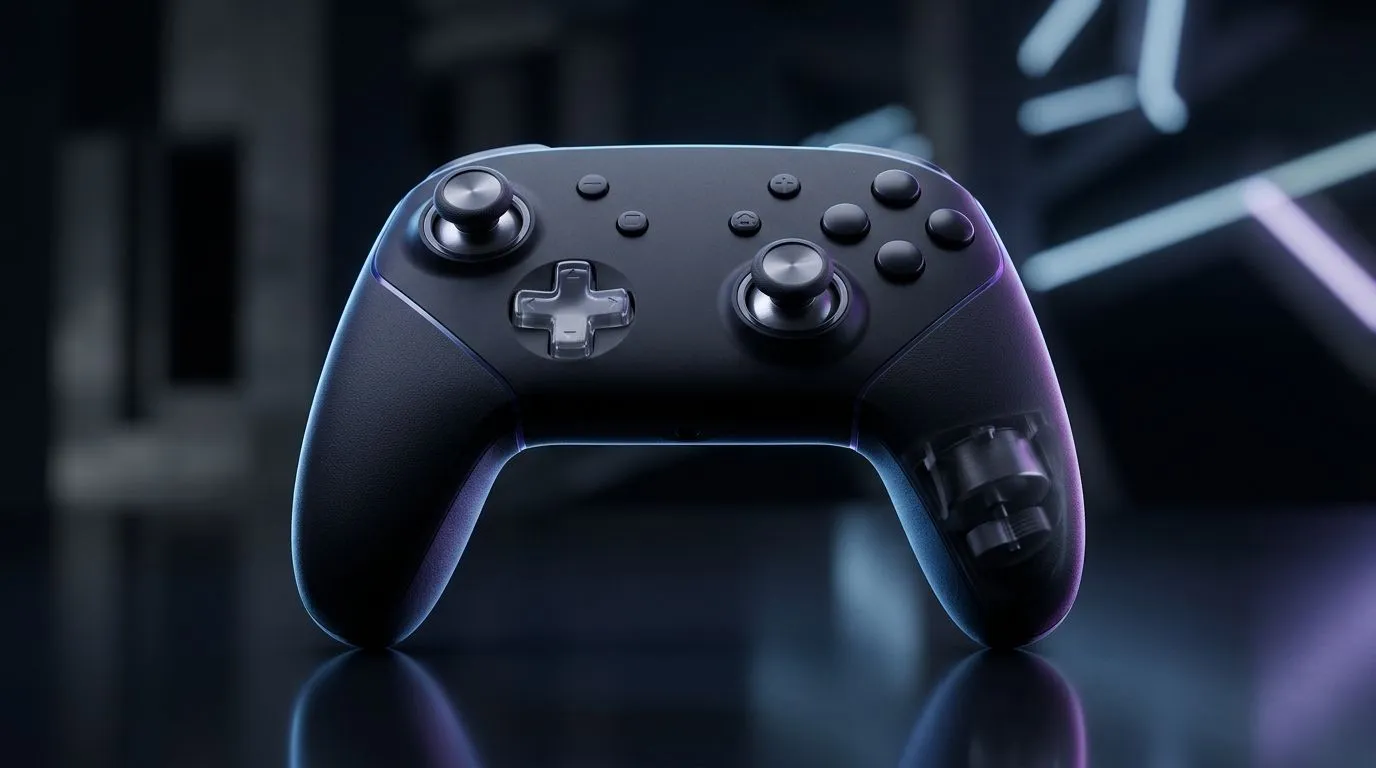
Dual-Motor System vs Single-Motor Controller Vibration: Why SA gamers feel it in every match 🎮
If you’ve ever swapped controllers and thought, “Wait… why does this one feel different?”, vibration is probably the reason. In South Africa, where load shedding and downtime push us into longer gaming sessions, controller feel matters more than most people admit. ⚡ The big question is simple: do you want richer “inside-the-game” feedback, or is single-motor vibration enough? Let’s break down the Dual-Motor System vs Single-Motor Controller Vibration so you can buy with confidence.
Dual-Motor System vs Single-Motor Controller Vibration: The practical difference in haptics 🔧
Controllers typically use either:
- Single-motor vibration: one motor handles all rumble effects.
- Dual-motor vibration: two motors split the workload, often creating more layered feedback.
In plain terms, dual-motor systems can produce vibration patterns that feel more “directional” or varied. Single-motor setups tend to be stronger overall but less nuanced. That means explosions, footsteps, and impact moments can feel more textured with dual-motor designs.
Now, here’s the micro-story: the first time you notice subtle recoil or surface changes, you tend not to un-notice it. Your brain learns the cues… and suddenly the “same game” feels different on different hardware.
What to expect in real games
- Single-motor controller: consistent rumble, great for impacts and general effects.
- Dual-motor controller: richer variation for mixed feedback like driving + collisions, or gunfire + movement.
Dual-Motor System vs Single-Motor Controller Vibration: Which one should you buy?
It depends on how you play and what you care about most.
Competitive shooters vs cosy story games
If you mainly play competitive shooters, you’ll likely value clarity and quick feedback. Dual-motor systems often help because they can separate effects into different “zones” of sensation. For story games, single-motor controllers can still feel immersive, especially if you prefer straightforward vibration intensity.
Ergonomics and “fit” matter more than people think
Even the best haptics can’t save a controller that’s uncomfortable. Before spending, check grip shape, weight, and button layout. If you’re shopping for controller options, it helps to browse what’s available locally so you can match the controller to your hands.
Controller Buying Pro Tip ✨
If you’re deciding between controller types, compare the supported platforms (PC, console, and wired vs wireless) before you chase features. A controller that’s perfect on rumble but annoying to connect will get ignored after the first week.
For a solid starting point, check out Evetech’s guide on buying gaming controllers and filtering what matters to you: https://www.evetech.co.za/PC-Components/buy-gaming-controllers-365.
Dual-Motor System vs Single-Motor Controller Vibration: Fast buying checks before checkout 🚀
Use this quick checklist:
- Read the controller’s feature list: confirm it’s explicitly described as dual-motor or includes enhanced rumble.
- Match to your setup: PC players often care about wired stability and latency; console players often care about platform compatibility.
- Don’t overpay for “marketing”: if two controllers are similar on connectivity and build, vibration type is a real differentiator.
If you’re considering premium options, you can also explore Evetech’s Razer tournament-focused offering here: https://www.evetech.co.za/razer-wolverine-v3-tournament-edition-8k/best-deal/24274. And if you specifically want Razer controllers to compare haptic styles, start with this filtered set: https://www.evetech.co.za/PC-Components/buy-gaming-controllers-365?brands=Raze.
CALLTOACTION: Dual-Motor System vs Single-Motor Controller Vibration
Ready to Find Your Perfect Match? The Mac vs Windows debate is complex, but for maximum power, choice, and value in South Africa, Windows is hard to beat. Explore our massive range of laptop specials and find the perfect machine to conquer your world.











